Laptop RAM and SSD Upgrade Price in Pakistan (2026 Guide)
N.N Laptop Team — N.N Laptops Team
Why DDR5 memory and NVMe drives cost more in 2026, how much RAM and storage you really need, and how to check your laptop's slots before buying an upgrade in Lahore.
Prices & stock referenced were checked at our shop on — current prices at nnlaptops.com/shop.

Quick answer: In 2026, laptop RAM and SSD upgrade prices in Pakistan depend mainly on whether your machine takes DDR4 or DDR5 memory and a SATA or NVMe drive, plus current import costs. DDR5 memory and NVMe storage have become the pricier options, so confirm your laptop's slots first and then compare with a current local price list.
Why DDR5 memory and NVMe drives cost more in 2026, how much RAM and storage you really need, and how to check your laptop's slots before buying an upgrade in Lahore.
Key takeaways
- DDR4 and DDR5 are not interchangeable, so check your slot type before comparing any upgrade price.
- 16GB RAM and a 512GB NVMe SSD covers most students, office users and light editors in 2026.
- Soldered RAM cannot be upgraded, so confirm slots on the exact model number, not the series name.
- Fitting usually takes under an hour at the shop, and your old drive or sticks are returned to you.
Why laptop RAM and SSD upgrade prices in Pakistan rose in 2026
Short answer: laptop RAM and SSD upgrade price in Pakistan is higher in 2026 than it was two years ago, and the cause is mostly global rather than local. Both DDR5 memory and NVMe storage went through a supply squeeze, factories moved capacity towards data-centre products, and the rupee-dollar rate added its own layer. Dealers in Hafeez Center are also holding smaller stocks than before, so a part that felt affordable in 2024 now needs a second look.
DDR5 is the bigger mover. Memory manufacturers have been pushing capacity into server and AI-related memory, which earns far more than consumer laptop modules. That leaves fewer DDR5 SODIMMs for laptops, while laptop makers are buying those same modules for new machines. Even DDR4 was affected: fewer lines are running older memory, so the budget option is no longer as cheap as people assume.
Storage tells a similar story. NAND flash prices dropped sharply for a while, which is why large NVMe drives looked like a bargain, then producers cut output to stop the losses. When demand from phones, laptops and data centres returned, prices climbed again. For a Pakistani buyer the practical result is simple: decide what you need, buy the right part once, and use the table below for current figures instead of a year-old quote.
| Item | Key spec / condition | Price (PKR) |
|---|---|---|
| Samsung 980 PRO 1TB Gen4 NVMe SSD — 7000 MB/s Laptop Upgrade | 1TB | Rs 48,599 |
| Samsung 980 PRO 2TB Gen4 NVMe SSD — 7000 MB/s Laptop Upgrade | 2TB | Rs 103,299 |
| Samsung 990 PRO 1TB Gen4 NVMe SSD — 7450 MB/s Laptop Upgrade | 1TB | Rs 60,000 |
| Samsung 990 PRO 2TB Gen4 NVMe SSD — 7450 MB/s Laptop Upgrade | 2TB | Rs 113,699 |
| Samsung 980 500GB Gen3 NVMe SSD — 3100 MB/s Laptop Upgrade | 500GB | Rs 28,000 |
| Samsung 980 1TB Gen3 NVMe SSD — 3500 MB/s Laptop Upgrade | 1TB | Rs 46,000 |
| Samsung 9100 PRO 2TB Gen5 NVMe SSD — 14800 MB/s Laptop Upgrade | 2TB | Rs 164,399 |
| Samsung PM9A1 512GB Gen4 NVMe SSD — 6900 MB/s Laptop Upgrade | 512GB | Rs 25,499 |
| Samsung PM9A1 OEM 1TB Gen4 NVMe SSD — 7000 MB/s Laptop Upgrade | 1TB | Rs 43,099 |
| WD Black SN770 1TB Gen4 NVMe SSD — 5150 MB/s Laptop Upgrade | 1TB | Rs 42,299 |
| WD Black SN770 2TB Gen4 NVMe SSD — 5150 MB/s Laptop Upgrade | 2TB | Rs 91,999 |
| WD Black SN850X 1TB Gen4 NVMe SSD — 7300 MB/s Laptop Upgrade | 1TB | Rs 50,699 |
Live prices from nnlaptops.com on 2026-11-04 — subject to stock. WhatsApp 0314 4000131 to confirm.
Have a question about this?
Ask the shop on WhatsApp. We reply with real stock and prices.
DDR5 vs DDR4 and NVMe vs SATA: what you are paying extra for
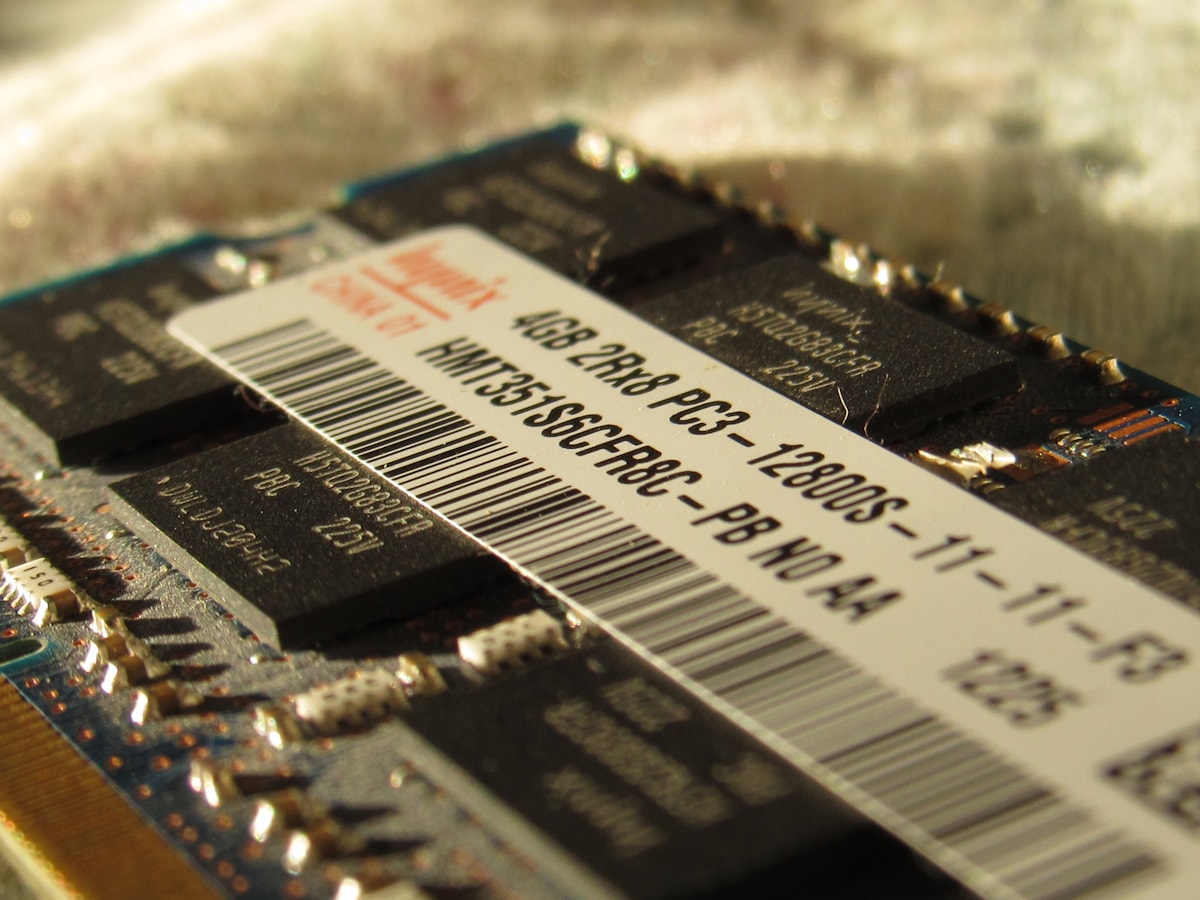
Most of the gap you see in any laptop RAM and SSD upgrade price list comes down to the generation of the part. DDR4 and DDR5 are not interchangeable: the notch position and pin count differ, and a DDR5 slot will not accept a DDR4 stick at all. DDR5 runs faster and uses a slightly different power design, but in everyday office work you will not feel a dramatic difference.
For storage, SATA and NVMe are two different worlds. A SATA 2.5-inch SSD is limited by the older interface, while an NVMe M.2 drive plugs into PCIe lanes and is many times faster on paper. In daily use both make a sluggish laptop feel new; NVMe wins on large file transfers, video work and anything moving big data. The slot itself matters too: some thin laptops accept only short 2230 drives, and many older M.2 slots are SATA-only.
This is why a shop cannot give you one flat rate over the phone. The same capacity can be DDR4 or DDR5, SATA or NVMe, Gen3 or Gen4, with different warranty lengths. Bring your exact laptop model to the counter at NN Laptops and the difference becomes clear in a couple of minutes.
How much RAM does a typical user actually need?
For most people asking about a laptop RAM upgrade in 2026, 16GB is the sensible target. Eight gigabytes is still workable for Chrome, WhatsApp, Zoom, Word and a few tabs, but Windows 11 plus a browser plus an antivirus can eat most of it, and the machine starts swapping to the drive. That swapping is what you feel as random freezing.
Students, office users, accountants and people doing light Photoshop or older games are well served by 16GB. Going from 8GB to 16GB is usually the single biggest everyday improvement you can buy, bigger than moving from a mid-range processor to a slightly faster one. Two matching sticks also let the laptop run in dual channel, which helps integrated graphics.
32GB is for heavier work: virtual machines, 4K video editing, CAD, large Excel models, or running several browser profiles at once. Do not buy 32GB just for future-proofing if your day is email and YouTube. That money is better spent on a bigger SSD, a new battery, or simply keeping the machine clean and cool.
Parts in stock at our Hafeez Center shop
| Part type | Listings in stock | Price range (PKR) |
|---|---|---|
| Laptop LCD / LED screens | 140 | Rs 1,599 – Rs 68,899 |
| Batteries | 103 | Rs 4,799 – Rs 30,199 |
| Keyboards | 145 | Rs 3,199 – Rs 15,399 |
| RAM | 61 | Rs 1,100 – Rs 210,000 |
| SSD / HDD | 92 | Rs 4,299 – Rs 206,699 |
| Chargers | 104 | Rs 2,599 – Rs 19,099 |
How much SSD storage is enough in 2026?
Windows 11, updates, Office and a few apps comfortably fill 100GB before you save a single photo. A 256GB drive works but leaves you deleting things every month. 512GB is the practical sweet spot for most users, and 1TB is comfortable if you keep media, games or design files on the machine rather than an external drive.
Games and video projects are the two things that eat space fastest; a single modern game can pass 100GB. If your laptop has both an M.2 slot and a 2.5-inch bay, a common and sensible setup is a fast NVMe drive for Windows and programs, with an older hard disk or SATA SSD kept for files.
Do not throw the old drive away after an upgrade. In many laptops it fits into a small external enclosure and becomes a portable backup disk, which is cheaper than buying a new one and instantly gives you a copy of your old Windows install.
How to check what your laptop supports before you buy
Start with the exact model number, not the series name. It is printed on a sticker on the bottom panel, and you can also read it in the BIOS or in Windows system information. Search that full model number with the word specifications, and you will usually find how many RAM slots it has, the maximum capacity per slot, and whether the M.2 slot is NVMe or SATA.
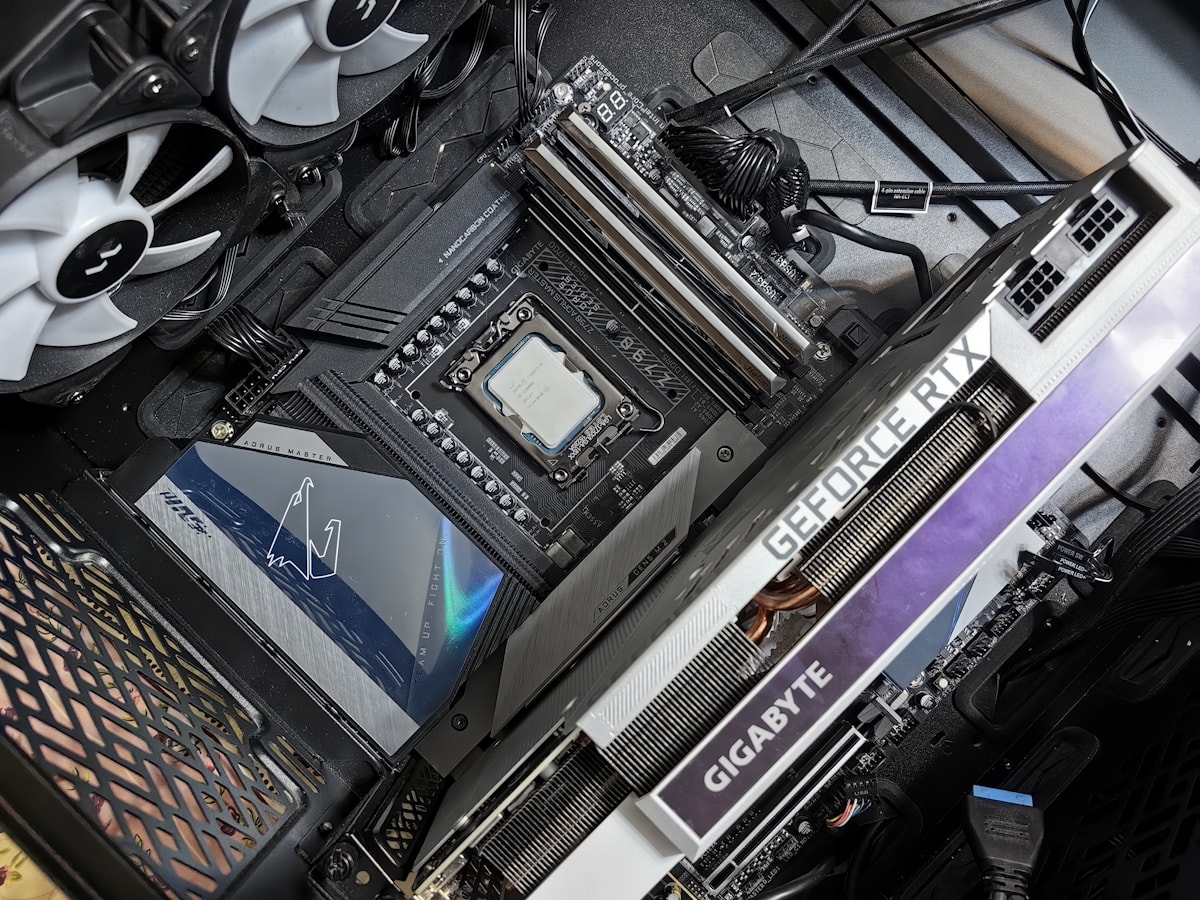
Then look inside. Removing the bottom panel on most business and gaming laptops is straightforward and shows you what is actually there: one or two RAM slots, whether the memory is soldered, how many M.2 slots exist, their length and keying, and whether a 2.5-inch bay is free. At our counter we open the machine in front of you so you can see the slots yourself before deciding.
The mistakes we see most often are buying a DDR5 stick for a DDR4 slot, buying a full-length 2280 drive for a slot that only takes a short 2230, and assuming RAM can be added when it is soldered. Many thin laptops and several budget models have memory fixed to the board, which makes 8GB permanent. That is worth knowing before you spend anything.
Fitting the upgrade at NN Laptops in Hafeez Center
We are at Shop 66A, 3rd Floor, Hafeez Center, Gulberg III, Lahore, open 10 AM to 10 PM and closed on Sunday. Bring the laptop and its charger, and message 0314 4000131 on WhatsApp first if you want us to keep the likely part aside. We have been fitting upgrades here since 2017, so the small details of panel clips and hidden screws are familiar.
The process is straightforward: we open the laptop, confirm the slots, fit the RAM or SSD, boot into BIOS to confirm the full capacity is detected, then check the drive health and run a short stability test in Windows. Most fittings finish within an hour. A few models with glued panels or unusual drive sizes need more time, and we will tell you honestly if that is the case.
Payment is cash at the shop, bank transfer, JazzCash or Easypaisa. Laptops carry a 30-day check warranty and repairs carry a 30-day warranty. Delivered orders are confirmed on WhatsApp before dispatch, and nationwide courier is available. Your old sticks and drive go back to you, not into a drawer.
When an upgrade is not worth the money
Adding 8GB of RAM and an SSD transforms an older machine with a decent processor, a working screen, a healthy keyboard and firm hinges. If the battery dies in twenty minutes, the fan rattles and the body is cracked, that same money is better put towards a used laptop from a newer generation. We will say so plainly at the counter rather than sell you a part you do not need.
Also check what you are starting with. Low-power Celeron and Atom machines with 4GB soldered and slow eMMC storage often cannot be upgraded at all. If your laptop has soldered 8GB plus one free slot, adding a matching 8GB stick is a good, safe upgrade that keeps dual channel working. Bring the model number and we will confirm before you commit.
Helpful next steps
- Free tool: RAM & SSD upgrade advisor
- Free tool: check if a laptop price is fair
- Free tool: repair or replace?
- Shop RAM
- Shop SSD / HDD
- Plan a RAM / SSD upgrade
- Laptop LCD screens — retail & wholesale
- Laptop repair services in Lahore
Shop the NN Laptops range
- Tested used laptops
- New laptops
- Laptop parts — RAM, SSD, batteries, keyboards
- Laptop LCD screens — retail & wholesale for technicians
- Chargers, hubs & accessories
- Free tool: is a laptop price fair?
- Free tool: plan a RAM / SSD upgrade
- Free tool: trade-in value calculator
- Free tool: paste a used-laptop ad and check the deal
- Free tool: how long will your laptop last in load-shedding?
- Free tool: find the right replacement screen (30/40-pin)
Frequently asked questions
Is it cheaper to upgrade RAM and SSD or buy another laptop?
If the rest of the laptop is healthy, an upgrade is almost always the cheaper route and gives an immediate speed boost. If the battery, screen or hinges are failing, put that money towards a used machine instead.
Can I upgrade RAM if it is soldered to the motherboard?
No. Soldered memory cannot be replaced or added to, so the capacity you bought is what you keep. Some laptops have soldered memory plus one free slot, which can still be upgraded.
Will opening my laptop for an upgrade void the warranty?
It depends on the brand and whether the machine is still under the manufacturer's warranty. Tell us the model and age first, and we will advise honestly before opening anything.
Do I need to reinstall Windows after an SSD upgrade?
Not always. Your existing installation can be cloned to the new drive and will boot normally. A fresh install is cleaner after years of use, but cloning is faster and keeps all your files and settings.
Can I mix an 8GB and a 16GB stick in the same laptop?
Usually yes, and the machine will run in flexible dual channel mode for part of the memory. Matching sticks are tidier, but mixing sizes works on most laptops that accept two modules.
How long does a RAM or SSD fitting take at the shop?
Most jobs finish within an hour, including testing. Thin laptops with glued panels or uncommon drive sizes can take longer, and we will tell you at the counter.
Visit NN Laptops at Shop 66A, 3rd Floor, Hafeez Center, Gulberg III, Lahore (10 AM–10 PM, closed Sunday), or WhatsApp 0314 4000131. We deliver nationwide by courier.
Cover photo by Lauren Mancke on Unsplash.
Talk to us
Questions about anything in this post, or want a personalised recommendation? WhatsApp the shop directly, or browse our laptops in the shop, university laptop guide and laptop delivery in Lahore.
WhatsApp 0314 4000131