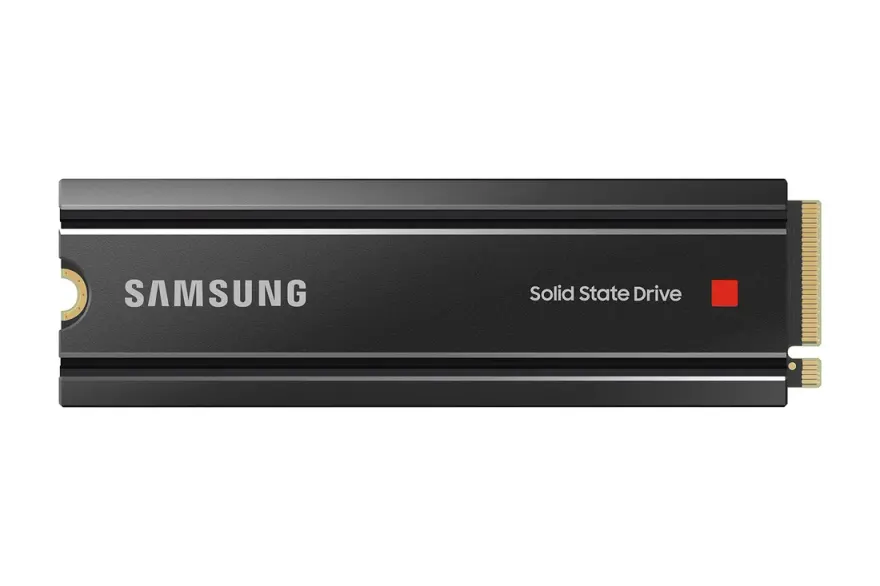
Samsung 980 PRO 2TB Gen4 NVMe SSD — 7000 MB/s Laptop Upgrade
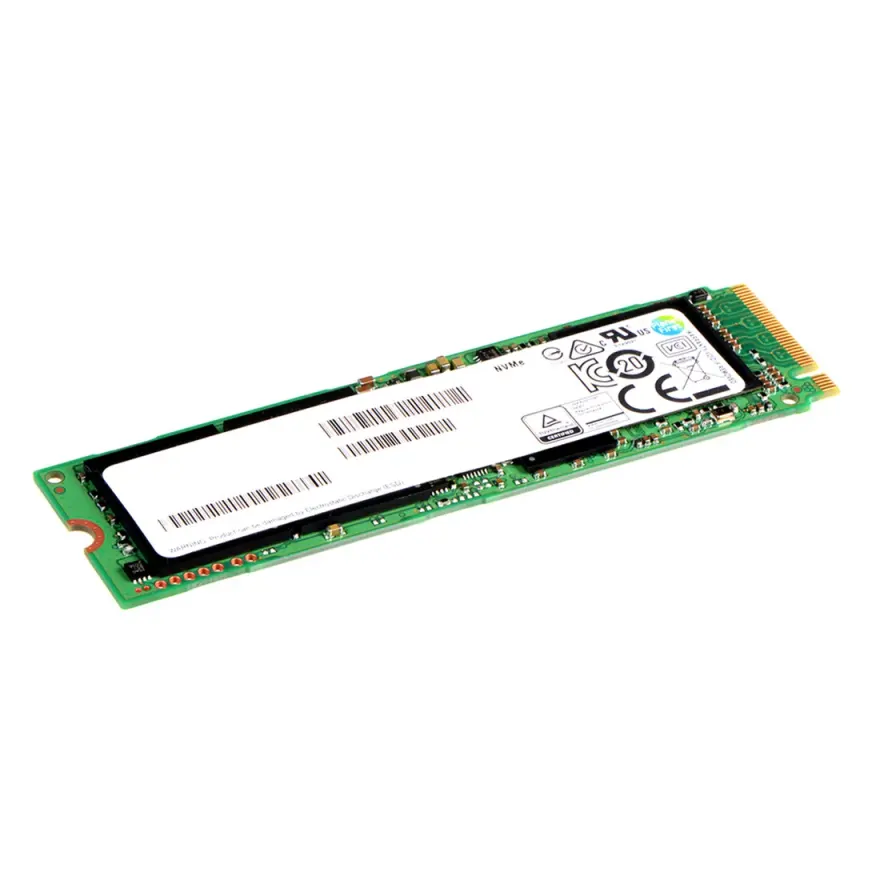
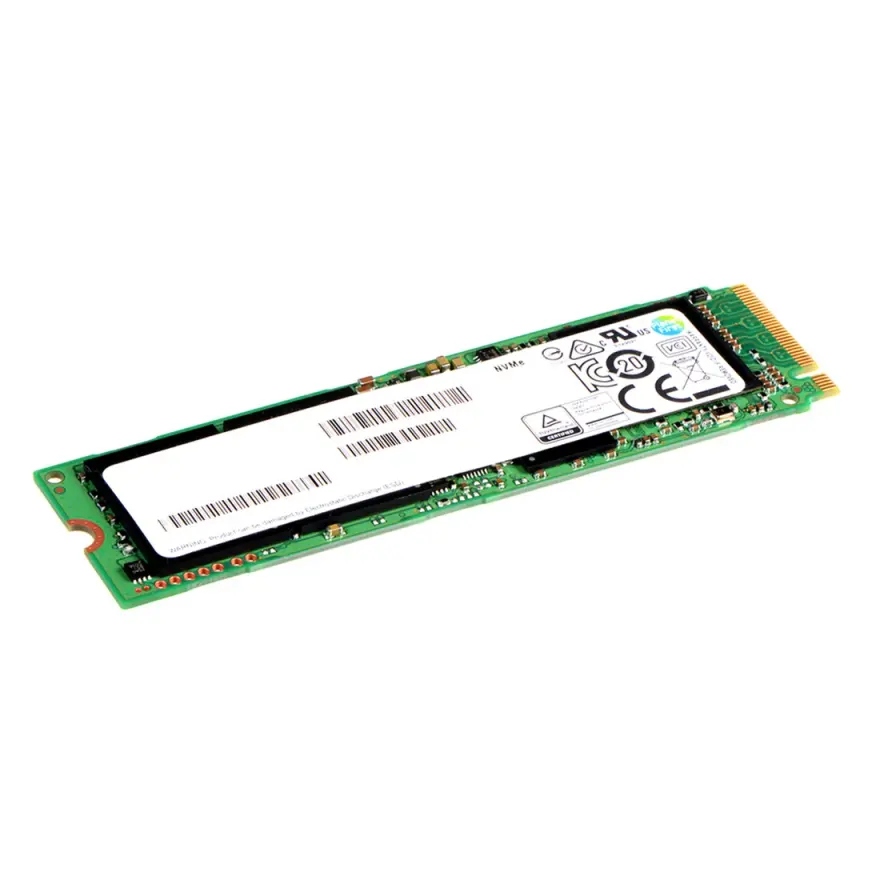
The Samsung 980 PRO 2TB NVMe SSD is a PCIe 4.0 x4 M.2 2280 internal drive built for fast game loading, 4K video editing and heavy multitasking. It delivers up to 7000 MB/s sequential read 5100 MB/s sequential write, with a 1200 TBW endurance rating and a 5-year manufacturer warranty. At N.N Laptops, Shop 66A, 3rd Floor, Hafeez Center, Gulberg III, Lahore, this drive costs Rs. 103,299 with a 30-day check warranty and Lahore delivery.
Full specifications
| Brand & Model | Samsung 980 PRO |
|---|---|
| Capacity | 2TB |
| Interface | PCIe 4.0 x4 (Gen4 NVMe 1.4) |
| Form factor | M.2 2280 (single-sided where applicable) |
| Sequential read | up to 7000 MB/s |
| Sequential write | up to 5100 MB/s |
| Endurance (TBW) | 1200 TBW |
| MTBF | 1.5 million hours |
| Warranty | 5-year manufacturer + 30-day N.N Laptops check |
Why the Samsung 980 PRO stands out
In the crowded NVMe market, the Samsung 980 PRO offers a rare combination of cutting-edge Gen4 speeds and a proven track record for reliability. Compared to rivals like the WD Black SN850 or Seagate FireCuda 530, the 980 PRO delivers similar peak read speeds (7000 MB/s) but with a more mature controller and better thermal management in slim laptops. Whether you're upgrading a MSI Katana GF66 or a Lenovo Legion 5, this drive ensures your system boots in seconds and game loads are practically instant. At nnlaptops.com, we benchmark every unit before shipment, so you know the drive you receive hits the rated speeds out of the box.
Laptop compatibility
This drive is a standard M.2 2280 NVMe module, so it fits almost any laptop made in the last five years that has at least one M.2 NVMe slot. We've personally tested it in machines including MSI Katana GF66, GF63 Thin, Modern 14 Raider GE76. If your laptop has only a SATA M.2 slot (no NVMe support), see our laptop parts catalogue at /shop/laptop-parts for the right drive.
How to confirm fit
Open your laptop service manual and look for the phrase "M.2 PCIe NVMe slot — 2280 length". If you see it, this SSD is a drop-in upgrade. If your manual lists "M.2 SATA" only, you need a SATA M.2 SSD instead — WhatsApp 0314 4000131 with your model and we'll confirm before you order.
Real-world performance
On a Gen4 platform the 980 PRO hits its rated speeds during sustained reads of large files — think Windows boot times under 9 seconds, a 50 GB game install in under three minutes, and 4K video scrubbing without dropped frames. Random 4K performance is equally strong, which is what you actually feel when booting Windows, launching apps, and switching between Chrome tabs. The drive uses dynamic SLC caching, so small writes (project files, documents, photos) feel instantaneous.
Thermals
Like any high-end NVMe drive, the 980 PRO can warm up under sustained heavy writes. In a slim laptop with no built-in M.2 heatsink we recommend running HWiNFO and watching temps the first week — most users see 55-70°C under normal load, which is well within Samsung/Kingston/WD spec. For gaming or constant 4K editing, a thin thermal pad between the drive and the bottom cover helps.
Who benefits most from this upgrade
This SSD is ideal for users who regularly work with large files — video editors dealing with 4K/8K footage, 3D renderers, and game developers. Also, if your current drive is a Gen3 SATA or NVMe, swapping to the 980 PRO will dramatically reduce load times. For example, copying a 100 GB project folder from an external drive takes roughly 20 seconds on this Samsung vs. over a minute on a typical SATA SSD. Even everyday users will notice snappier app launching and faster boot times. If you're in Karachi, Islamabad, Faisalabad, Multan, Peshawar, we ship via TCS/Leopards with tracking, and within Lahore we offer same-day delivery.
How to install in your laptop
Installation is straightforward and takes about 10 minutes:
- Power down the laptop and remove the bottom cover (usually 8-12 Phillips screws).
- Locate the M.2 2280 slot — it's a long narrow connector with a single mounting screw at the far end.
- Insert the SSD at a 30° angle, then press it flat and secure with the mounting screw.
- Reassemble and boot. Use Samsung Data Migration / Acronis True Image / Macrium Reflect to clone your existing drive, or install Windows fresh from a USB stick.
If you'd rather not open your laptop yourself, drop it at our shop and we'll install and clone for Rs. 103,299 (free for purchases above Rs. 20,000). We also stock storage upgrades — see /shop/ssd-hdd.
Where to buy in Pakistan
The Samsung 980 PRO 2TB NVMe SSD is in stock at our Hafeez Center counter on the 3rd floor (Shop 66A) for Rs. 103,299. We deliver free across Lahore, ship via TCS and Leopards across Pakistan nationwide via TCS / Leopards, and accept. Walk-in welcome 7 days a week. WhatsApp 0314 4000131 to confirm stock or ask compatibility questions before you order. Looking for matched RAM at the same time? Browse our matching RAM upgrades at /shop/ram.
We also deliver to Karachi, Islamabad, Rawalpindi, Faisalabad, Multan, Peshawar, Sialkot, and all across Pakistan via TCS/Leopards. For same-day delivery in Lahore, just place your order before 2 PM. Talk to Sayam directly on WhatsApp for any questions.
Frequently asked questions
Will it fit my Lenovo ThinkPad T480?
If your laptop has an M.2 2280 NVMe slot (most 2018+ business and gaming laptops), yes. Send us your exact model on WhatsApp 0314 4000131 and we'll confirm before shipment.
Is this Gen3 or Gen4 NVMe?
This drive is Gen4 (PCIe 4.0 x4). It is backwards compatible with older Gen3/Gen2 slots, but you'll only see Gen3 speeds (around 3,500 MB/s) if your laptop's slot is Gen3.
What is TBW and does 1200 TBW matter for me?
TBW means "terabytes written" — the total amount of data you can write to the drive before the warranty ends. 1200 TBW is enough to write the full capacity of this drive every day for several years, which is far more than typical home or business use.
Will my Windows licence transfer if I clone the old drive?
Yes. Windows 10 and 11 licences are tied to your motherboard, not the SSD. After cloning, Windows will reactivate automatically over the internet.
Do you offer installation in Lahore?
Yes — Rs. 103,299 in-shop install with clone, free for purchases above Rs. 20,000. Walk into Shop 66A, Hafeez Center any time during business hours.
Can I use this SSD in a PlayStation 5?
Yes, though this is primarily a laptop drive, the Samsung 980 PRO is fully compatible with the PS5 as an internal SSD expansion. It meets Sony's speed requirement (5500 MB/s or higher) and installs directly into the console's M.2 slot. However, please note that the PS5 requires a heatsink for optimal performance — we recommend the Samsung 980 PRO with heatsink model, or you can add a third-party heatsink. Contact Sayam on WhatsApp 0314 4000131 for guidance.
Is it worth upgrading from a Gen3 NVMe SSD?
If your laptop supports Gen4, the upgrade is substantial — you can expect roughly double the sequential read/write speeds. On a Gen3 system, you'll still see improvements in random IO performance, but sequential speeds will be capped at around 3500 MB/s. Even so, the 980 PRO's superior controller and NAND flash make it a future-proof investment. At Rs. 103,299, it's one of the highest-performance drives on the Pakistani market, and backed by a 5-year manufacturer warranty plus our 30-day replacement guarantee.