
Best used laptop for design, Photoshop & Illustrator in Pakistan
For design work — Adobe Photoshop, Illustrator, InDesign, Lightroom, Figma — the best used laptops in Pakistan are the MacBook Pro 13/15/16 Retina, Dell XPS 13/15, Lenovo ThinkPad X1 Carbon, and Asus ZenBook OLED. Each pairs an i7 + 16 GB RAM with a colour-accurate display (100% sRGB minimum, OLED / Retina ideal). Prices Rs. 90,000–220,000 depending on year and screen tech.
- CPU
- Intel i7 8th gen / Apple M1 / Ryzen 7 5800H or newer
- RAM
- 16 GB DDR4 (32 GB ideal for large PSD files)
- SSD
- 512 GB NVMe SSD
- GPU
- Integrated fine for 2D / vector; dedicated (Radeon Pro / RTX 3050) for 3D + Substance
- Display
- 100% sRGB minimum · OLED / Retina / Dolby Vision ideal · 14"+ recommended
Why this floor: The screen is the single biggest determinant of whether your design work translates to client deliverables. MacBook Retina (P3, factory-calibrated, TrueTone), OLED panels (Spectre, ZenBook), or specifically the 4K HDR ThinkPad X1 Carbon panel are the only safe picks for paid design.
Design laptops have one priority above all others: the screen. A graphic designer who picks the wrong display ends up exporting work that looks great on their laptop and terrible on every other device — wrong colour gamut, wrong gamma, wrong white point. The minimum acceptable display for paid design work in Pakistan is 100% sRGB coverage with delta-E (colour accuracy) under 2. The premium picks add P3 / DCI-P3 wide gamut (essential for web work and print) and OLED for true blacks plus pixel-level contrast.
Used MacBook Pro Retina laptops dominate this category in Pakistan because Apple's factory calibration (TrueTone + P3) is the most reliable display you can buy. The 13" MacBook Pro Retina 2017–2019 at Rs. 88–138K and the 15"/16" 2017–2019 at Rs. 118–195K are the workhorses. On the PC side, Dell XPS 13 / 15 with the OLED option, Asus ZenBook OLED (UX series), HP Spectre x360 with OLED, and ThinkPad X1 Carbon with the HDR Dolby Vision panel are the picks. Avoid anything with a TN panel for design — they exist on cheaper laptops to hit price points and the colour shift kills design work.
For Pakistani freelancers and agency designers, the budget sweet spot is Rs. 100,000–140,000 — a MacBook Pro 13 2018 i5 + 16 GB or a Dell XPS 13 7390 i7 4K Touch. Above Rs. 180K, MacBook Pro 16 i9 + 16 GB Vega gets serious. Below Rs. 90K, you're compromising on either RAM (8 GB chokes Lightroom catalogues) or display quality — not worth it for paid work.
Why design is worth the right laptop
Design is one of the few Pakistani freelancing careers that has scaled from cottage industry to genuine USD-earning profession in the last decade. According to PSEB freelancer data, Pakistan now has over 480,000 active design and creative freelancers earning a combined USD 380+ million annually through Upwork, Fiverr, 99designs, and direct agency contracts. Lahore Liberty, Karachi Saddar, and Islamabad Blue Area host hundreds of design studios from one-person shops to 50-staff agencies. But the single mistake that kills new Pakistani designers careers is the wrong laptop screen. A 60% NTSC panel from a cheap Asus VivoBook will export your gorgeous Instagram brand kit looking flat and wrong on every other device — your client receives the file, opens it on their MacBook or iPhone, and the colours are off by 15%. They do not pay. You do not get the referral. The colour-accurate display is a non-negotiable cost of doing professional design work in Pakistan. Beyond colour, Pakistani designers face specific environmental challenges: load shedding interrupts long Photoshop / Illustrator sessions and corrupts unsaved PSDs, monsoon humidity in coastal Karachi and Hyderabad threatens fine electronics, and 42 °C peak summer heat in Lahore June stresses every laptop fan. Buying a used MacBook Pro Retina, Dell XPS OLED, or ZenBook OLED at Rs. 95,000–180,000 instead of a new Rs. 250K+ equivalent frees up working capital for the rest of the freelancer stack (Wacom tablet, calibration tool, secondary monitor) — which is exactly how 80% of our design customers operate.
Typical buyers we sell to
Entry, mid, and premium spec recommendations
Three tested configurations — entry for tight budgets, mid for the value sweet spot, premium for serious professionals. Pick the row that matches your wallet, then read the picks below.
- CPU
- Intel i5 8th gen / Apple M1
- RAM
- 16 GB RAM (8 GB unified for M1 Air)
- Storage
- 256 GB SSD
- GPU
- Integrated Iris Xe / Apple M1 GPU sufficient for 2D
- Screen
- 13"–14" FHD IPS 100% sRGB
Ideal for: Beginner Upwork / Fiverr designers, junior agency staff, design students at NCA Lahore / IVS Karachi / IUB. Single-PSD work, Illustrator vectors, Figma.
- CPU
- Intel i7 8th gen+ / Apple M1 Pro / Ryzen 7 5800H
- RAM
- 16 GB RAM (32 GB ideal)
- Storage
- 512 GB NVMe SSD
- GPU
- Integrated or Radeon Pro / RTX 3050 (helps with Neural Filters)
- Screen
- 14"–15" Retina / OLED / 4K IPS, 100% P3
Ideal for: Working freelance designers earning USD income, mid-level agency designers, photographers in Lightroom with large catalogues, illustrators with iPad sidecar workflows.
- CPU
- Apple M1 Pro / M2 Pro / Intel i9 H-series
- RAM
- 32–64 GB RAM
- Storage
- 1 TB NVMe SSD
- GPU
- Dedicated GPU (Radeon Pro Vega 20, RTX 3050+, M1 Pro GPU) for 3D / Substance / heavy filters
- Screen
- 16" Retina / 4K OLED / 4K HDR
Ideal for: Senior agency art directors, professional photographers, illustrators doing 3D + 2D combo, designers running Photoshop + Illustrator + After Effects + InDesign simultaneously.
Common buyer mistakes to avoid
Every mistake here is one we have personally watched Pakistani buyers make. Skip them and you save Rs. 10,000–40,000 on day one.
- Buying a laptop with 60% NTSC / 45% sRGB panel because the listing said 'IPS display' — IPS is a panel type, not a gamut spec; always demand 100% sRGB or wider for paid design work.
- Going for a 4K screen on a 14" laptop without colour calibration tool budget — 4K is wasted if the panel is uncalibrated; pair high-res displays with a Rs. 18K Spyder X Pro or Calibrite tool.
- Skipping the RAM upgrade and staying on 8 GB for serious Photoshop / Lightroom — opening one 100-layer PSD with smart objects on 8 GB triggers constant scratch-disk swap; 16 GB minimum, 32 GB ideal.
- Buying a MacBook Air M1 base model with only 8 GB / 256 GB because the headline price is attractive — by month 6 of professional work you will hit the unified-memory ceiling with no upgrade path.
- Calibrating an inadequate gamut panel and expecting professional results — a 50% sRGB panel cannot be calibrated to display colours it physically cannot produce; calibration only normalises within the panel native gamut.
- Trusting a cheap aftermarket Wacom Bamboo from Daraz over a genuine Wacom Intuos Pro — the pressure sensitivity and parallax difference is massive for digital illustration; buy genuine Wacom or genuine Apple Pencil with iPad.
- Ignoring storage for design files — Photoshop / Illustrator project files balloon fast; 256 GB SSD fills in 3–4 months of serious work, always pick 512 GB minimum.
- Picking a Windows laptop for clients who exclusively send Sketch files — Sketch is macOS-only, no Windows equivalent renders Sketch files perfectly; if your client workflow involves Sketch, MacBook is mandatory.
How much you'll spend for design
Honest 2026 Pakistani market prices. Stay within the band that matches your budget — chasing 'premium' specs at a 'tight' price usually means a worn-out battery or a compromised model.
MacBook Pro 13 2017–2018 i5 + 16 GB Retina, or Dell XPS 13 9360 i7 4K. Reliable design for client work.
MacBook Pro 13 2019 i7 Touch Bar + 16 GB, MacBook Air M1 16 GB, or Asus ZenBook UX363 OLED i7 + 16 GB. The strongest picks.
MacBook Pro 16 2019 i9 + 32 GB + Vega, ThinkPad X1 Extreme RTX, or Dell XPS 15 9560 + RTX. Photoshop + Premiere + Substance combo.
Best design laptops we have right now
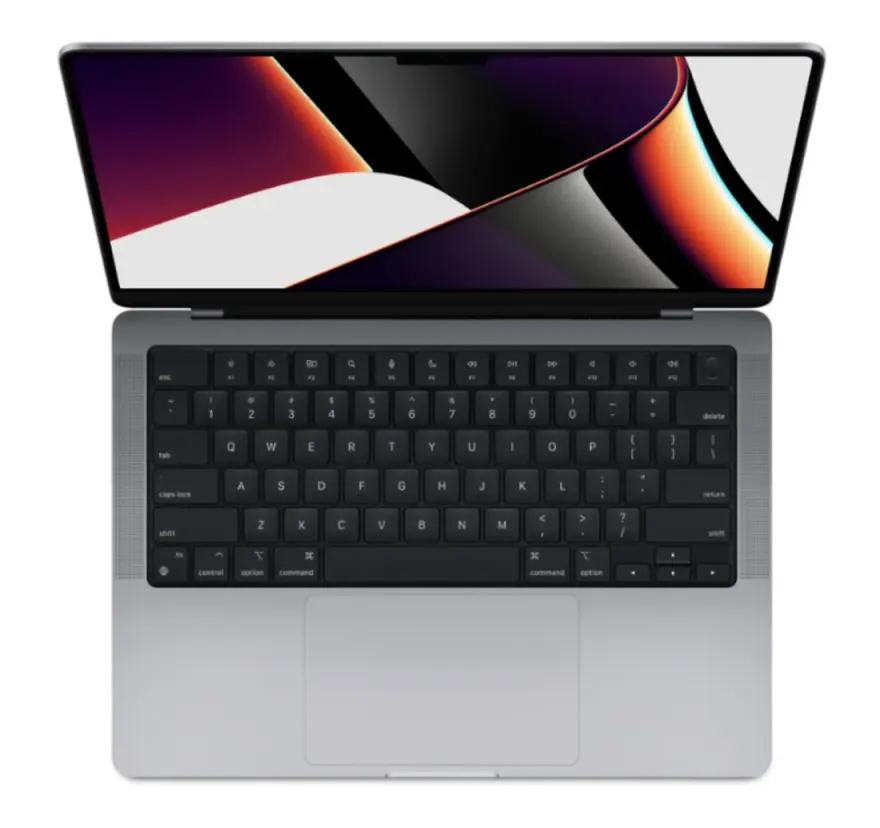
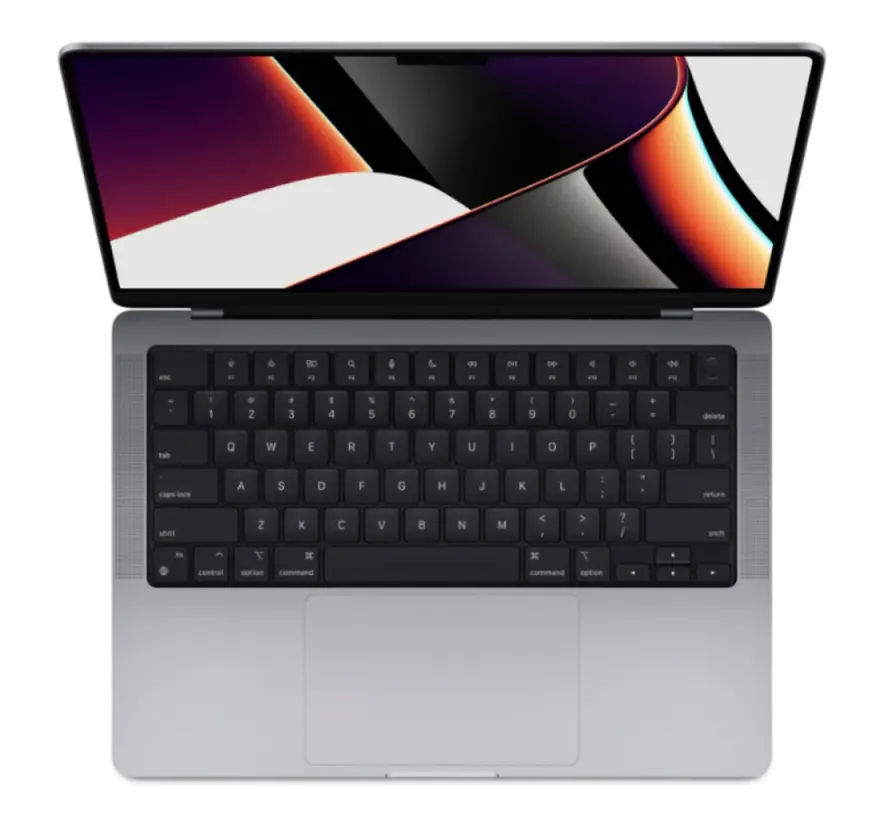
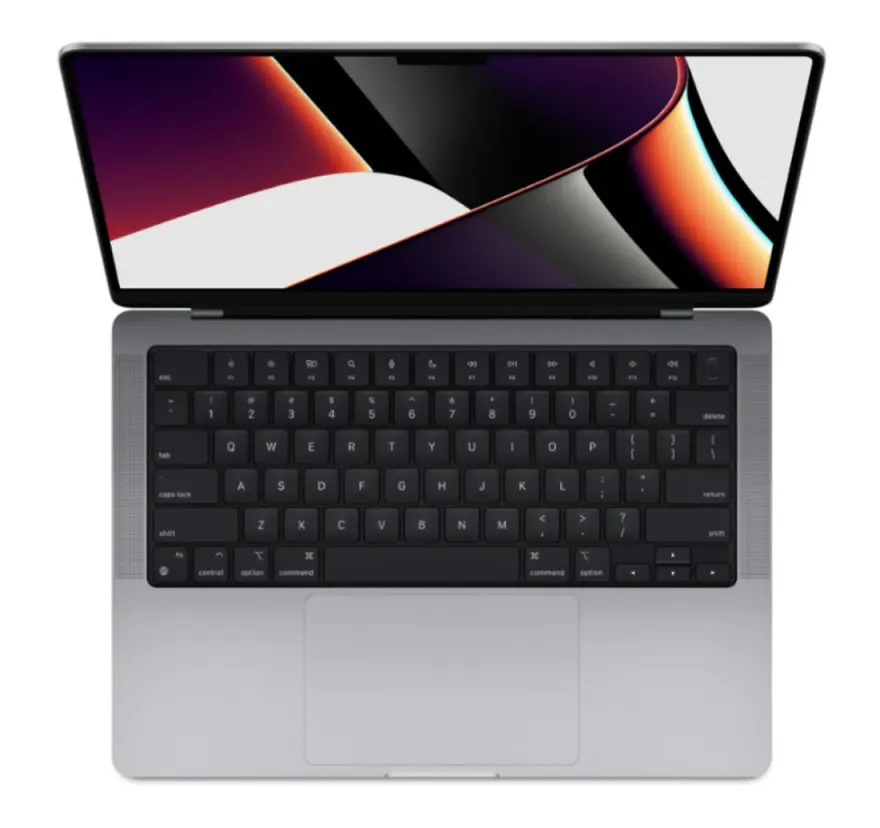
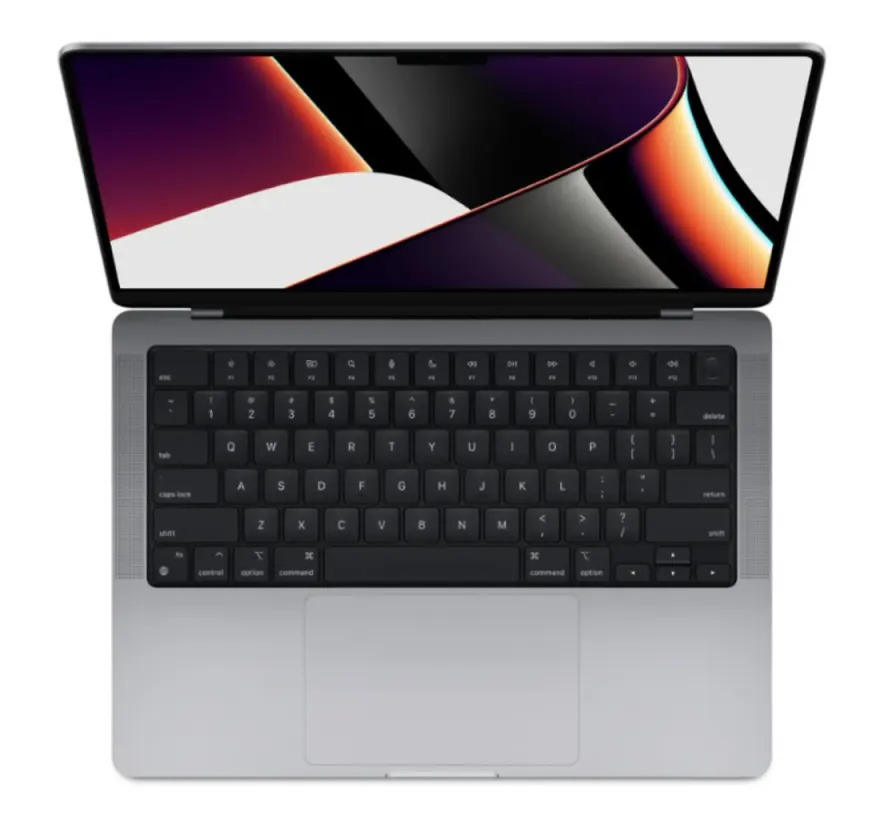
Hand-scored against the spec floor and the workload — these are the 12 units we'd actually pick if we were buying for ourselves today. Nationwide shipping via TCS / Leopards, 30-day check warranty.
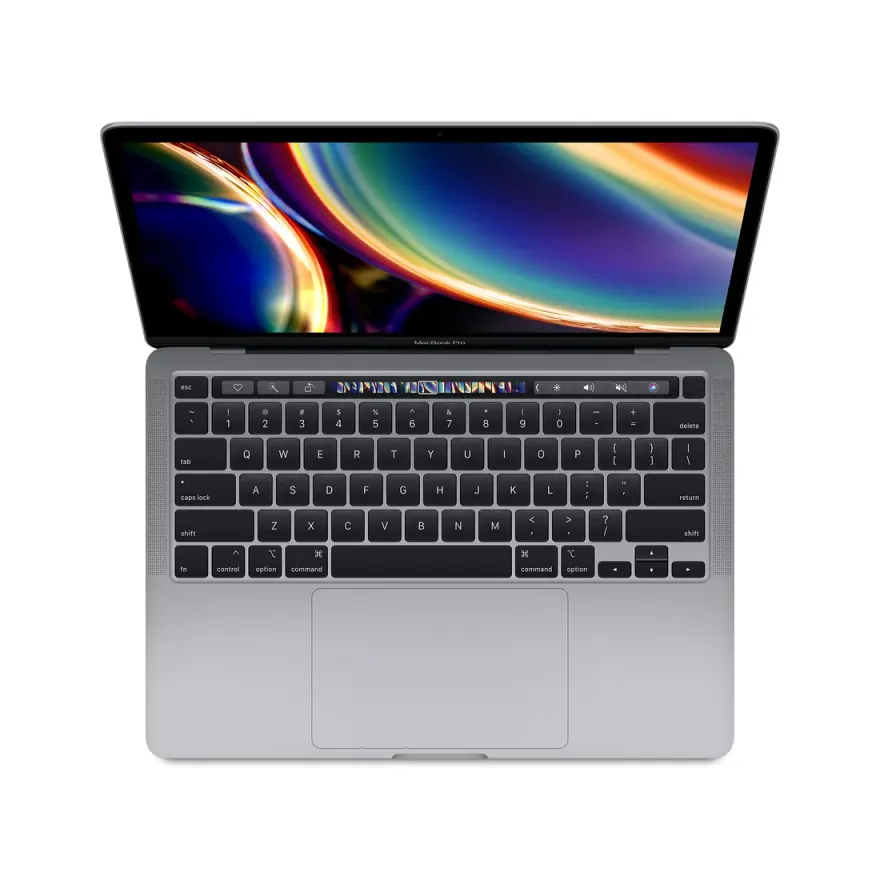
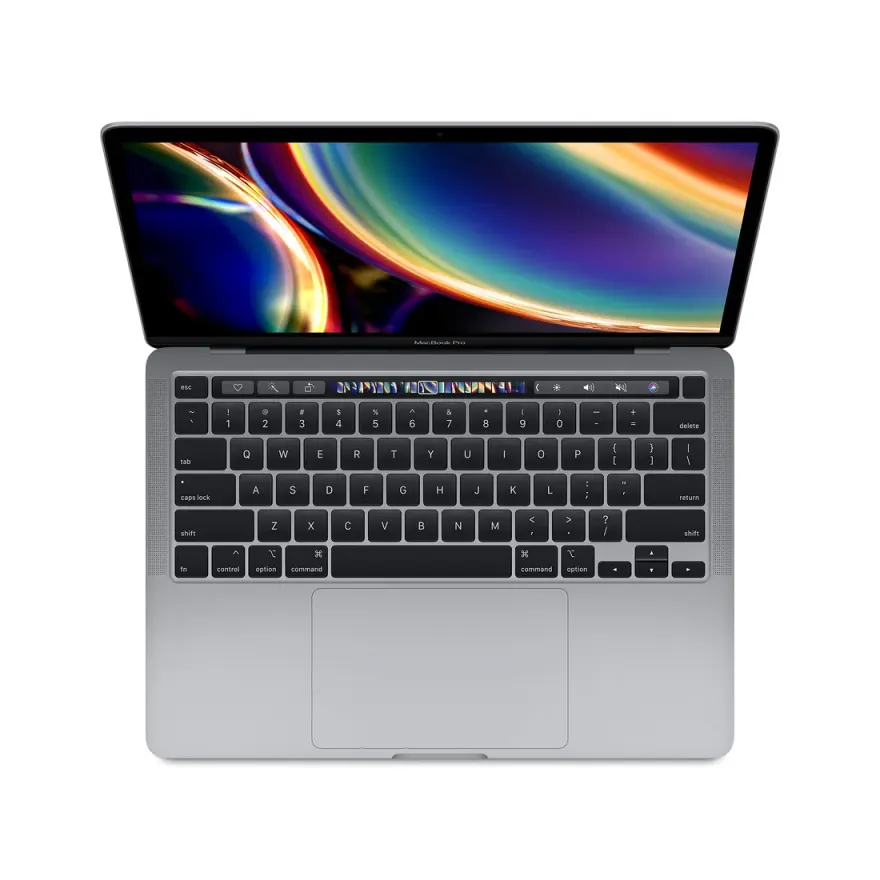
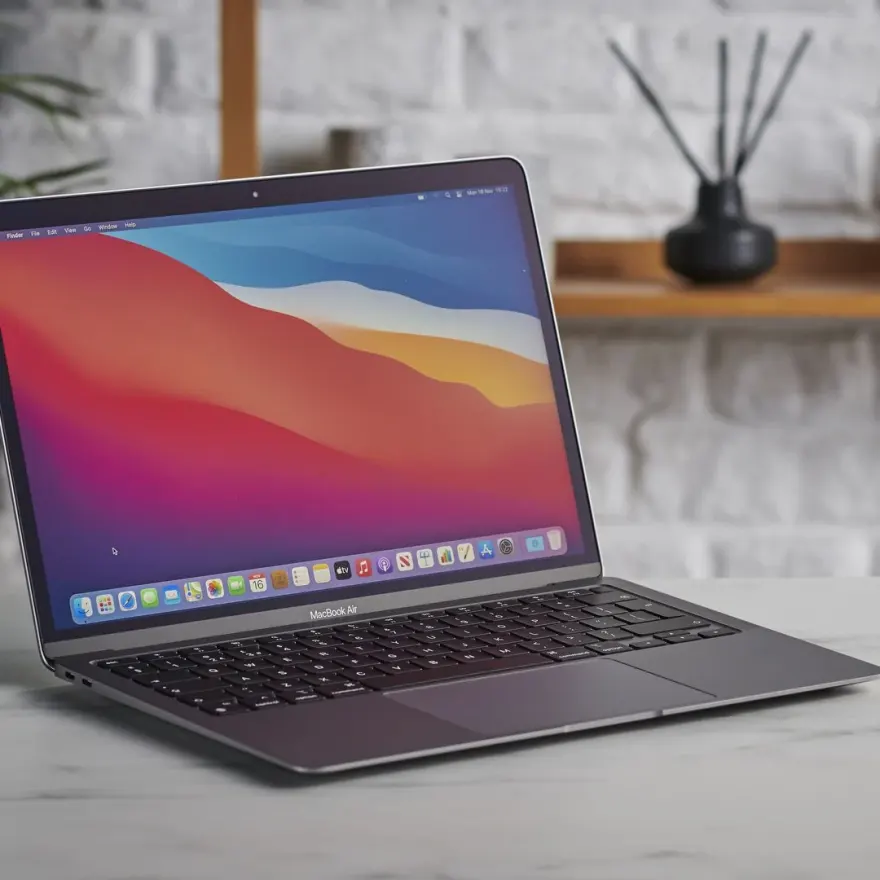
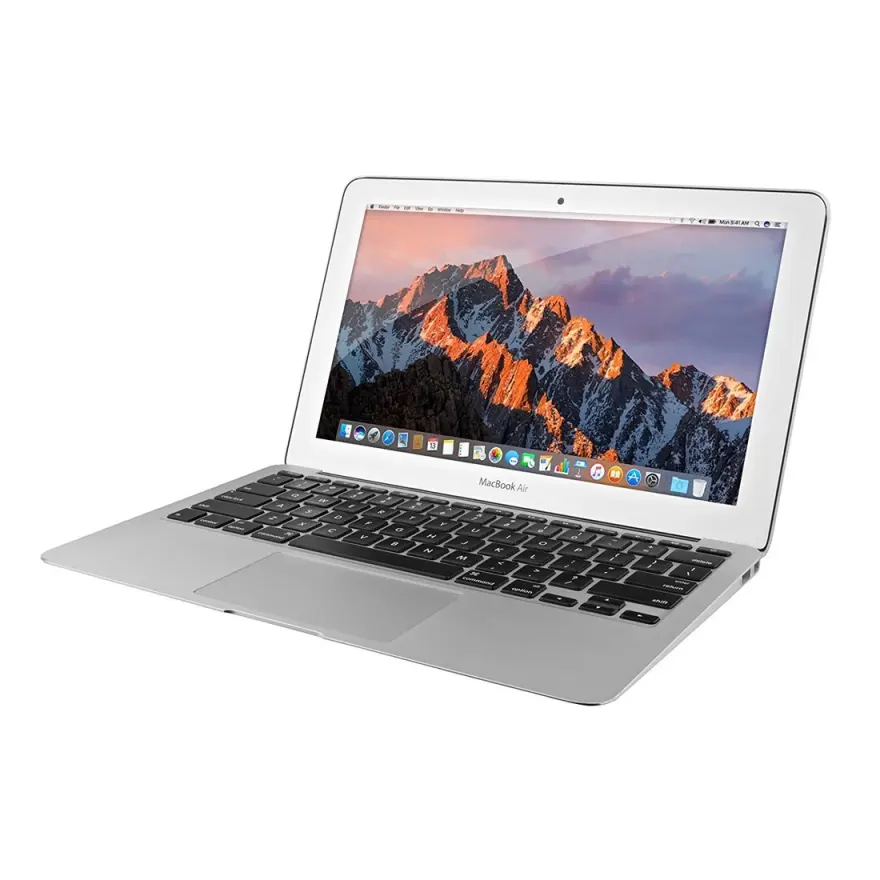
Recommended design models by brand
A concrete shopping shortlist organised by brand. Approximate prices reflect 2026 Pakistani used-market reality at Hafeez Center.
Apple MacBook Pro Retina
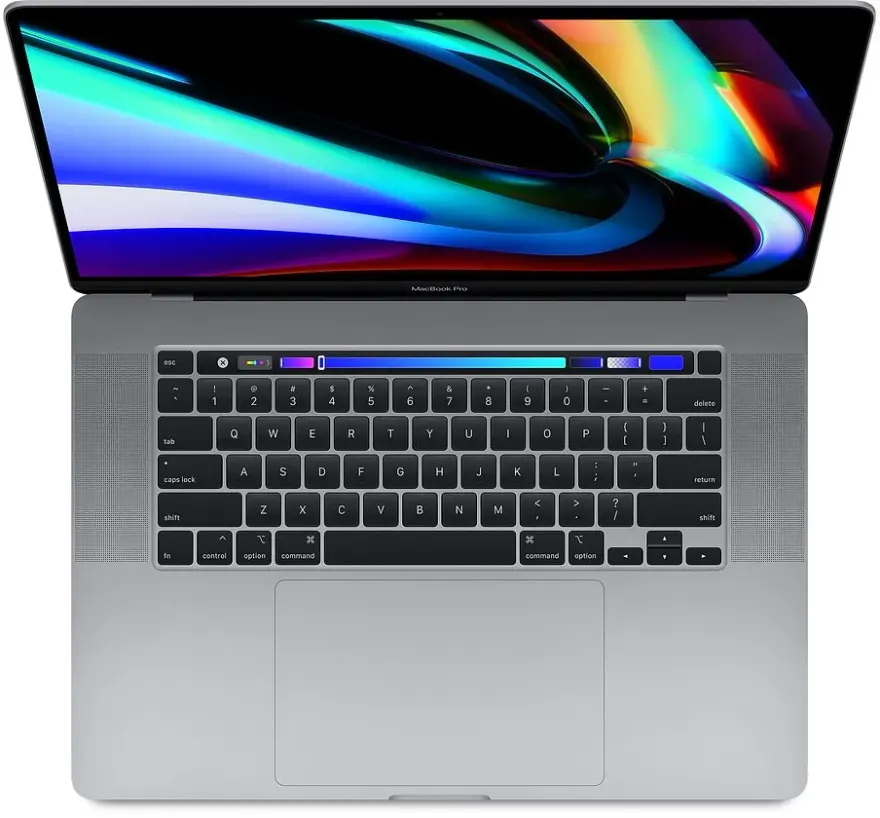
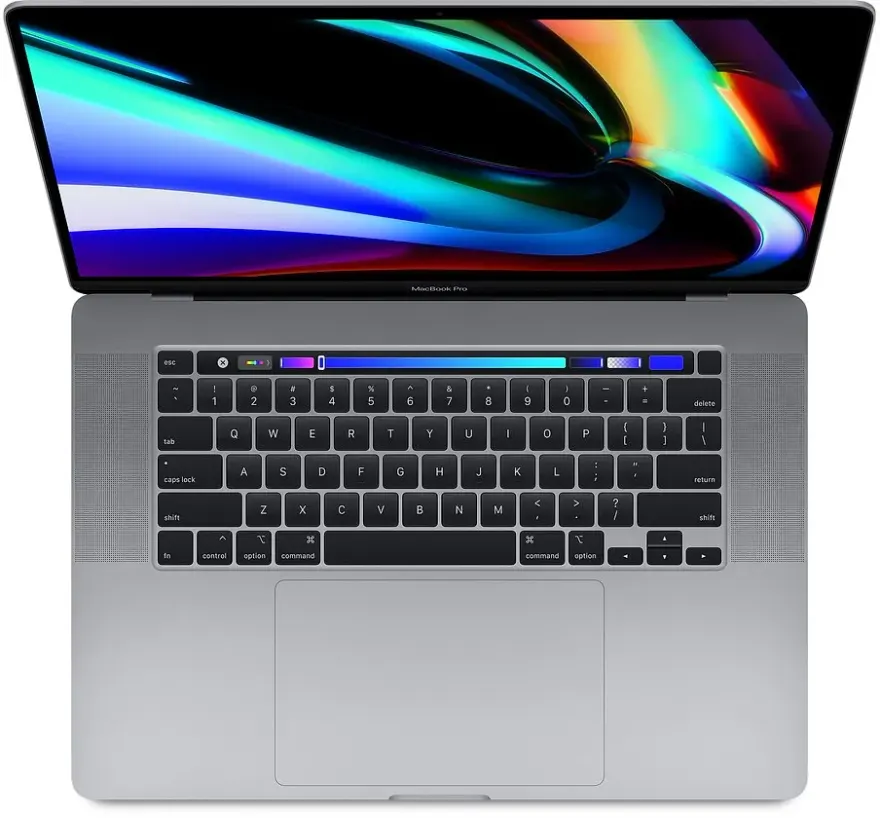
- MacBook Pro 13 2018/2019 (i7 + 16 GB + Touch Bar)Rs. 128,000–158,000
Factory P3 calibration is more accurate than 95% of PC laptops, TrueTone adapts to room lighting, four Thunderbolt 3 ports. The default Pakistani designer pick under Rs. 150K.
- MacBook Pro 15 2019 (i9 + 16/32 GB + Vega 20)Rs. 175,000–215,000
Dedicated Radeon Pro Vega 20 GPU accelerates Photoshop Neural Filters, video previews, 3D in Cinema 4D. 15" Retina at 220 ppi is ideal for detailed retouching.
Dell XPS
- XPS 13 9310 OLED (i7 + 16 GB + 4K OLED)Rs. 145,000–175,000
OLED touch display with 100% DCI-P3, sub-1.2 kg portable design, Thunderbolt 4. The Windows alternative to MacBook Pro 13 for designers needing Windows-specific tools.
- XPS 15 9520 (i7 + 16 GB + RTX 3050 + 4K OLED)Rs. 220,000–265,000
4K OLED 100% DCI-P3 + RTX 3050 + 16 GB DDR5 — the Premiere Pro / After Effects + Photoshop hybrid machine for designers who also edit video.
ASUS ZenBook / VivoBook OLED
- ZenBook UX363 / UX425 OLED (i7 + 16 GB)Rs. 125,000–155,000
550-nit OLED with 100% DCI-P3, NumberPad 2.0 doubles as small graphics tablet, Rs. 30–50K cheaper than equivalent MacBook. Excellent value design pick.
- ZenBook Pro 14 OLED Duo (i7/i9 + 16/32 GB + RTX)Rs. 225,000–275,000
Dual-screen OLED for designers — main 14" OLED + secondary ScreenPad Plus for Photoshop tool palettes. Niche but excellent for power users.
Lenovo ThinkPad / Yoga
- ThinkPad X1 Carbon Gen 7 / 8 (HDR Dolby Vision)Rs. 135,000–168,000
1 kg ultra-portable with 4K HDR Dolby Vision panel, factory-calibrated 100% sRGB, Thunderbolt 3. The road-warrior designer pick for agency travel.
- ThinkPad X1 Extreme Gen 2 / 3 (i7 + 16/32 GB + GTX/RTX)Rs. 195,000–245,000
ThinkPad keyboard + dedicated GPU + 4K HDR option — for designers who also dabble in 3D / Substance / video work in addition to Photoshop / Illustrator.
How Pakistani buyers actually picked their design laptop
Anonymised stories from real walk-ins and WhatsApp orders. Every name changed, every situation real.
Karachi Fiverr Top Rated Seller upgrading her studioA 28-year-old Top Rated Plus Fiverr seller from Gulshan-e-Iqbal Karachi specialising in luxury brand identity design was working from a 2017 HP Pavilion that was choking on her Adobe Illustrator + Photoshop + InDesign workflow. Earning around USD 2,800/month from Fiverr, she budgeted USD 1,000 (Rs. 285,000) for an upgrade. We recommended a MacBook Pro 15 2019 (i9, 32 GB, 1 TB, Vega 20) at Rs. 215,000 — she confirmed on WhatsApp after we sent her photos and a video of the exact unit. The Vega 20 GPU dramatically accelerated her Neural Filter denoise on customer-supplied logo files, and the 220-ppi Retina screen lets her see hair-thin curves on luxury monogram designs. Three months in, her order velocity increased 35% because she stopped losing time to laptop lag mid-revision.
Lahore agency junior designer joining first jobA 23-year-old fresh NCA graphic-design graduate from Lahore landed her first agency job at a Gulberg-based digital studio paying Rs. 65,000/month. The agency required her to bring her own laptop — budget from family was Rs. 130,000. We sent her a MacBook Pro 13 2019 (i7, 16 GB, 256 GB) at Rs. 128,000 with a 5% recent-graduate discount applied after she shared her NCA degree photo. The MacBook gave her instant credibility on day one — her senior designers all use MacBook Pros, file sharing via Adobe Creative Cloud is seamless across the agency, and Sketch files from her UX colleagues open natively. She is now 6 months into the job and has been moved to mid-level brand design work.
Islamabad wedding photographer adding Lightroom workflowA 34-year-old wedding photographer from F-10 Islamabad shooting 25–30 weddings annually was editing on a 4-year-old Lenovo IdeaPad that took 8 seconds to apply a Lightroom develop preset to a single RAW. Catalogue had 18,000 photos. We sent him a Dell XPS 15 9520 (i7, 16 GB, 512 GB, 4K OLED) at Rs. 235,000 — he chose it over a MacBook specifically because his Sony A7 III tethered shooting software is Windows-friendly. The 4K OLED screen lets him see skin tones accurately during retouching, and 16 GB + RTX 3050 cuts his Lightroom export queue time on 600-photo wedding deliverables from 90 minutes to 22 minutes. His turn-around per wedding improved from 14 days to 9 days, and he booked 4 additional weddings this season because of faster delivery.
Multan-based illustrator working iPad + MacBook comboA 26-year-old children-book illustrator from Multan working with Pakistani and Middle-Eastern publishers wanted to upgrade her workflow to Procreate on iPad with Sidecar / Astropad to a colour-accurate MacBook. Budget Rs. 250,000 for the combo. We sent her a MacBook Air M1 16 GB / 512 GB (Rs. 188,000) plus a third-party local iPad Air 4th gen with Apple Pencil 2nd gen (Rs. 95,000 sourced via our Hafeez Center contact). Total Rs. 283,000. She uses Procreate on the iPad for initial sketches, hands off to Photoshop on the MacBook via Apple AirDrop for finishing touches, and reviews proofs on the Retina display before sending to her Karachi publisher contacts. Two book contracts received in the first 4 months of the new setup.
Accessories worth budgeting for
Real-world add-ons that extend the value of a design laptop — prices reflect current Pakistani market.
- Wacom Intuos Pro Medium (Rs. 42,000) or Wacom One (Rs. 22,500) — pressure-sensitive pen input is essential for illustration / retouching; Apple Pencil + iPad Sidecar is the macOS alternative
- Spyder X Pro or Calibrite Display Plus colour calibrator (Rs. 18,000–28,000) — even factory-calibrated MacBooks drift after 18 months; quarterly recalibration keeps client deliverables reliable
- BenQ PD2705U / Dell U2723QE 27" 4K IPS external monitor (Rs. 95,000–145,000) — second screen for tool palettes, reference photos, client preview; 100% sRGB / DCI-P3 mandatory for design work
- Logitech MX Master 3S mouse (Rs. 22,000) — precision scroll wheel and customisable buttons accelerate Photoshop / Illustrator workflows; trackpad alone is insufficient for daily design work
- Samsung T7 1 TB external SSD (Rs. 17,500) — design project archives balloon fast; T7 keeps your laptop NVMe free for active work
- CalDigit TS3 Plus or Anker 565 Thunderbolt dock (Rs. 35,000–65,000) — single-cable desk setup for MacBook / XPS users: monitor + Wacom + keyboard + Ethernet via one cable
Picking the right design laptop in Pakistan
A 5-step framework you can actually follow before tomorrow's class / shift / shoot.
How to pick a design laptop in Pakistan that won't betray your colour work
Five steps to pick a used laptop that exports accurate colour for client deliverables, in Pakistan, on a sensible budget.
- 1Make the screen your first filter
Filter every option by display first — 100% sRGB coverage is the absolute minimum. Premium: OLED (Asus ZenBook OLED, HP Spectre OLED), Retina (any MacBook Pro 2012+), or 4K HDR (XPS 15, ThinkPad X1 Carbon HDR). Skip every laptop with a 'TN panel' or 'NTSC <60%' spec — they exist for office use, not design.
- 2Pick macOS or Windows — match your client workflow
If your clients send Sketch files, Adobe Cloud files saved on macOS, or you collaborate with print shops in Lahore / Karachi that use Macs (most major ones), MacBook simplifies life. If you do mainly Windows-based work (CorelDraw, Indian / Pakistani agency clients who use Windows, gov / corporate clients), a Windows design laptop saves money and runs the same Adobe apps. Don't pick OS by preference — pick by client workflow.
- 3Demand 16 GB RAM minimum, plan for 32 GB
8 GB is dead for design in 2026. 16 GB is the practical floor — handles single-PSD work, Illustrator with embedded raster, and Lightroom catalogues under 20,000 photos. If you can stretch to 32 GB now or upgrade later (most ThinkPads, XPS 15, EliteBook 850 have two slots — MacBooks are soldered), do it before a single project hits 100 MB. The Rs. 4,500 RAM cost is recovered in time saved within the first month of client work.
- 4Get a calibration tool — even with a Retina / OLED laptop
A Spyder X Pro (Rs. 18K) or Calibrite Display SL (Rs. 22K) is the fastest ROI you can buy for paid design work. Even Apple's factory P3 drifts after 2 years; a calibration check every 3 months keeps your colour reliable. We sell calibration tools at the shop and ship them with laptops on request for a bundle discount.
- 5Order with the right accessories
Design work needs: external 24–27" monitor (Rs. 35–65K depending on screen — we stock IPS 100% sRGB monitors), a Wacom Intuos Pro or iPad sidecar (depending on workflow), a Logitech MX Master 3 / Apple Magic Mouse 2 (Rs. 12–27K), and a USB-C hub if your laptop is thin (XPS, MacBook). WhatsApp 0314 4000131 with your specific apps and budget — we put together a complete kit at a 10–15% bundle discount.
Frequently asked questions
MacBook Pro Retina vs Dell XPS 4K vs Asus ZenBook OLED — which is best for Photoshop?
MacBook Pro Retina (2017+) is the safest pick — Apple's factory P3 calibration is more accurate out of the box than 95% of PC laptops, TrueTone adapts to room light, and macOS colour management for print is more mature. Dell XPS 13 / 15 4K OLED (9310 / 9510) is the closest PC competitor — equally accurate but you'll calibrate manually with a Spyder / Calibrite tool. Asus ZenBook UX363 / UX425 OLED is the underdog — bright (550 nits), wide P3, and Rs. 30–50K cheaper than the equivalent MacBook. For Photoshop pixel-pushing and Lightroom catalogue work all three are excellent. For Procreate-on-iPad-sidecar workflows specifically, MacBook wins (Sidecar is a macOS feature).
Is 8 GB RAM enough for Photoshop and Illustrator in Pakistan in 2026?
Strictly enough for hobby work — a single 4000 × 4000 px PSD with 10 layers and a few smart objects. Strictly not enough for paid design. The moment you open a 50-layer PSD, an Illustrator file with embedded raster, or a Lightroom catalogue with 5,000+ photos, 8 GB triggers constant disk swap and Photoshop's scratch disk explodes — you'll watch the spinner for minutes. 16 GB is the practical floor for paid design. 32 GB is the comfort zone for agency-level work with 100 MB+ source files and InDesign multi-page layouts open simultaneously.
Do I need a dedicated GPU for Photoshop / Illustrator / Figma?
Photoshop + Lightroom: an integrated GPU (Intel Iris Xe / Apple M1 GPU) handles every 2D filter and brush smoothly. A dedicated GPU helps only with the new Neural Filters (AI denoise, smart upscale) and Substance Painter / 3D work. Illustrator + InDesign: integrated GPU is overkill. Figma + browser-based UI design: integrated GPU is overkill. 3D rendering, Substance Painter, Blender, Cinema 4D: dedicated GPU mandatory — pivot to our gaming-laptop picks with RTX 3060+. For 95% of Pakistani designers (web / brand / print / marketing) — integrated graphics is fine and saves Rs. 50–80K vs a dedicated-GPU laptop.
Is MacBook Air M1 enough for serious Photoshop work, or do I need the Pro?
MacBook Air M1 with 16 GB RAM is more than enough for 90% of Photoshop work — including 100-layer PSDs, Lightroom catalogues with 10,000+ photos, and 4K video preview in Premiere Pro. The two cases where you'd want a MacBook Pro instead: (1) sustained heavy work — Air has no fan, so 30-minute exports throttle; Pro has a fan and holds full speed, and (2) reference monitor work — Pro 14/16 ProMotion 120 Hz screen is brighter (1000 nits HDR) and bigger. For freelancers and most agency designers, 16 GB Air is the smarter buy at Rs. 145–170K vs a Pro 14 at Rs. 280K+.
Can I calibrate a non-Retina laptop screen to match a MacBook?
Mostly yes, with caveats. A 100% sRGB IPS panel (Dell XPS 13 FHD, ThinkPad X1 Carbon FHD) can be calibrated with a Spyder X Pro or Calibrite Display Plus (Rs. 18,000 device) to within delta-E 1.5 — visually indistinguishable from a factory-calibrated MacBook. A 60–70% sRGB panel (typical office laptop) cannot be calibrated — the gamut is missing, you can't add colours that aren't there. Always check the panel's stated gamut before buying for design — we list this on every design-relevant product page.
What about an iPad as a second screen for design work — does it work with all laptops?
Sidecar (iPad as Mac display) only works on macOS — you need a MacBook. The iPad becomes a colour-accurate pen-input second monitor for Procreate / Photoshop / Affinity (with Procreate roundtrip via cloud). On Windows, the closest equivalents are: (a) Duet Display (paid app, USB-C tethered, OK lag), (b) Astropad Studio (Windows version exists, better for stylus input), or (c) a Wacom Cintiq plugged in directly. Most Pakistani designers we sell to who want iPad + laptop combos go MacBook Air M1 + iPad Air with the Apple Pencil — works flawlessly.
I do video editing AND design — which laptop covers both?
MacBook Pro 16 2019 i9 + 32 GB + Vega 20 GPU (Rs. 195K–225K used) is the best dual-purpose machine — handles Adobe Photoshop, Illustrator, Premiere Pro, After Effects, and DaVinci Resolve on a colour-accurate Retina display with surprisingly good speakers (matters for video editing). On the PC side, ThinkPad X1 Extreme with RTX 3050/3060 + 4K OLED, or Dell XPS 15 9520 with RTX 3050 + OLED. Budget version: MacBook Pro 15 2018/2019 i7 + 16 GB + Radeon Pro 555X at Rs. 138–168K. See our /best-for/video-editing page for the video-first picks.
Do I need a Wacom tablet, or is the trackpad / Touch Bar enough?
MacBook trackpads are the gold standard — many designers do paid Photoshop work with just the trackpad and never feel limited. The Touch Bar (2016–2019 Pros) is more gimmick than tool — most designers disable it. For drawing / illustration work you do need pen input: either a Wacom Intuos Pro (Rs. 25K starting), iPad with Apple Pencil + Sidecar (Rs. 65K+25K), or a touch-screen laptop with a stylus (Surface, ZenBook Flip, Spectre x360 — we stock these). For pure photo retouching / vector / UI work, trackpad is enough.
Deeper FAQs about design laptops in Pakistan
I am a fresh NCA / IVS graduate looking for my first design laptop — what is the smartest first buy in 2026?+
For a fresh design-school graduate in Pakistan with a Rs. 120,000–140,000 budget, the smartest first buy is a used MacBook Pro 13 2018/2019 (i5/i7, 16 GB, 256 GB) at Rs. 125,000–140,000. Reasoning: agencies in Lahore Gulberg / Karachi DHA / Islamabad F-6 universally run MacBook environments, AirDrop file sharing across the team is seamless, your client may send Sketch files which only macOS opens, and the factory P3 calibration is more reliable than any sub-Rs. 150K Windows laptop. If your career path is more illustration-focused than graphic / brand design, consider pairing a Rs. 95K used MacBook Air M1 16 GB with an iPad Air + Apple Pencil for Procreate. We extend a 5% recent-graduate discount on submission of your NCA / IVS degree photo via WhatsApp.
Is the Asus ZenBook OLED really comparable to a MacBook for paid design work in Pakistan?+
Yes — with two caveats. The ZenBook UX363 / UX425 OLED panel measures 100% DCI-P3, 550 nits peak, delta-E under 2 out of the box — visually indistinguishable from a MacBook Pro Retina to a trained eye. Where it falls short: (1) Windows colour management for print output workflows is less mature than macOS ColorSync — print designers working with Lahore-based offset printers like Topical Printers or Pakistan Printers prefer Mac for accurate proofing, (2) Sketch files require macOS, no Windows workaround exists, and (3) the ZenBook battery wears faster than MacBook batteries (replaceable at Rs. 8,500 in our shop). For pure Photoshop / Illustrator / InDesign / Figma work — ZenBook OLED is a brilliant Rs. 30–40K saving over MacBook with effectively no design quality compromise.
Should I use my laptop screen directly for client deliverables or do I need an external monitor?+
For Instagram / social-media design work — laptop screen alone is fine, especially MacBook Pro 13 / 15 Retina or ZenBook OLED. For agency / print / brand design — yes, an external 27" calibrated monitor at Rs. 95,000+ pays for itself within 6 months because you can see full-size layouts without zooming, reference photos beside your work, and review client mockups at production size. Most Pakistani full-time designers in Lahore Gulberg / Karachi DHA run a dual-screen setup: laptop screen for tool palettes and references, external 27" for the main canvas. The BenQ PD2705U at Rs. 105,000 is the most-bought external monitor among our design customers.
Can I do 3D design work — Cinema 4D, Blender, Substance Painter — on a used design laptop?+
Light 3D — basic Blender modelling, Cinema 4D animations, Substance Painter material work on simple objects — runs on MacBook Pro 15 2019 with Vega 20 or any laptop with RTX 3050+. Heavy 3D — high-poly modelling, GPU rendering with Octane / Redshift, complex Substance Painter texturing — requires RTX 3060+ minimum and ideally RTX 3070 / 3080. For 3D-focused designers, our gaming laptop catalog (HP Omen, Lenovo Legion, ASUS ROG with RTX 3060) at Rs. 175–225K is often the better buy than a 'design laptop' — the chassis is uglier but the GPU compute is 2–4x faster. MacBook Pro M1 Pro / Max is also surprisingly capable for 3D via Metal-optimised software like Cinema 4D and Affinity Designer.
What is the difference between Adobe Photoshop on Intel vs Apple Silicon MacBooks for Pakistani designers?+
Adobe Photoshop has been fully native on Apple Silicon since 2021 — and on M1 / M2 / M3 MacBooks, Photoshop runs 1.5–2x faster than on equivalent Intel Mac or Windows PC. Specific Pakistani designer use cases: Neural Filters (AI denoise, smart upscale, face-aware sharpening) are 3x faster on M1 because Apple Neural Engine offloads them from CPU/GPU. Smart Object rasterisation, smart-object-heavy compositing, and 100+ layer PSDs all benefit dramatically. The exception is plugins — some older Adobe-third-party plugins (older Imagenomic Portraiture, NIK Collection) ran via Rosetta 2 translation initially, but as of 2024 most are native ARM. Bottom line: Apple Silicon MacBook is strictly faster for Photoshop than Intel equivalents in 2026.
How long will a used design MacBook Pro Retina last me before I need to upgrade?+
MacBook Pro Retina 2017–2019 Intel models are nearing end-of-life for macOS support — Apple has signaled they will likely drop these from macOS Sequoia / Tahoe security updates by 2026–2027. Buy these only if your budget caps under Rs. 150K and you accept a 2–3 year horizon. MacBook Pro M1 / M1 Pro / M2 Pro (2020+) will receive macOS updates through at least 2030 — these are 5–7 year buys. For Pakistani designers buying in 2026, the right horizon is Apple Silicon: MacBook Air M1 16 GB at Rs. 165K, MacBook Pro 13 M1 at Rs. 185K, or MacBook Pro 14 M1 Pro at Rs. 245–290K. All three are silent (no fan to fail), have 12+ hour batteries for load shedding survival, and will hold value better than Intel models on resale in 2–3 years.
Tailored picks for your field
Field-specific shortlists with the software, spec floors, and budgets that matter for your line of work.
Other use cases we have guides for
Ready to pick one?
WhatsApp 2–3 catalog URLs you're considering + your city. We've physically seen every unit — we'll tell you which one has the cleanest condition and dispatch same-day.