Buying a Used Laptop for Video Editing in Pakistan – What Matters
N.N Laptop Team — N.N Laptops Team
If you edit video in Pakistan, buy a used laptop with a strong CPU, 16GB RAM, and a dedicated GPU. Here's what matters and what's a waste of money.
Prices & stock referenced were checked at our shop on — current prices at nnlaptops.com/shop.
If you edit video in Pakistan, buy a used laptop with a strong CPU, 16GB RAM, and a dedicated GPU. Here's what matters and what's a waste of money.
Key takeaways
- Focus on CPU generation and cores over brand names.
- 16GB RAM is a must; 32GB for 4K editing.
- Buy a laptop with a dedicated NVIDIA GPU for faster rendering.
- Always inspect screen, battery, and ports before buying used.
What Specs Actually Matter for Video Editing
When you edit video, your laptop processes large files, runs timelines smoothly, and renders the final video. The most important part is the processor (CPU). Look for a recent-generation Intel Core i5 or i7, or AMD Ryzen 5/7, with at least 4 cores. Newer generations handle 4K footage and effects much better. Don't just look at the brand – check the generation number, like 'Intel 10th gen' or 'Ryzen 4000 series'.
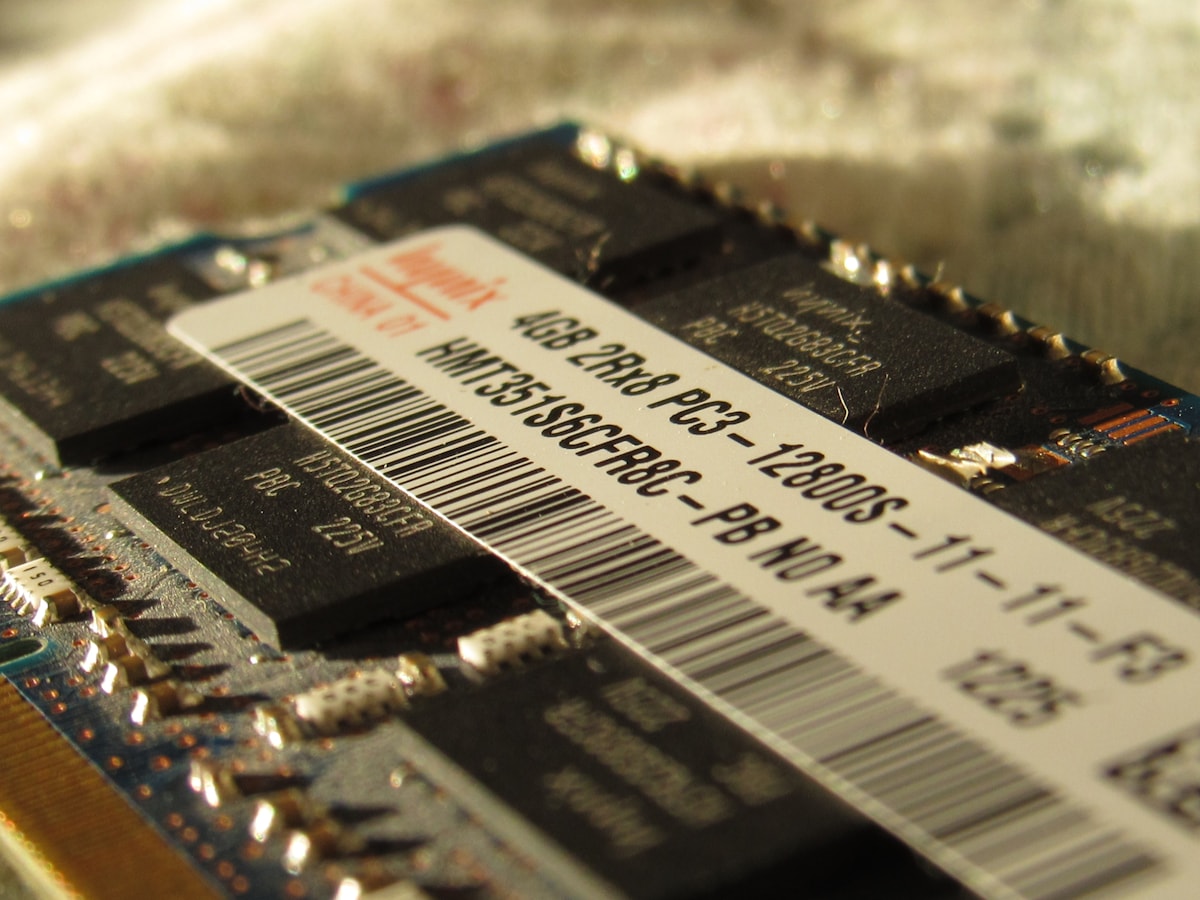
RAM is just as important. 16GB is the minimum for comfortable editing in Premiere Pro, DaVinci Resolve, or Final Cut. If you edit long 4K projects or use lots of plugins, get 32GB. Used laptops with 16GB are common, but make sure the RAM is not soldered if you want to upgrade later.
The GPU (graphics card) speeds up rendering and effects. A dedicated NVIDIA GPU with at least 4GB of VRAM is ideal. NVIDIA works best with CUDA acceleration in most editing software. Integrated graphics like Intel UHD can work for light 1080p, but for YouTube work, a dedicated GPU saves hours.
Storage matters too. You need a fast SSD, either NVMe or SATA, with at least 500GB. Video files are huge, and a slow HDD will make editing painful. Also, an SD card slot is essential for most YouTubers who shoot on cameras – it makes importing footage much easier.
Have a question about this?
Ask the shop on WhatsApp. We reply with real stock and prices.
What Is a Waste of Money for Editors
Don't overspend on specs that don't help your work. A 4K screen on a 15-inch laptop is not worth the extra money – your eyes can barely see the difference at that size, and it drains battery. Instead, look for a good full HD (1920x1080) IPS panel with at least 90% sRGB colour accuracy, which matters more for colour grading.
High refresh rates (120Hz or 144Hz) are great for gaming but do nothing for video editing. They also use more power. Stick to a standard 60Hz panel unless you also game. Similarly, a very high core-count CPU like an i9 is overkill in a thin laptop because it will overheat and slow down due to thermal throttling.
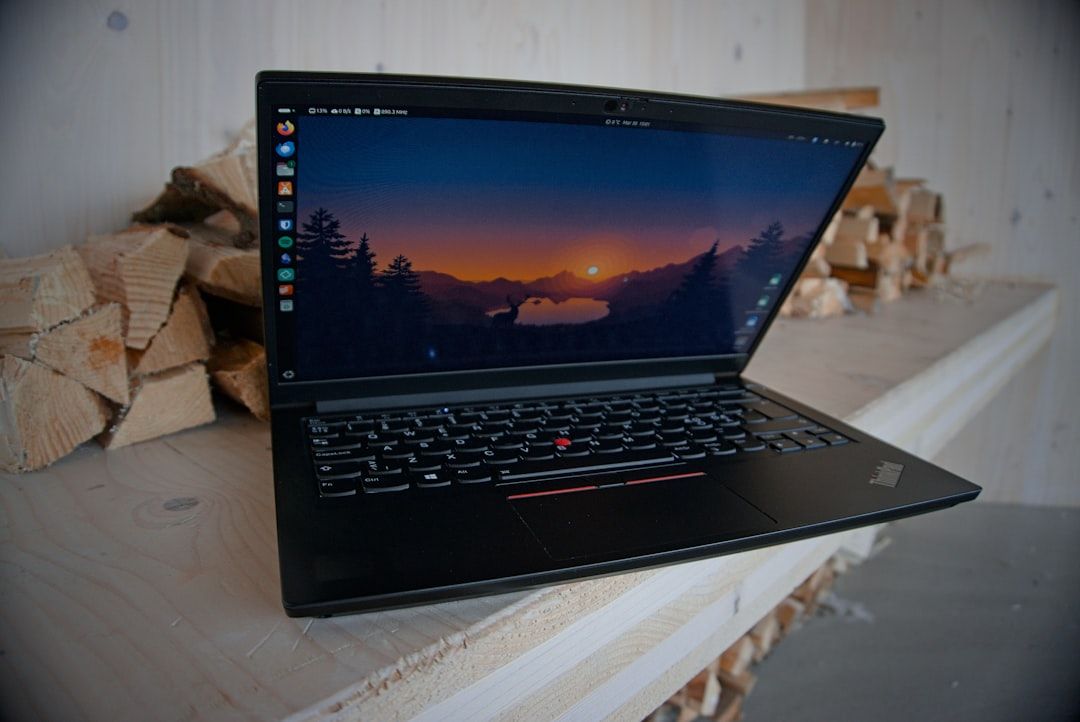
Avoid paying extra for the latest model when a slightly older used professional laptop (Dell Precision, HP ZBook, Lenovo ThinkPad P series) gives you better build quality and durability for less money. These are often built to last and can be upgraded easily. Also, skip fancy RGB keyboards and ultra-thin designs – cooling and port selection matter more.
How to Buy a Used Editing Laptop in Pakistan
When buying used, always inspect the laptop physically. Check the screen for dead pixels by displaying a solid white and black image. Look at the hinge – it should feel sturdy, not loose. Test every key on the keyboard and all ports, especially the SD slot, USB, and HDMI. Bring a small USB flash drive and an empty SD card to test.
Battery health is critical for on-the-go editing. Ask to see the battery report in Windows (run 'powercfg /batteryreport') or check cycle count on a Mac. A healthy battery should hold at least 80% of its original capacity. Also, ask for the original charger – using a cheap aftermarket one can damage the motherboard.
Run a quick stress test. Open Task Manager and watch the CPU and GPU usage while playing a 4K video. If the laptop gets extremely hot or shuts down, there's a cooling problem. Also, check the storage health with tools like CrystalDiskInfo. If possible, test your editing software – open a project and see how it handles scrubbing through the timeline.
At NN Laptops in Hafeez Center, Lahore, we are happy to let you test any laptop before buying. Every laptop comes with a 30-day check warranty, and any repair work carries a 15-day warranty. This gives you peace of mind that your investment is protected.
Realistic Performance Expectations
A used laptop with a 10th-gen or newer Intel Core i7, 16GB RAM, and a GTX 1650 or similar GPU is enough for 1080p editing and light 4K work. You will be able to edit in Premiere Pro and DaVinci Resolve, but you may need to use proxy files for very long 4K projects. This is normal – even new mid-range laptops need proxies for smooth 4K editing.
Don't expect gaming-grade performance from a thin-and-light laptop. A used professional workstation might be bulky but will handle sustained loads better. For YouTube, focus on exporting times – you want a GPU that supports hardware encoding (like NVIDIA NVENC) to make rendering faster. This is a big time-saver.
Use the right software for your hardware. DaVinci Resolve uses the GPU heavily, while Premiere Pro relies more on the CPU. If you have a weaker CPU but a good GPU, DaVinci might be faster. Also, always edit with a proxy if your footage exceeds 4K resolution – it makes the timeline respond instantly and doesn't affect the final export quality.
Finally, consider your workflow. If you edit while on the go, battery life matters – look for a used laptop with a 60Wh+ battery. If you edit mostly at a desk, an external monitor and keyboard are worthwhile upgrades. At NN Laptops, we can help you find a model that fits your exact workload and budget – just message us on WhatsApp at 0314 4000131.
Helpful next steps
- Find my laptop (AI finder)
- Check if a laptop price is fair
- Best laptop under your budget
- Browse laptops in stock
Frequently asked questions
Is 8GB RAM enough for video editing in a used laptop?
No, 8GB is only enough for very basic 1080p editing with small files. Modern editing software like Premiere Pro easily uses 8GB just to run, and you will face constant lag and crashes. Look for at least 16GB, and 32GB is better if you do 4K work.
Should I buy a MacBook for video editing in Pakistan?
MacBooks are great for Final Cut Pro, which is very optimized and fast. However, they are often more expensive, and upgrading RAM or storage is not possible. For a used budget, a Windows laptop with a NVIDIA GPU may give you better value, especially if you use Premiere Pro or DaVinci.
How do I check if the used laptop battery is healthy?
In Windows, open Command Prompt as admin and type 'powercfg /batteryreport'. It will show the battery's designed capacity and the current full charge capacity. If the current capacity is below 80% of designed, expect poor battery life and negotiate the price or ask for a battery replacement.
What warranty does NN Laptops offer on used laptops?
Every used laptop we sell comes with a 30-day check warranty, so you can test it for a month and any manufacturing defect will be repaired. For repair services, we provide a 15-day warranty on the repair work. All our laptops are tested before we put them on the price list below.
Visit NN Laptops at Shop 66A, 3rd Floor, Hafeez Center, Gulberg III, Lahore, or WhatsApp 0314 4000131 — we reply within 30 minutes during shop hours (Mon–Sat, 10 AM–10 PM).
Cover photo by Aleksei Zhivilov on Unsplash.
Talk to us
Questions about anything in this post, or want a personalised recommendation? WhatsApp the shop directly, or browse our laptops in the shop, university laptop guide and laptop delivery in Lahore.
WhatsApp 0314 4000131