
Best Laptops for Virtualization & Running Virtual Machines in Pakistan
Virtualization demands laptops from the high-core-count, high-RAM class — typically machines with at least 16 GB RAM (ideally 32 GB or more), a modern multi-core processor, and fast SSD storage. These specs let you run multiple VMs concurrently without host-system sluggishness. Discrete GPU is rarely the priority here; raw CPU thread count and memory capacity matter most.
What virtualization / vms actually need in a laptop
Running virtual machines places simultaneous load on the CPU, RAM, and storage all at once — the host OS and each guest VM compete for the same physical resources. A processor with a higher core and thread count allows better parallelism across multiple VMs, while large RAM capacity (32 GB is a comfortable floor for running two or more VMs simultaneously) prevents thrashing. Fast NVMe SSD storage dramatically reduces VM boot times and snapshot operations compared to older HDD-based machines. These spec priorities remain true regardless of which hypervisor you use — VMware Workstation, VirtualBox, Hyper-V, or KVM all reward the same underlying hardware class.
How much should virtualization / vms spend?
In this range you can find refurbished business-class machines with 8th-to-10th gen Intel Core i5 or i7 processors that support hardware virtualisation (VT-x). RAM is usually 8–16 GB; upgrading to 16 GB is strongly advisable before running more than one VM. Suitable for light single-VM use or lab practice.
This class delivers 10th-to-12th gen Core i7 or Ryzen 7 platforms where 16–32 GB configurations become common. NVMe SSDs are standard here, making VM snapshots and boots noticeably faster. Most IT professionals, network engineers, and developers running two to three concurrent VMs will find this range covers their daily workflow comfortably.
Higher-generation Intel Core i7/i9 or Ryzen 9 machines with 32–64 GB RAM fall here, often paired with large-capacity NVMe drives. Purpose-built workstation-class platforms in this band handle four or more simultaneous VMs, nested virtualisation, and heavy snapshot-intensive workflows without meaningful performance degradation on the host.
Top virtualization / vms laptops we have right now
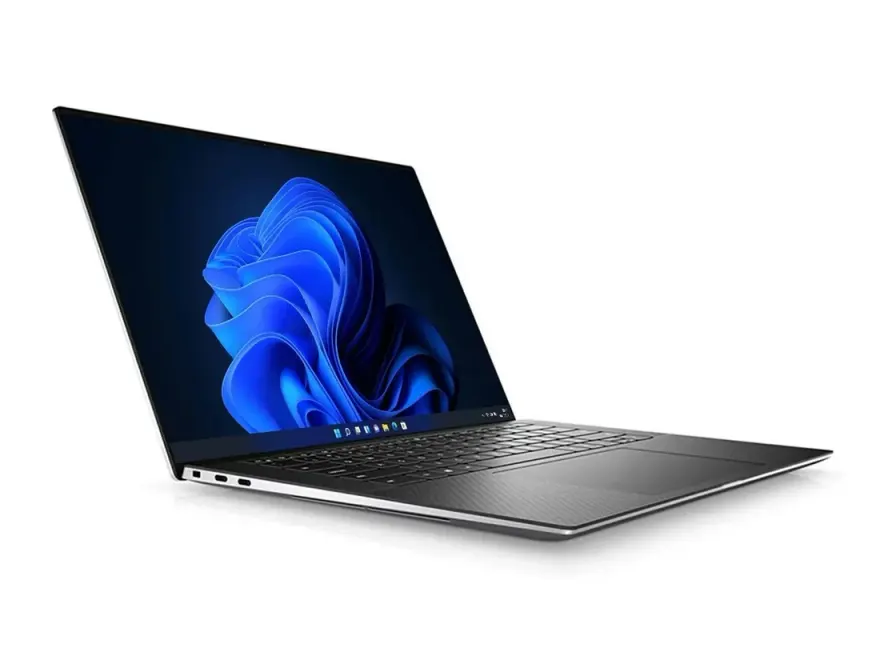
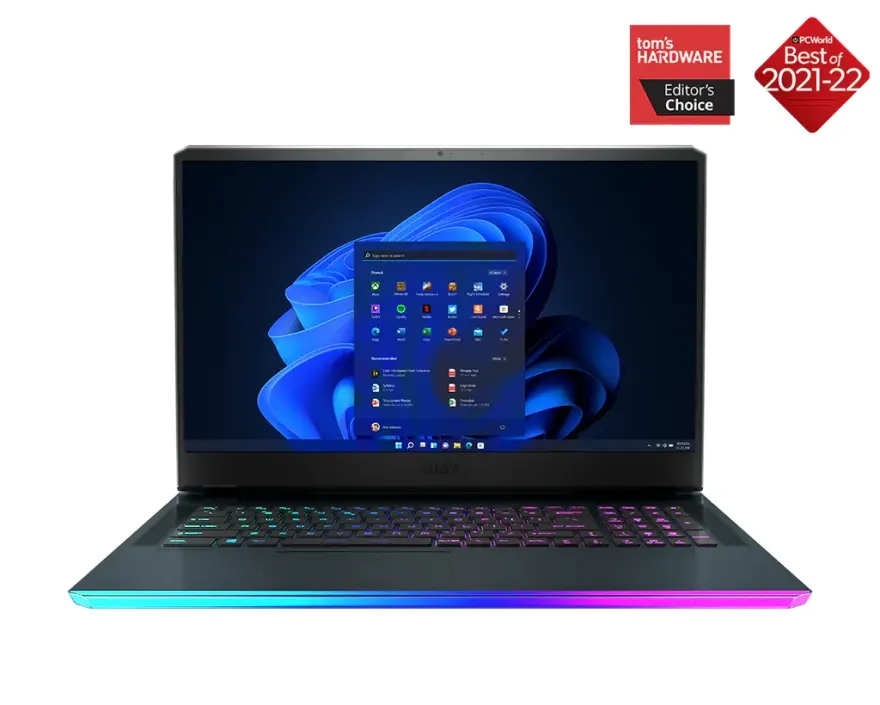
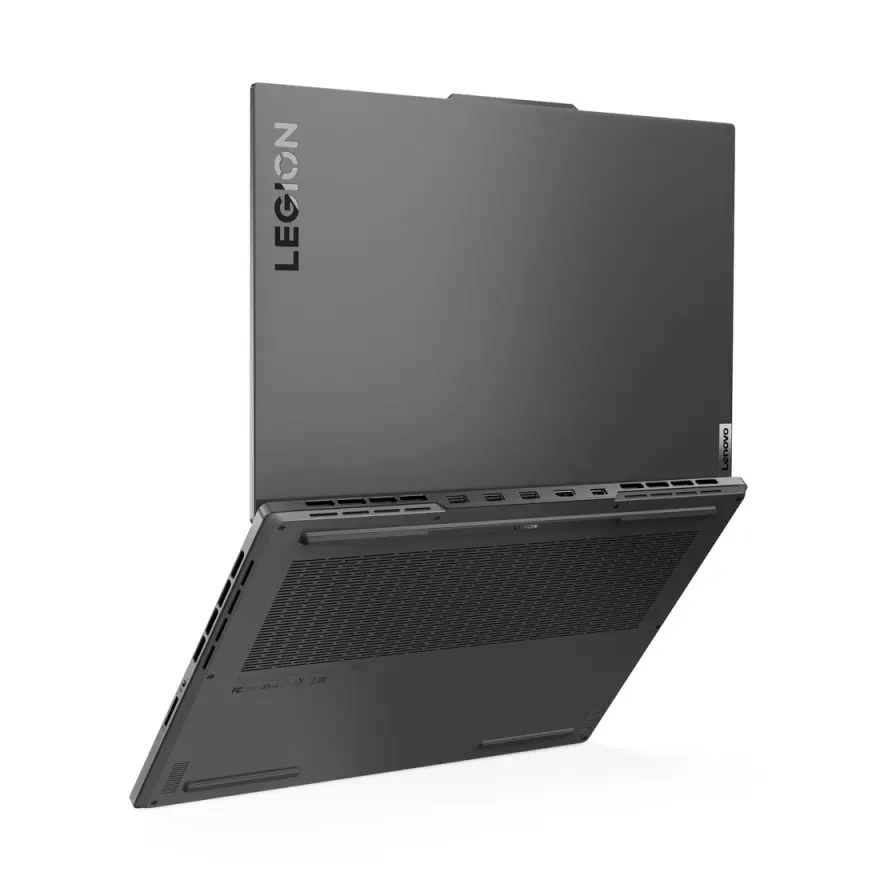
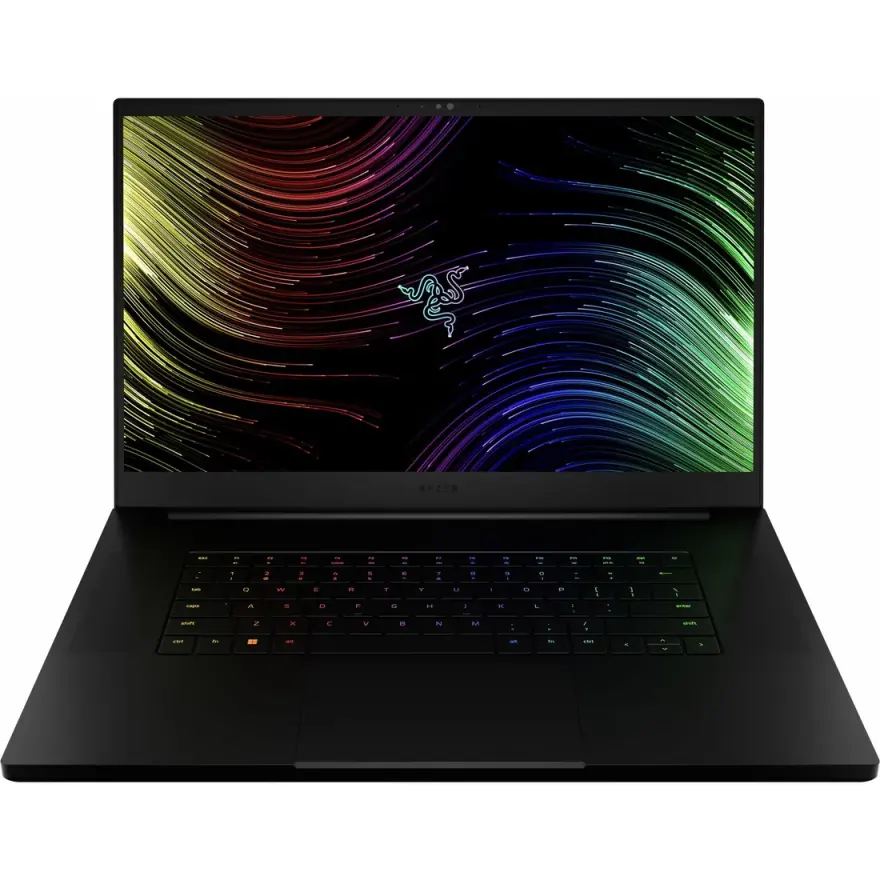
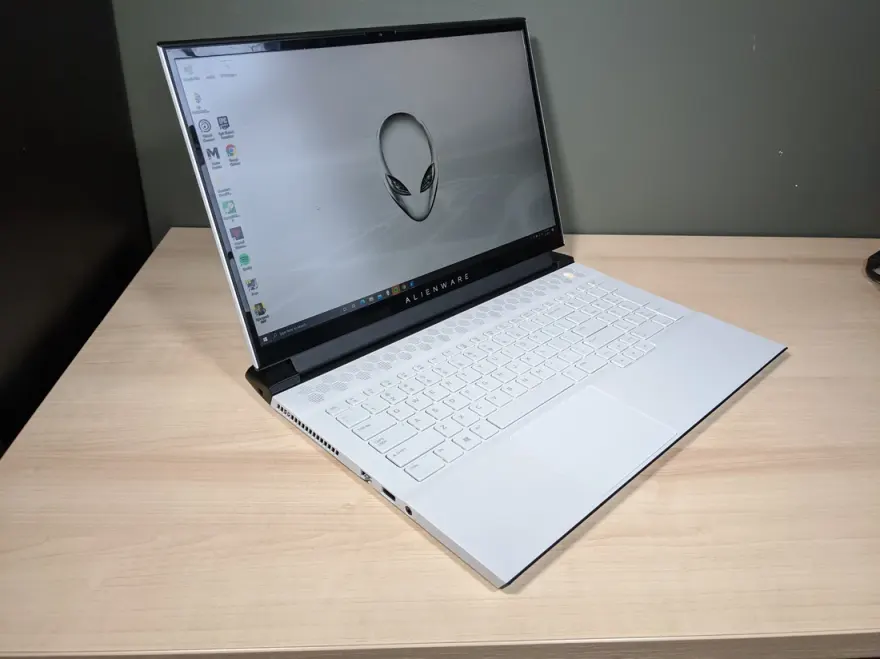
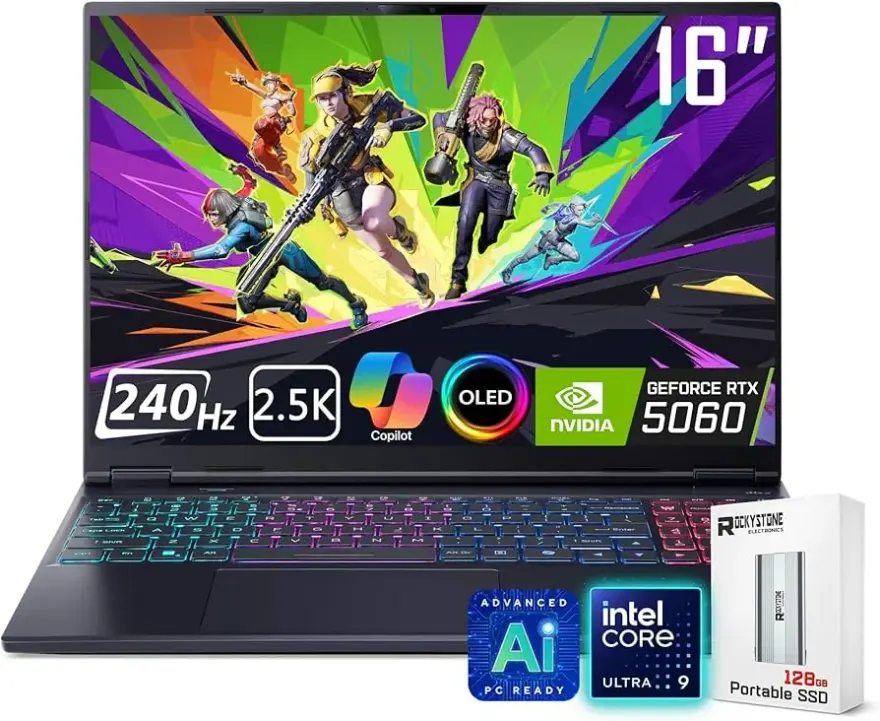
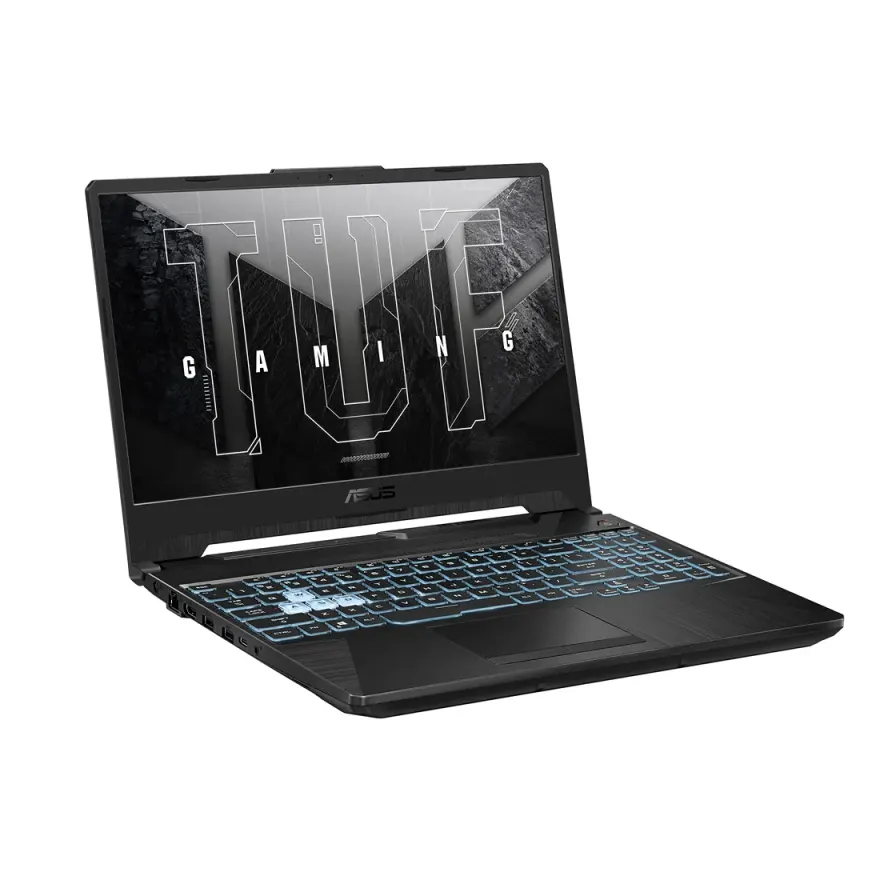
Ranked by fit to the virtualization / vms spec floor then by value — these 12 units are what we would pick today. Nationwide shipping via TCS / Leopards, 30-day check warranty.
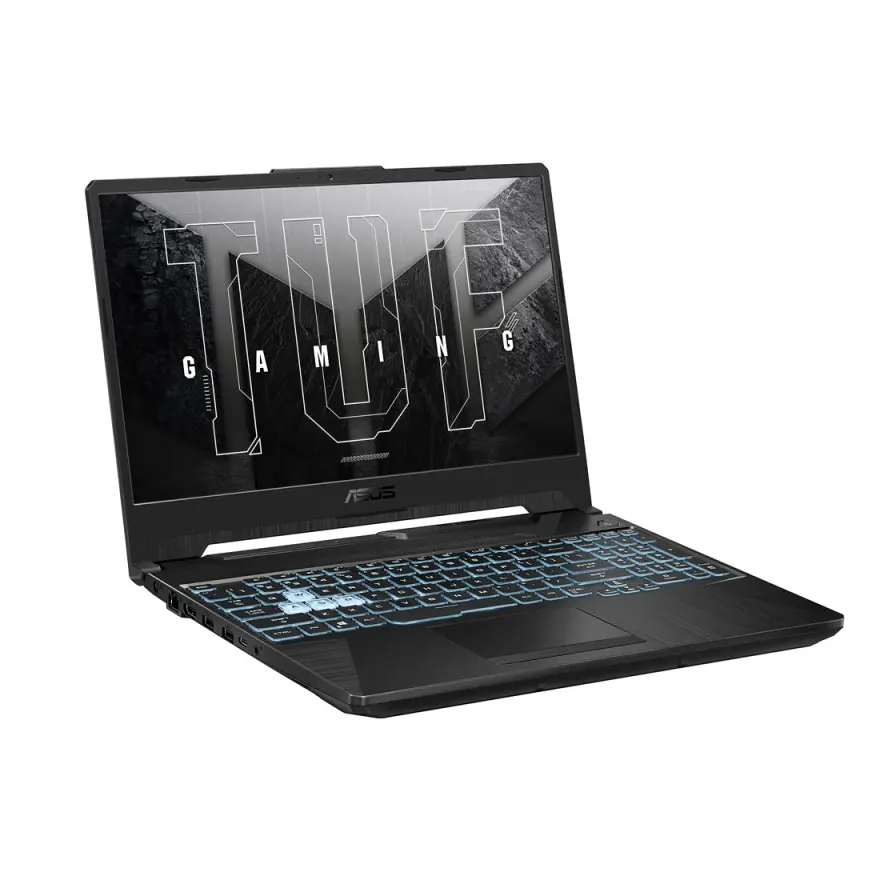
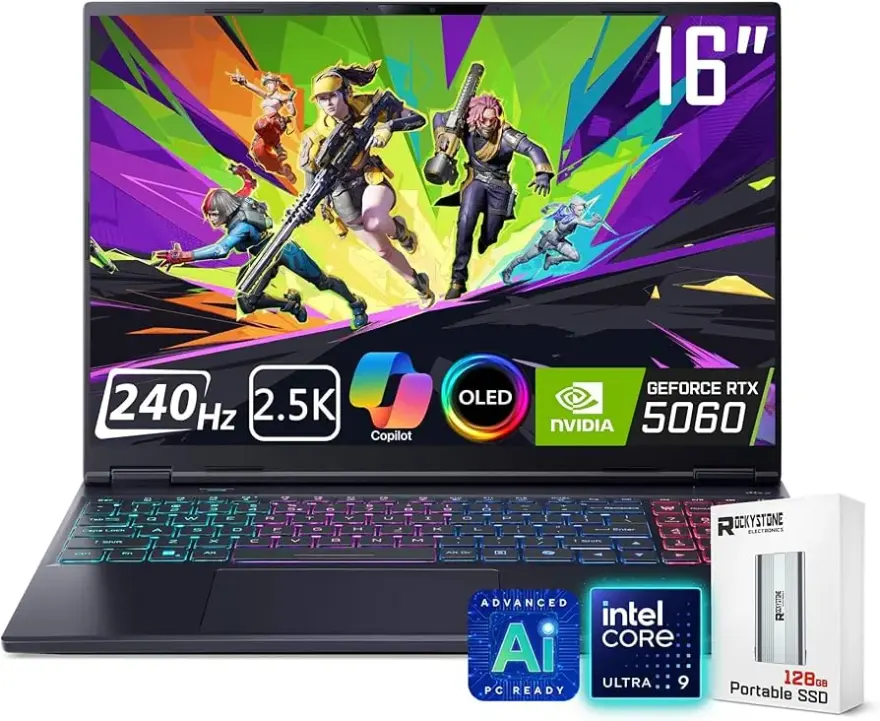
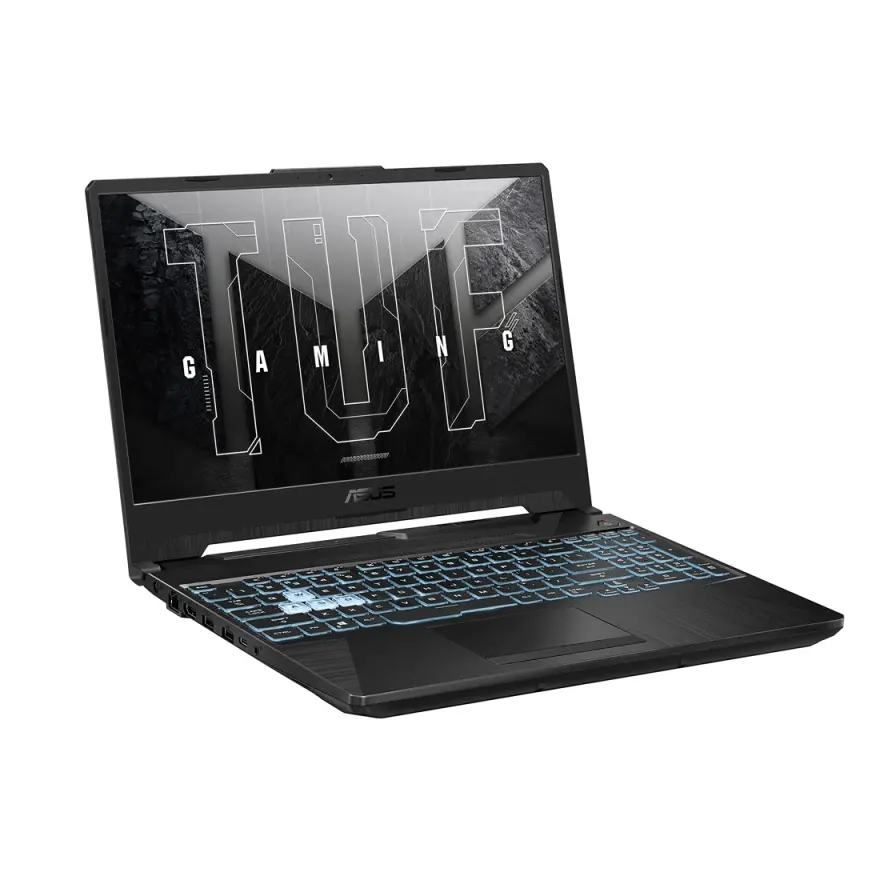
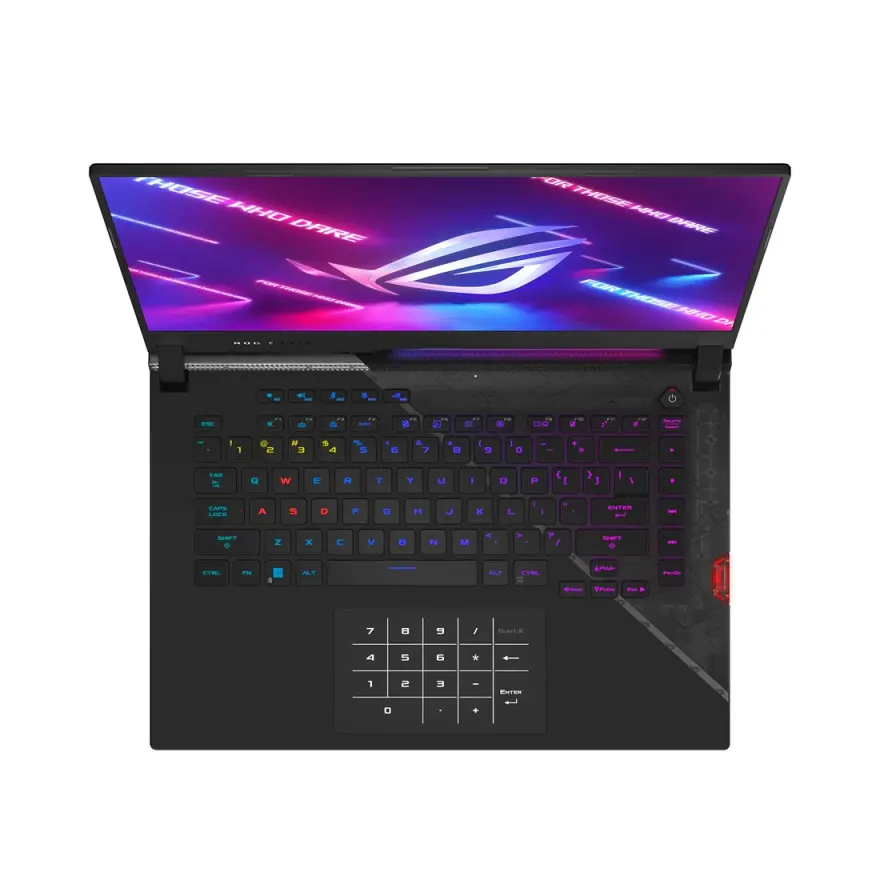
Stock changes daily. WhatsApp 0314 4000131 to confirm a specific unit is available before visiting.
FAQs — laptops for virtualization / vms in Pakistan
How much RAM do I actually need to run virtual machines comfortably?+
As a general rule, each VM needs its own allocated RAM on top of what the host OS requires. For a single VM alongside a normal Windows host, 16 GB is a workable minimum. Running two or three VMs at once makes 32 GB the practical sweet spot. 8 GB machines can run a single lightweight VM but will feel constrained quickly.
Does a dedicated GPU matter for virtualization workloads?+
For most VM use cases — running server guests, developer environments, network labs, or multiple OS instances — a discrete GPU adds little value. The CPU core count and total RAM are far more impactful. GPU passthrough to VMs is an advanced, niche use case and most users never need it.
Which processors are best suited for running multiple VMs?+
Processors with higher thread counts perform best because each VM can be scheduled across separate logical cores. In Intel terms, Core i7 and i9 CPUs generally outperform i5 chips for this reason. On AMD, Ryzen 7 and Ryzen 9 series offer excellent thread counts. The key hardware feature to confirm is Intel VT-x or AMD-V support, which all modern mainstream processors include.
Is SSD storage truly necessary or just a nice-to-have for VMs?+
For VMs it is essentially necessary. VM disk images are read and written constantly during operation, and a hard drive introduces severe latency that makes VMs feel sluggish even when CPU and RAM are adequate. NVMe SSDs deliver the best experience; SATA SSDs are an acceptable minimum. HDDs should be avoided for storing active VM images.
Can I use NN Laptops' WhatsApp to check if a specific laptop supports virtualisation before buying?+
Yes. Message the team on WhatsApp at 0314 4000131 and ask specifically whether the machine has Intel VT-x or AMD-V enabled in the BIOS, the maximum RAM it can hold, and the storage type. The team can verify these details from the bench-tested units currently in stock before you make a trip to Hafeez Center.
What warranty and return policy applies to laptops bought for VM use?+
All laptops at NN Laptops come with a 30-day check warranty. This covers hardware defects found after purchase. It is worth using the warranty window to run your hypervisor and spin up a VM within the first few days to confirm everything works as expected with your specific workload.
Does NN Laptops deliver to cities outside Lahore for VM-focused buyers?+
Yes. same-day delivery applies within Lahore. For customers outside Lahore, nationwide shipping is available via TCS and Leopards courier. You can place an order through WhatsApp at 0314 4000131 or visit the shop at 3rd Floor, Shop 66A, Hafeez Center, Gulberg III, Lahore.
What is the cheapest laptop available right now for virtualization / vms at NN Laptops?+
Based on current in-stock inventory, the most affordable option that meets the minimum spec floor for virtualization / vms starts at Rs. 334,500. Prices change daily as units sell — WhatsApp 0314 4000131 for the latest availability and to reserve a unit before it sells.
Other guides and sections
Guides for other buyers
Ready to pick one?
WhatsApp 2–3 catalog URLs you're considering + your city. We've physically seen every unit — we'll tell you which one has the cleanest condition and dispatch same-day.