
Laptops for MATLAB & Engineering Simulation
MATLAB and engineering simulation demand a laptop with a high-core-count processor, at least 16 GB of RAM, and fast storage — because the software is CPU-bound and keeps large datasets in memory. A mid-to-high-range processor-class laptop in the Rs. 80,000–150,000 range typically covers FEA, control systems, and signal processing workloads without throttling mid-session.
What matlab & engineering simulation actually need in a laptop
MATLAB is heavily single-threaded for scripting but bursts across all cores during matrix operations, Simulink model compilation, and toolbox-heavy simulations — so raw clock speed and core count both matter. RAM is the most critical bottleneck: datasets, intermediate variables, and open figures all live in memory, and 16 GB is the practical floor while 32 GB is recommended for FEA or large Simulink models. Fast NVMe SSD storage dramatically reduces model-load and data-import times compared with older SATA drives. A discrete GPU is only necessary if you are using the Parallel Computing Toolbox with GPU arrays or running CFD/rendering alongside MATLAB; for the vast majority of engineering simulation workflows, a strong CPU and ample RAM matter far more.
How much should matlab & engineering simulation spend?
This range covers capable quad-to-hex-core processors (i5 10th–12th gen or Ryzen 5 equivalent) with 16 GB RAM — sufficient for undergraduate MATLAB coursework, basic Simulink models, and signal processing labs. Expect some wait time on larger simulations but reliable everyday performance.
The most productive tier for working engineers and postgrad researchers. Higher-gen i7 or Ryzen 7 class processors with 16–32 GB RAM handle multi-domain Simulink models, FEA tool integrations, and Control System Toolbox work without sustained throttling. Fast NVMe storage in this tier reduces iteration time noticeably.
For professionals running large-scale FEA, Parallel Computing Toolbox jobs, or combining MATLAB with CFD or data-science pipelines. Expect 32 GB RAM, top-tier multi-core CPUs, and optionally a discrete GPU for GPU-accelerated toolbox work. Best for R&D engineers, simulation consultants, and faculty with heavy computational demands.
Top matlab & engineering simulation laptops we have right now
Ranked by fit to the matlab & engineering simulation spec floor then by value — these 12 units are what we would pick today. Nationwide shipping via TCS / Leopards, 30-day check warranty.
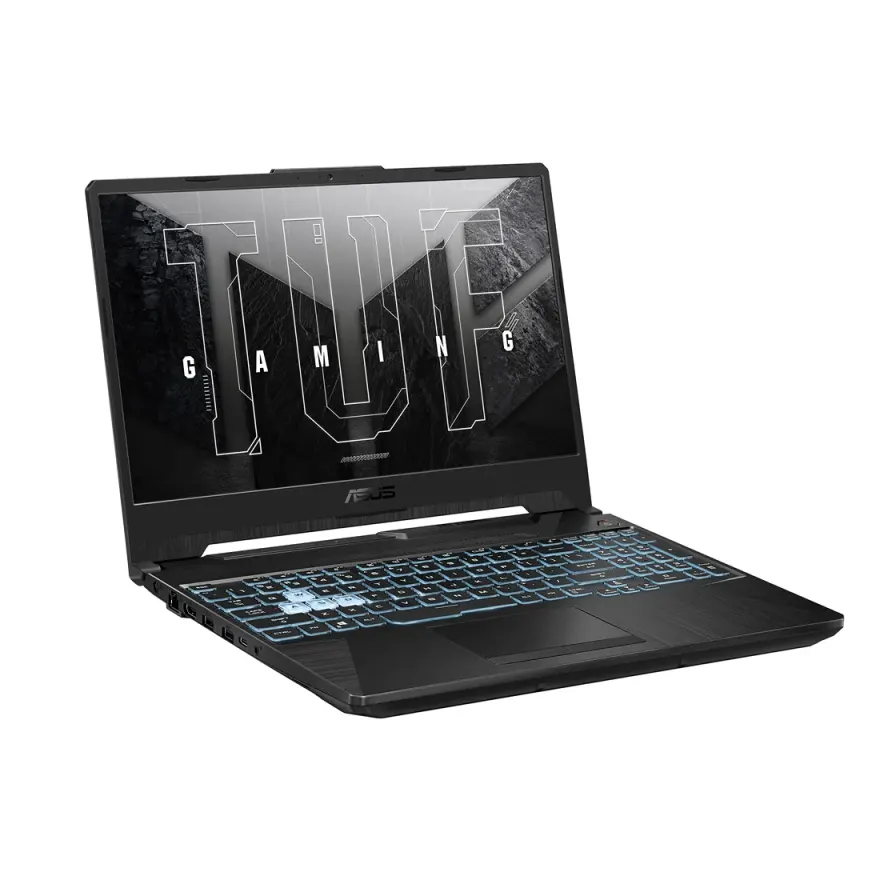
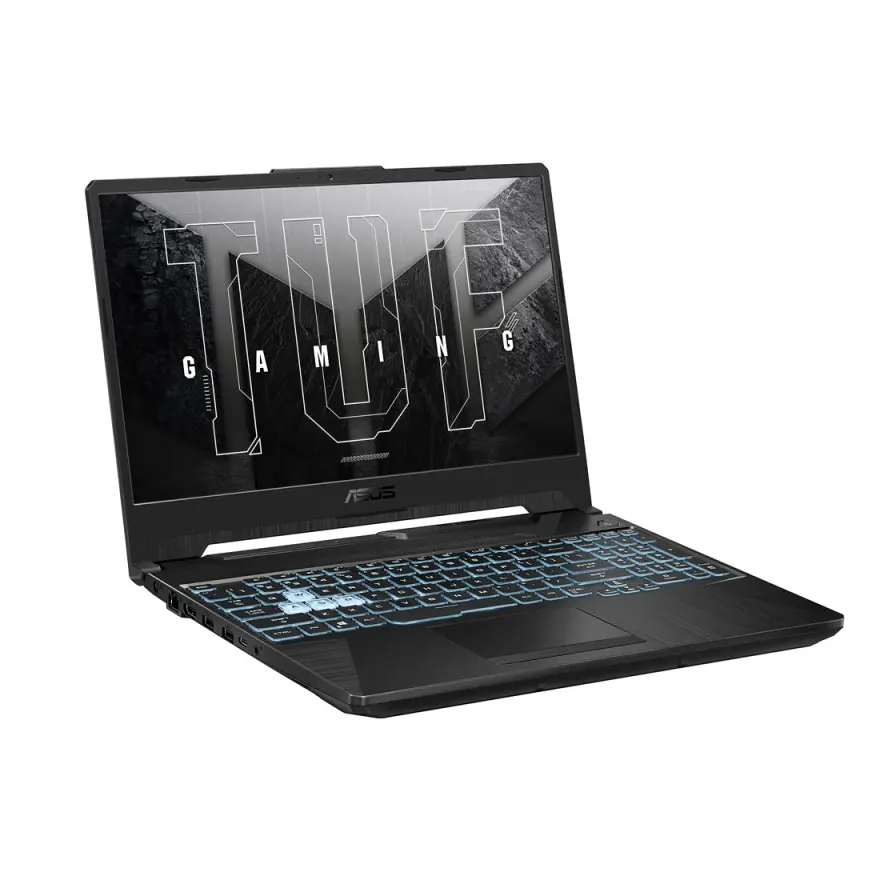
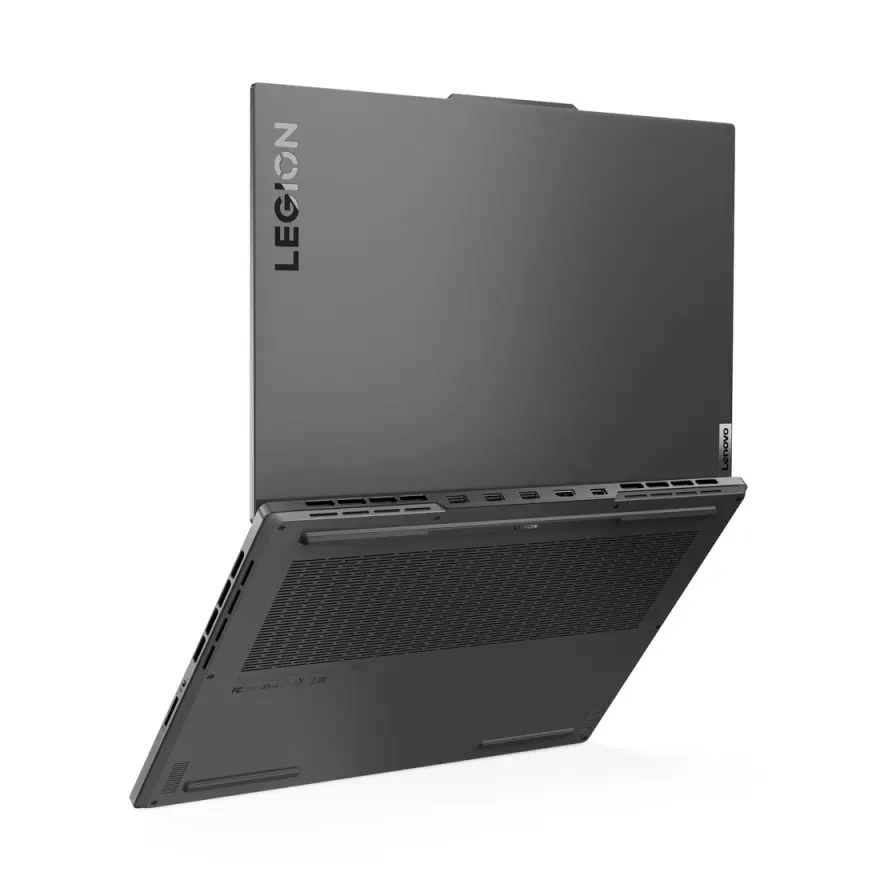
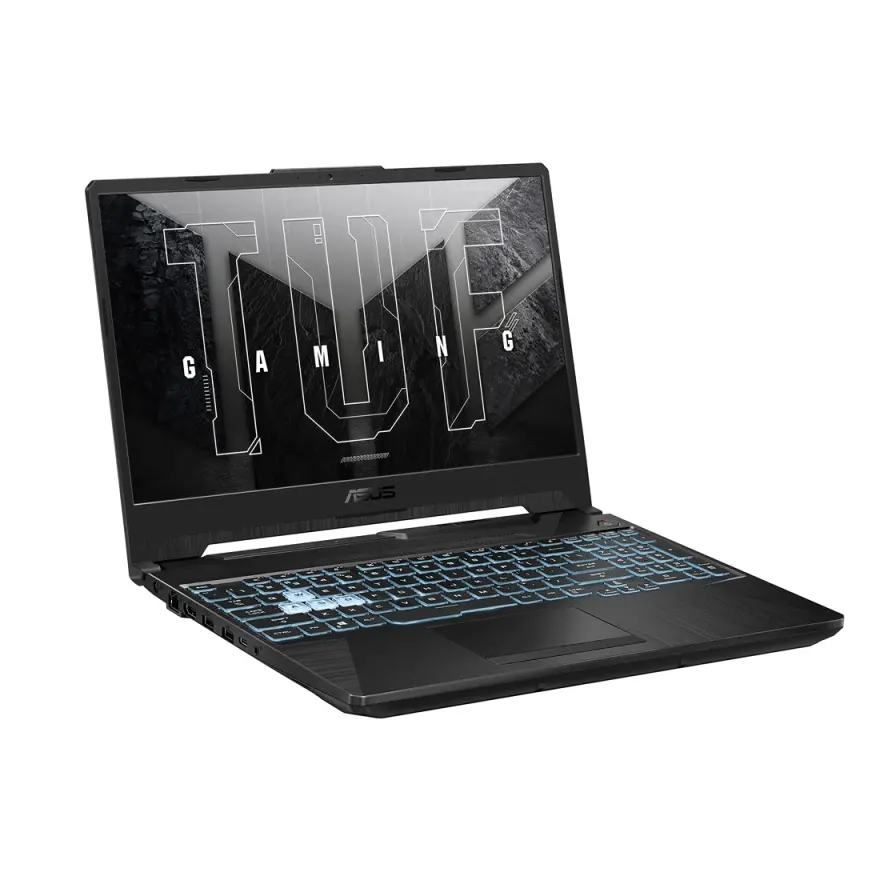
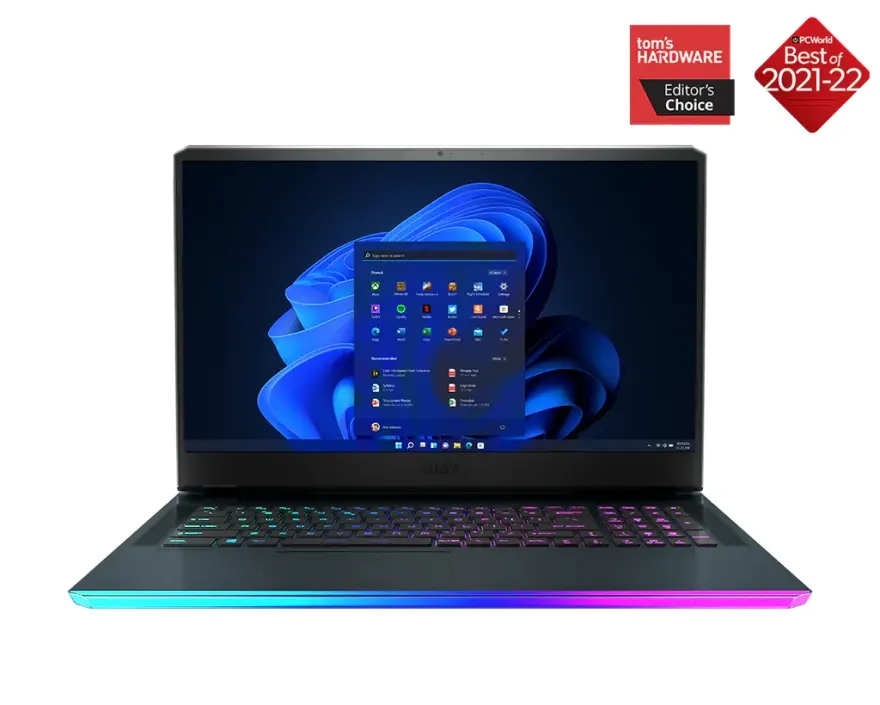
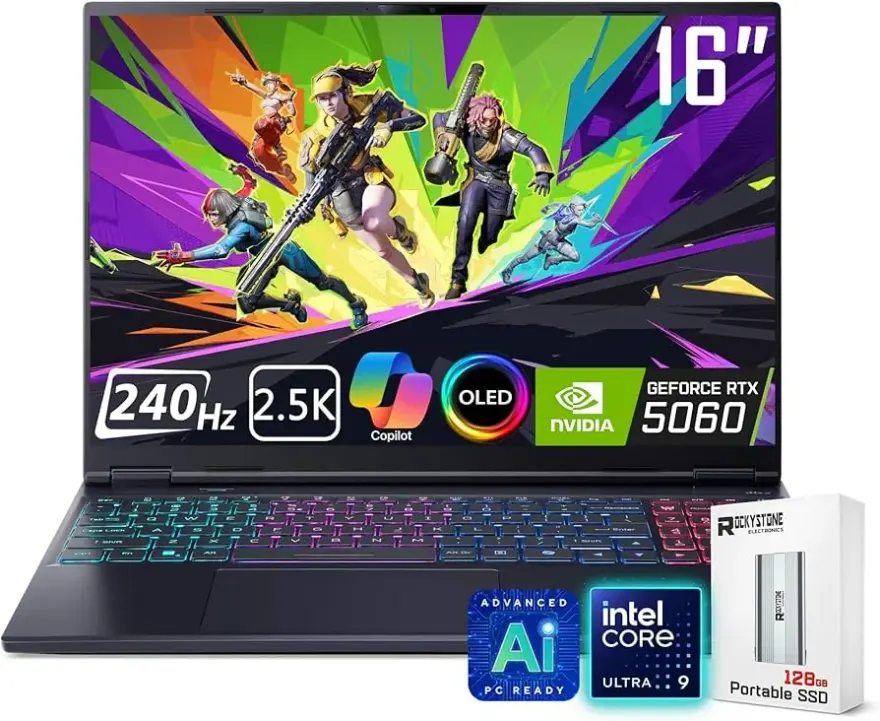
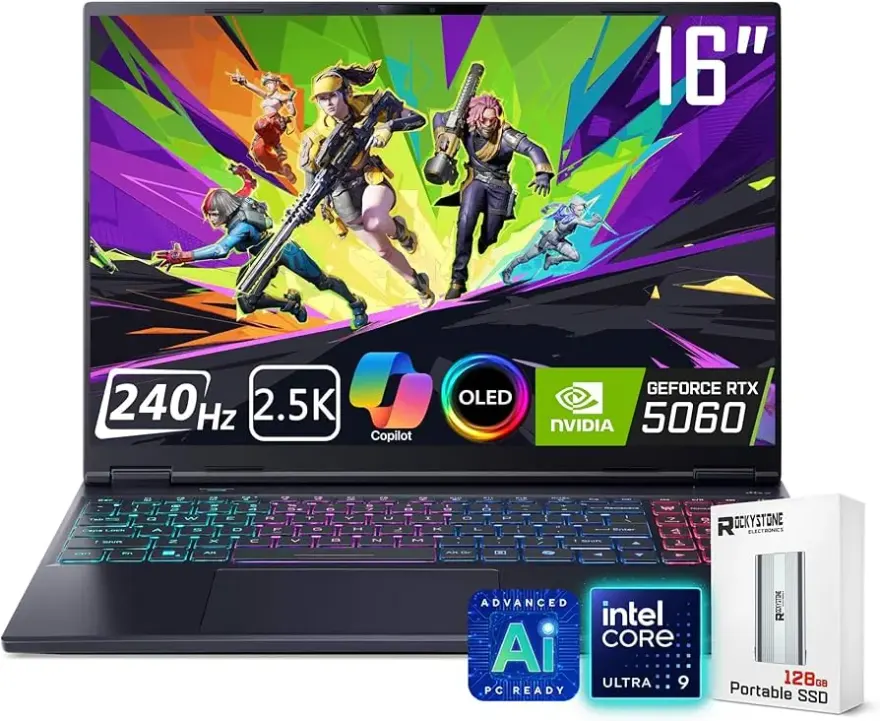
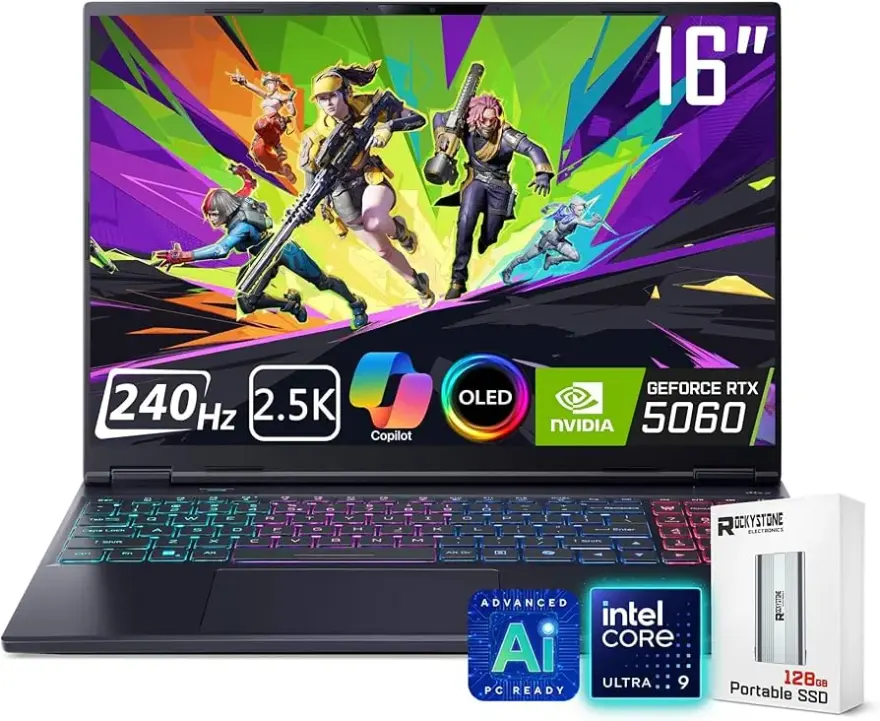
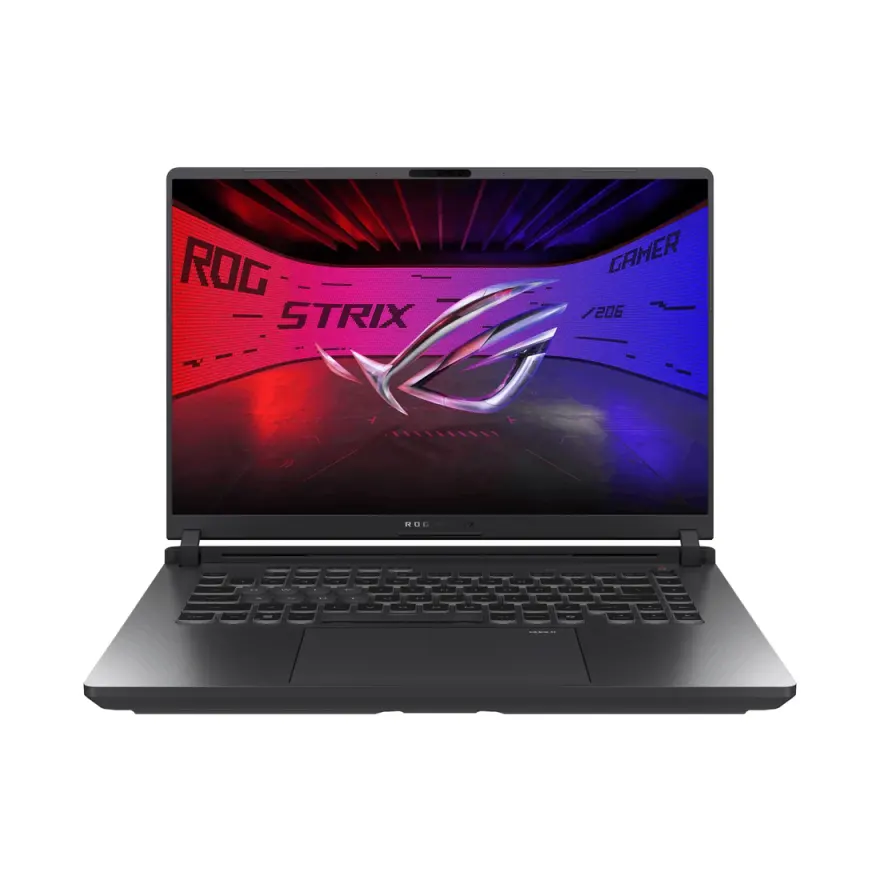
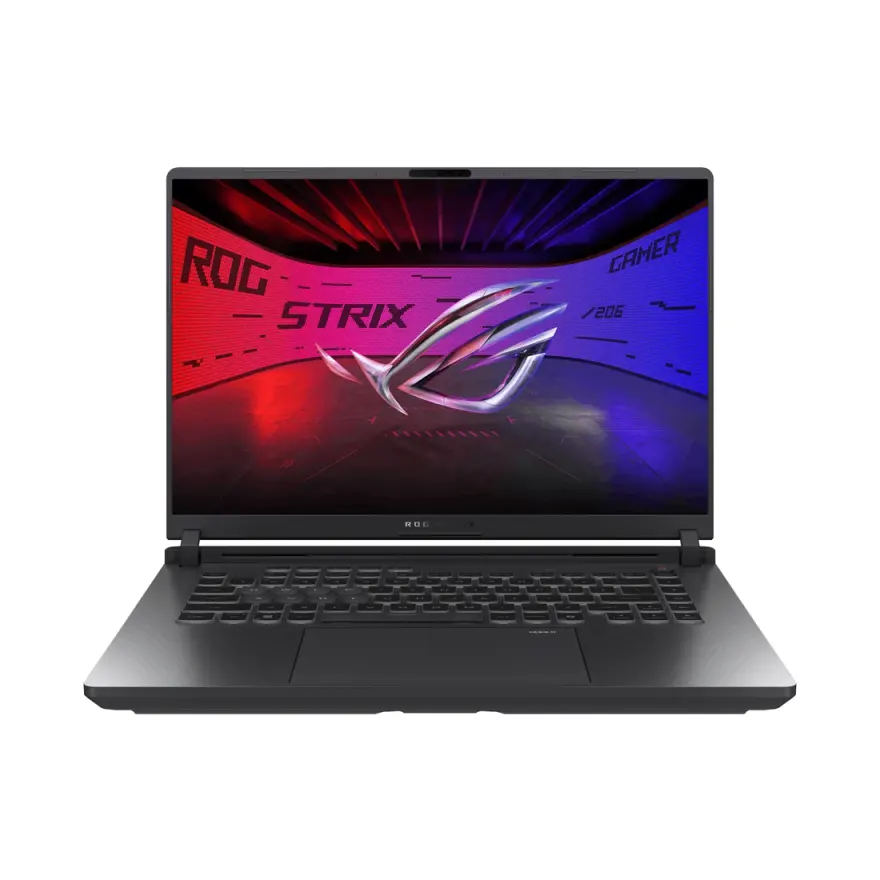
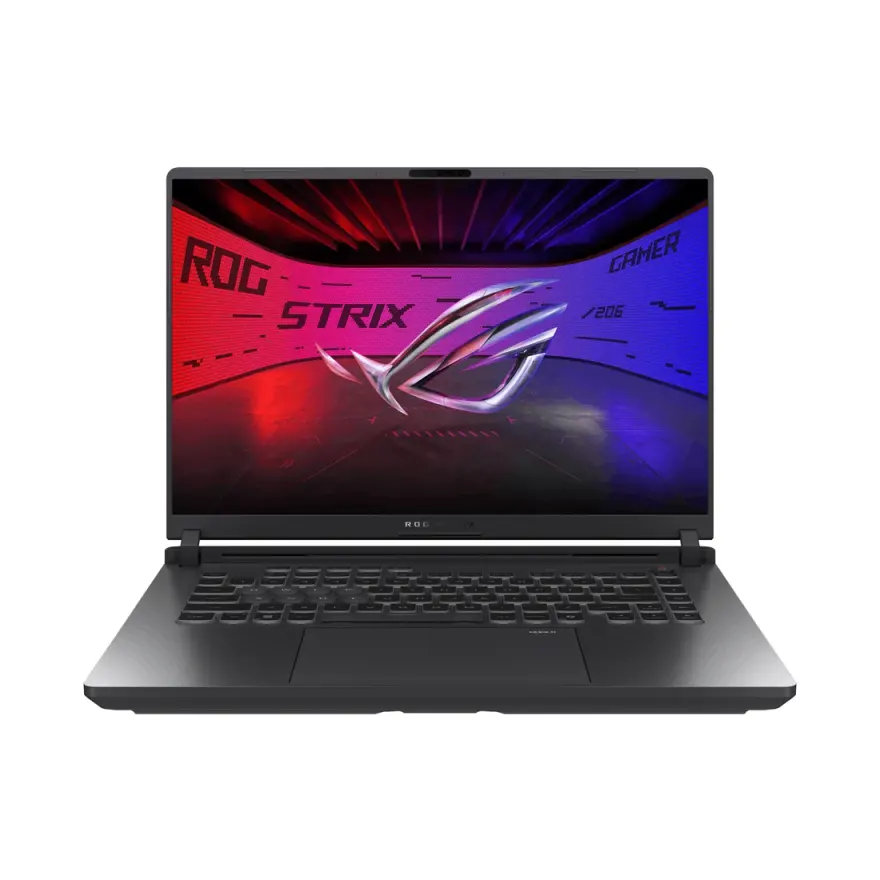
Stock changes daily. WhatsApp 0314 4000131 to confirm a specific unit is available before visiting.
FAQs — laptops for matlab & engineering simulation in Pakistan
How much RAM do I really need for MATLAB?+
16 GB is the realistic minimum for smooth MATLAB use — once you open large matrices, run Simulink, and keep figures open simultaneously, 8 GB fills up fast. If your work involves FEA imports, large time-series datasets, or parallel workers, 32 GB will save you from constant out-of-memory errors.
Does MATLAB benefit from a dedicated GPU?+
Only if you explicitly use the Parallel Computing Toolbox with GPU arrays, or run GPU-accelerated deep learning alongside MATLAB. For standard simulation, control systems, signal processing, and Simulink, a powerful CPU and ample RAM matter far more than a discrete GPU.
Is an i5 enough for engineering simulation or do I need an i7?+
A modern i5 (11th gen or newer) handles undergraduate and light professional MATLAB work well. Once simulations grow — multi-subsystem Simulink, optimization toolboxes, or Monte Carlo runs — an i7 or Ryzen 7 class CPU noticeably shortens run times due to higher core counts and better sustained boost clocks.
How do I know the laptop I buy will actually run my workload?+
Every laptop at NN Laptops is bench-tested before sale and comes with a 30-day check warranty. If a unit has thermal or performance issues under load, that gets caught before it reaches you. You can also WhatsApp us at 0314 4000131 to describe your specific MATLAB workload and we will point you to the right spec tier.
Does SSD speed matter for MATLAB?+
Yes — MATLAB reads toolbox files, loads .mat datasets, and writes temporary files constantly. An NVMe SSD makes startup, data import, and model loading noticeably faster than an older SATA SSD or HDD. It is not as critical as RAM, but it removes a common friction point during iterative engineering work.
Can I get same-day delivery in Lahore?+
Yes. NN Laptops offers same-day delivery within Lahore. Nationwide delivery is available via TCS and Leopards Courier. You can also visit us in person at Shop 66A, 3rd Floor, Hafeez Center, Gulberg III, Lahore.
Which processor brand is better for MATLAB — Intel or AMD Ryzen?+
Both perform well for MATLAB. Intel's higher single-thread boost clocks can edge ahead in sequential script execution, while AMD Ryzen's multi-core efficiency shines during parallel toolbox operations. The generation and tier (i7 vs i5, Ryzen 7 vs Ryzen 5) matter more than brand alone for engineering simulation.
What is the cheapest laptop available right now for matlab & engineering simulation at NN Laptops?+
Based on current in-stock inventory, the most affordable option that meets the minimum spec floor for matlab & engineering simulation starts at Rs. 400,000. Prices change daily as units sell — WhatsApp 0314 4000131 for the latest availability and to reserve a unit before it sells.
Other guides and sections
Guides for other buyers
Ready to pick one?
WhatsApp 2–3 catalog URLs you're considering + your city. We've physically seen every unit — we'll tell you which one has the cleanest condition and dispatch same-day.