Sabrent USB 3.2 Gen2 NVMe / SATA Tool-Free Enclosure — Portable U
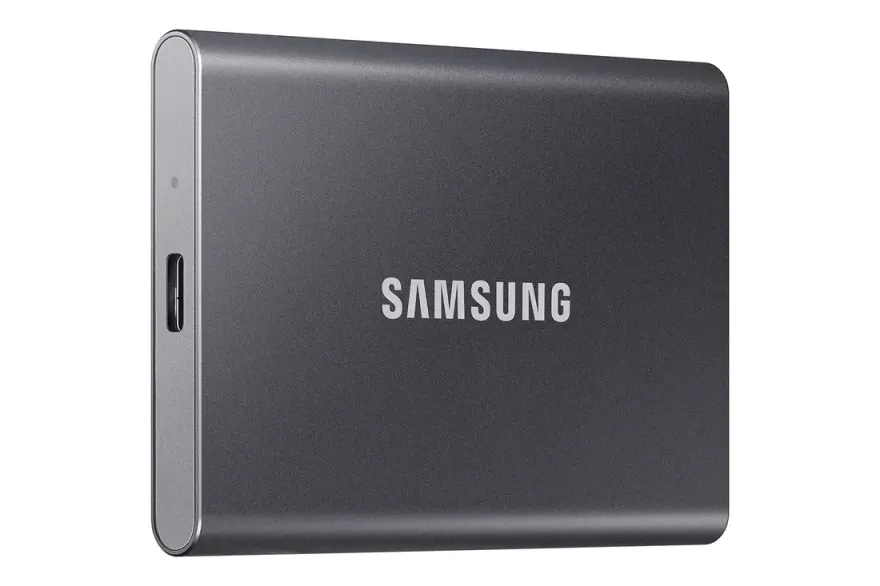
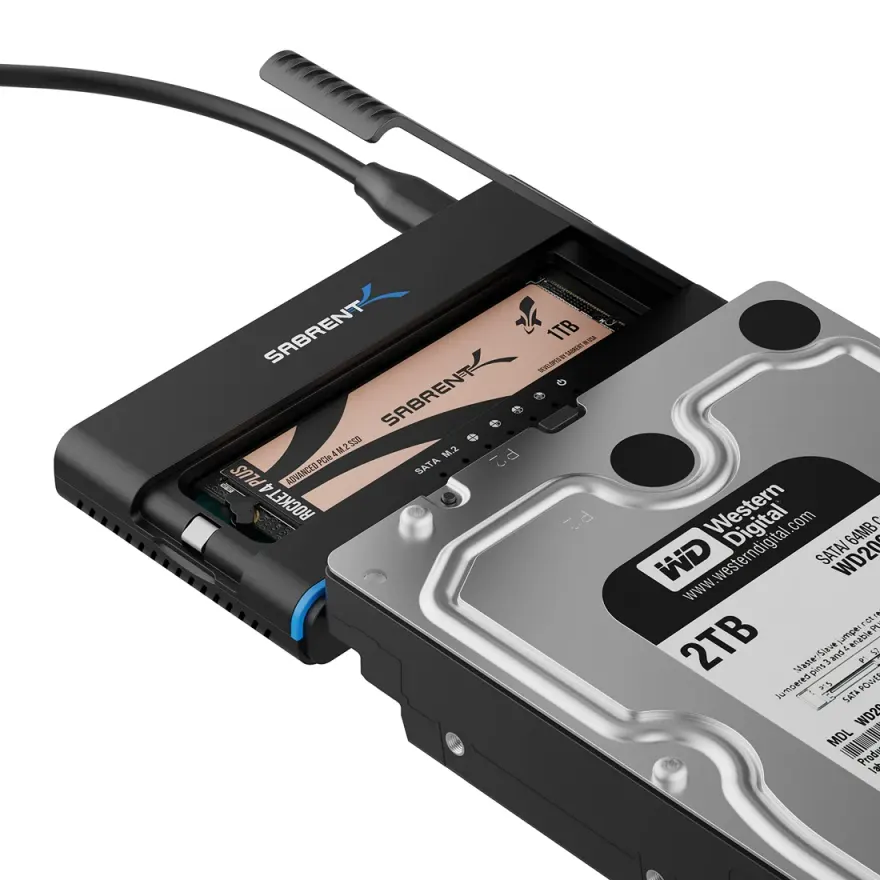
The Sabrent USB 3.2 Gen2 NVMe / SATA Tool-Free Enclosure turns a spare laptop M.2 SSD into a portable external drive. Tool-free, NVMe + SATA dual support, up to 2TB. It's the easiest way to repurpose old M.2 SSDs after a laptop upgrade — drop the SSD inside, plug the included USB-C cable into any modern laptop/phone/tablet, and you have a tiny portable drive. At N.N Laptops in Hafeez Center, Lahore, this enclosure costs Rs. 8,499 with 30-day replacement warranty.
Enclosure specifications
| Brand | Sabrent |
|---|---|
| Model | USB 3.2 Gen2 NVMe / SATA Tool-Free Enclosure |
| Specification | Tool-free, NVMe + SATA dual support, up to 2TB |
| Interface | USB-C 3.2 Gen 2 (up to 10 Gbps theoretical) |
| In the box | Enclosure, USB-C to USB-C cable, USB-C to USB-A cable, mounting screws |
| Compatibility | Windows, macOS, Linux, ChromeOS, Android, iPad Pro |
| Warranty | 30-day replacement at N.N Laptops |
What SSDs fit inside?
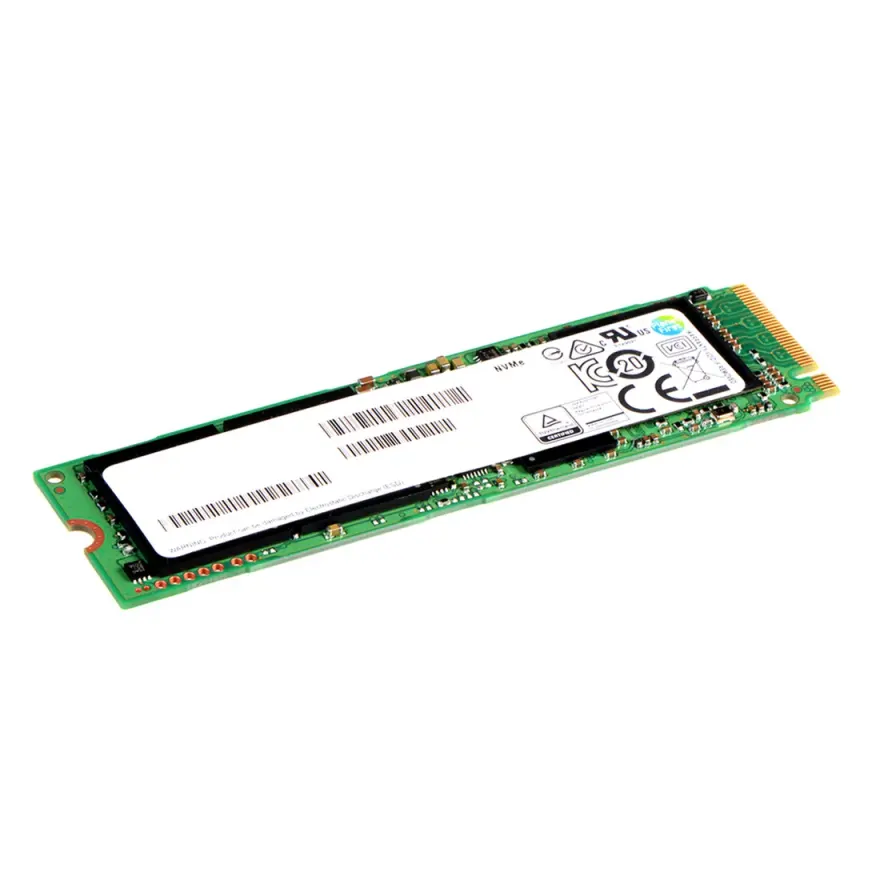
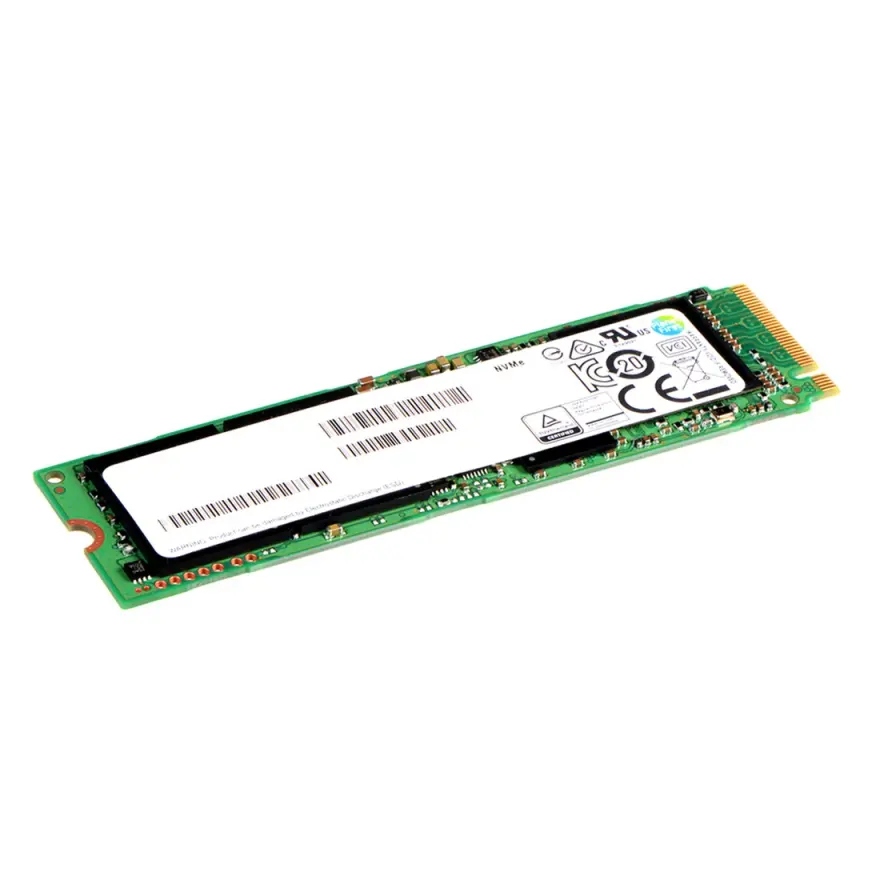
Any standard M.2 2280, 2260 or 2242 NVMe SSD up to 2 TB. Some models (Sabrent's tool-free unit) also accept M.2 SATA SSDs. Tested with SSDs from Samsung 980 PRO, WD Black SN770 and many others. To buy the SSD itself, see matching RAM upgrades.
Use cases
- Turn an old 256 GB NVMe (left over after a 1 TB upgrade) into a portable 256 GB SSD worth Rs. 8,499+.
- Bootable Windows-To-Go drive that runs on any USB-C laptop.
- Fast backup target: 800 MB/s vs 100 MB/s on traditional external HDDs.
- 4K video editing: edit directly off the external SSD without copying.
- Steam library for newer games where 1 TB internal isn't enough.
- Software developer working between desktop and laptop — keep the entire workspace on one drive.
- Photographers: use as a fast offload drive in the field with an iPad or phone.
- Students: carry all project files between college and home without cloud delays.
Why an external SSD beats an external HDD
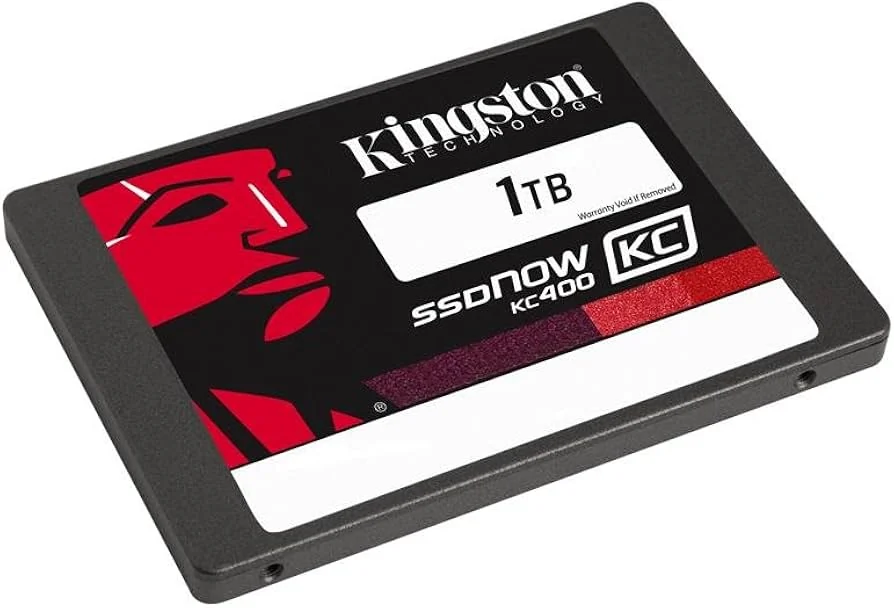
Traditional 2.5" external HDDs are limited to about 100-130 MB/s in real-world transfers and are vulnerable to drops. An M.2 NVMe enclosure has no moving parts, runs at 800-1,000 MB/s on USB-C 10 Gbps, and survives the kind of bag-rummaging that kills mechanical drives. The price gap is shrinking every year — and at just Rs. 8,499, this Sabrent enclosure is a no-brainer for anyone with a spare M.2 SSD.
Real-world performance and testing
We bench-test every unit before dispatch to ensure it hits the rated speeds. On a USB-C 10 Gbps port, expect 850-1,000 MB/s sustained reads and writes. Even on older 5 Gbps USB-A ports, you'll get around 420 MB/s — still four times faster than a mechanical drive. For heavy workloads, the aluminium body dissipates heat effectively; we've seen continuous 850+ MB/s for hours with the included thermal pad installed.
Why buy from N.N Laptops in 2026?
As Pakistan's go-to source for storage upgrades in 2026, we stock this Sabrent USB 3.2 Gen2 NVMe / SATA Tool-Free Enclosure at a competitive price of Rs. 8,499. Each unit is quality-checked before it leaves our shop at Hafeez Center, Gulberg III, Lahore. We offer same-day delivery in Lahore and ship nationwide via TCS or Leopards to Karachi, Islamabad, Rawalpindi, Faisalabad, Multan, Peshawar, Sialkot — fast and insured. Need live photos or a quick compatibility check? WhatsApp Sayam at 0314 4000131 — I'll confirm your SSD model and even send a video of the exact unit.
How to assemble
Slide off the aluminium cover. Insert your M.2 SSD into the slot at 30° and lock with the included screw or rubber clip. Replace the cover, plug in via USB-C, and format the drive in Windows Disk Management or macOS Disk Utility. Browse NVMe and SATA SSDs for matching SSDs.
Pro tip — apply the thermal pad
Some enclosures ship with a small thermal pad inside the cover. Peel the protective film off both sides and place it directly over the SSD's controller chip before closing the cover. Skipping this step means your enclosure will throttle within 5-10 minutes of sustained transfer; with the pad in place, you can sustain 850-900 MB/s for hours. Our team includes it with every sale — just make sure you use it!
Where to buy in Pakistan
Stocked at N.N Laptops, Shop 66A, 3rd Floor, Hafeez Center, Gulberg III, Lahore for Rs. 8,499. Lahore delivery, with nationwide shipping at actual TCS / Leopards rates. WhatsApp 0314 4000131 to order or ask anything. See storage upgrades for full storage range.
Frequently asked questions
What's the actual speed I'll see?
On a USB-C 10 Gbps port, expect 850-1,000 MB/s real-world sustained read/write. On older 5 Gbps USB-A ports it tops out around 420 MB/s — still 4x a traditional external HDD.
Does it work with my Android phone or iPad?
Yes — modern Android phones (USB-C, Android 12+) and iPad Pro (USB-C, M-series) recognise the drive as external storage.
Does it overheat under sustained writes?
The aluminium body acts as a heatsink. Large writes (50+ GB sustained) may warm to 60-65°C but the enclosure throttles before any damage occurs. For best thermals, use the included thermal pad — we always include one.
Will my existing M.2 SSD fit?
Most 2280 NVMe SSDs fit. WhatsApp 0314 4000131 with the model number and we'll confirm before you order.
Does it support Time Machine or Windows Backup?
Yes — formatted as APFS (Mac) or exFAT (cross-platform) it works with all major backup tools.