Why This Lenovo Square Tip DC Jack is the Right Fix for Your IdeaPad
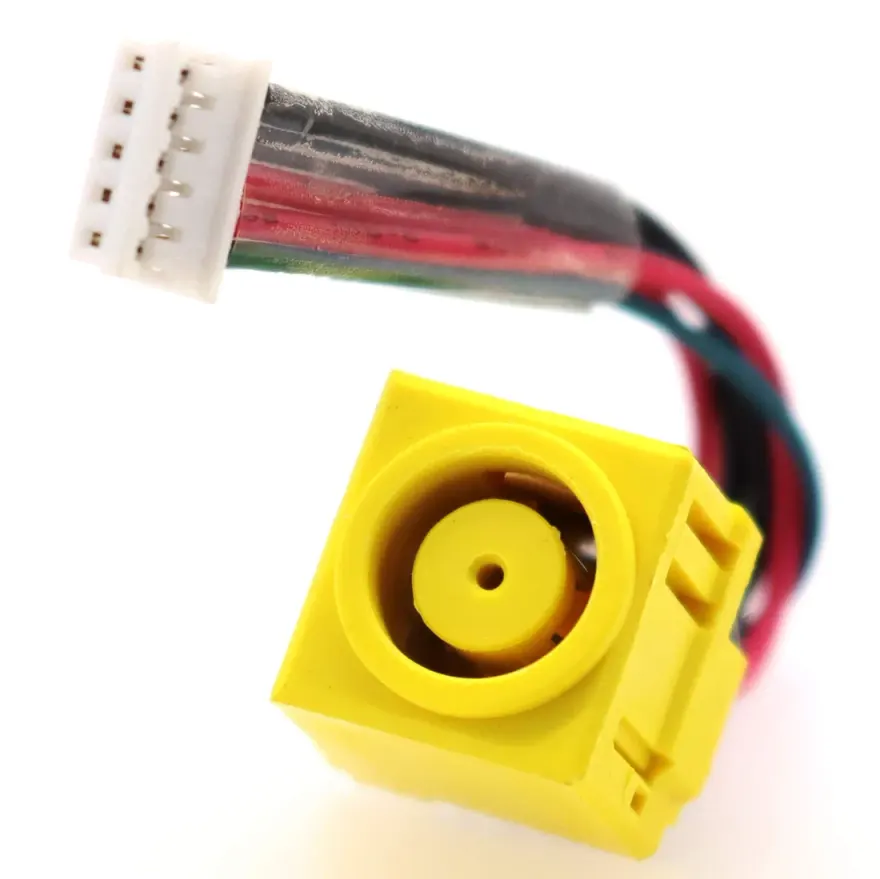
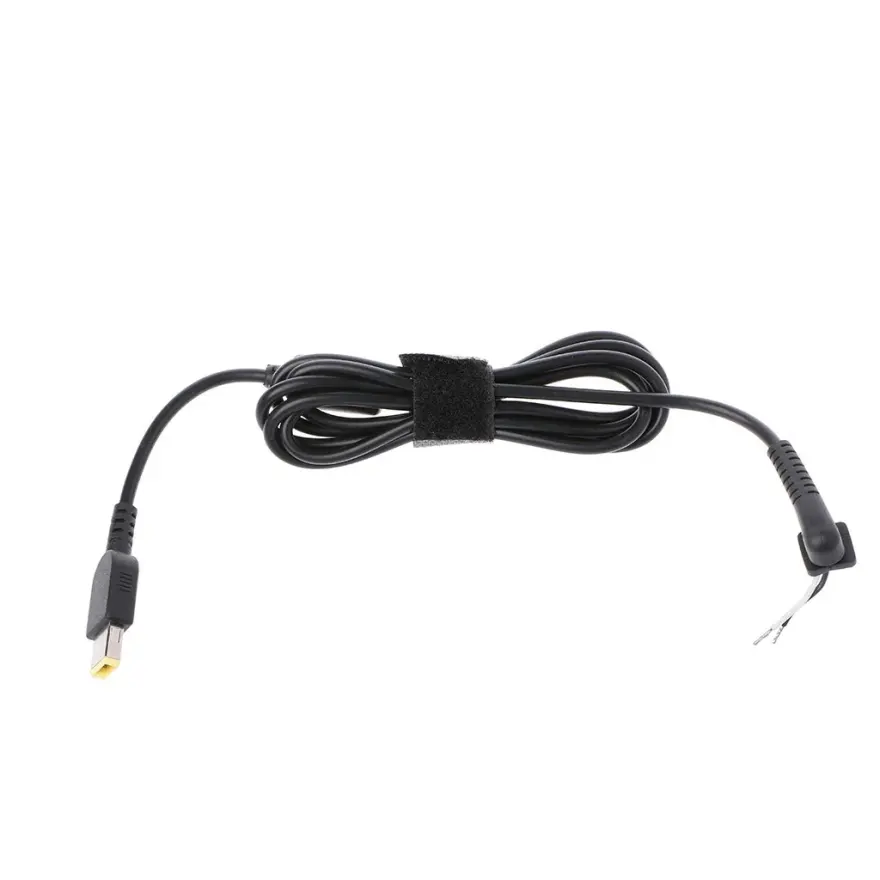
If your IdeaPad G50 or Y50 charges only when the plug is held at an angle, or the battery icon flickers between charging and not charging, the DC jack is almost certainly cracked inside. This OEM-spec replacement from N.N Laptops at Hafeez Center, Lahore — the same part Lenovo uses in service centres — restores solid, reliable charging without any guesswork. Priced at Rs. 1,599, it's the most cost-effective fix for a frustrating problem, and it ships with the cable harness already attached so you can install it in 20–30 minutes with just a screwdriver.
What You Get – Exact Specs & Build Quality
This Lenovo Square Tip DC Jack with Cable is a genuine service part, not a cheap aftermarket copy. The connector is a Lenovo square tip female that mates perfectly with OEM chargers. The cable is a ~6–8cm pigtail terminated with a keyed 2-pin motherboard connector — no soldering required on the harness side, just plug it in. The plastic body is reinforced with proper metal contacts, and the wire uses heavier 22 AWG copper to handle the 4–6A draw of these laptops without heating up. We bench-test each jack before it goes into stock to guarantee it's working, and it comes with our standard 30-day check warranty.
Compatibility – Which Laptops Does This Fit?
This DC jack is designed for Lenovo IdeaPad models that use the square tip charger. Confirmed compatible models include:
- IdeaPad G50
- IdeaPad G50-70
- IdeaPad Y50
- IdeaPad Z50
- IdeaPad 110
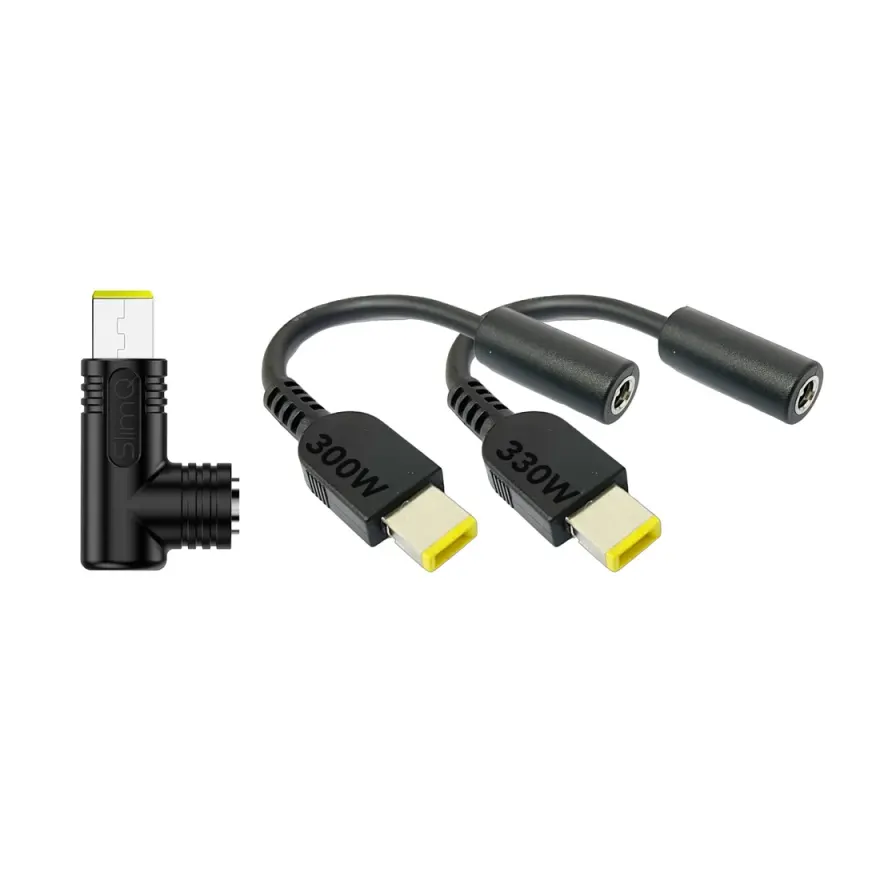
If your laptop uses a Lenovo square tip charger (the rectangular female port, not the round one), this part will work. To be sure, send a photo of your old jack on WhatsApp 0314 4000131 — we'll verify compatibility within minutes. We stock this part for walk-in customers in Lahore, Karachi, Islamabad, Rawalpindi, Faisalabad, Multan, Peshawar, and Sialkot deliver nationwide via TCS or Leopards.
Installation – Simple Screwdriver Job
Unlike older DC jacks that require soldering directly to the motherboard, this one uses a plug-in cable harness. The process is straightforward:
- Power off, remove battery and AC.
- Unscrew the bottom panel (8–12 Phillips screws).
- Unplug the old harness from the motherboard.
- Remove the old jack (1–2 screws, may be glued).
- Seat the new jack, screw down, plug in the harness.
- Reassemble and test.
If you're in Lahore, bring your laptop to Shop 66A, 3rd Floor, Hafeez Center, Gulberg III and we'll install it for free. For DIY, we recommend having a plastic spudger and a small Phillips screwdriver ready.
Why Buy From N.N Laptops?
We're a trusted laptop parts retailer in Hafeez Center, and we personally test every DC jack before listing it. This specific part is the Lenovo Square Tip DC Jack with Cable for IdeaPad G50 / Y50 price in Pakistan 2026 — and we keep it at a fair Rs. 1,599 because we believe in honest pricing. Order through nnlaptops.com or message Sayam on WhatsApp 0314 4000131 for advice, stock confirmation, or live photos. We offer same-day delivery in Lahore, and ship nationwide via TCS or Leopards. Every purchase includes a 30-day check warranty — if the jack fails within two weeks, we replace it no questions asked.