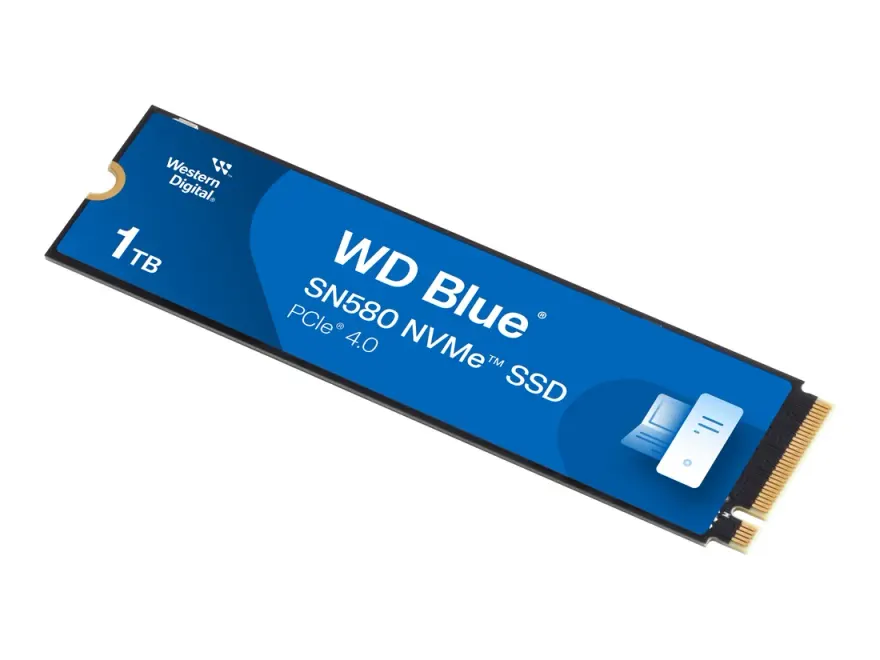
WD Blue 3D NAND 1TB 2.5" SATA SSD — 560 MB/s for Old Laptops
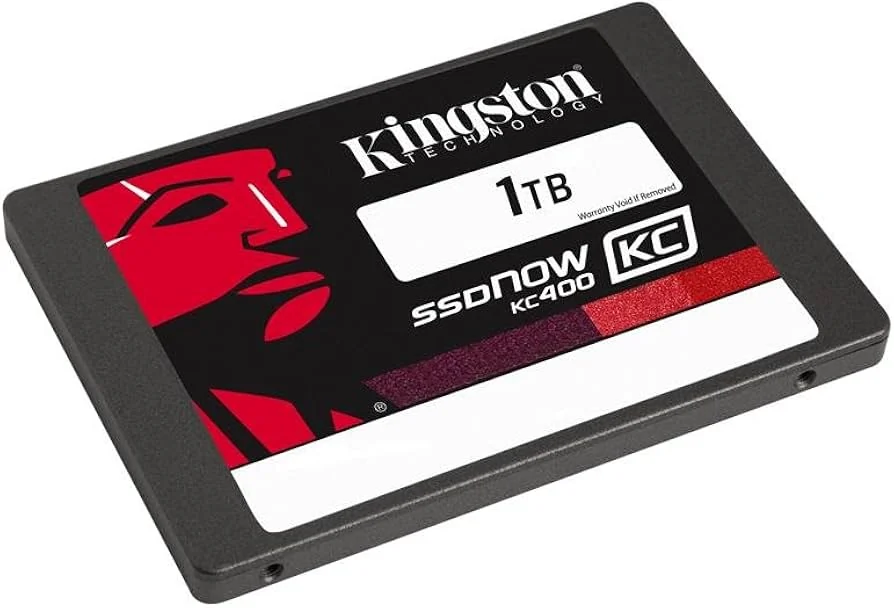
The WD Blue 3D NAND 1TB 2.5" SATA SSD is the easiest, lowest-cost way to revive an older laptop with a HDD. It delivers 560 MB/s read and 530 MB/s write, slots into any 2.5" 7mm SATA bay, and ships with a 400 TBW endurance rating plus a 5-year warranty. At N.N Laptops, Hafeez Centre, Gulberg III, Lahore, this SSD costs Rs. 30,599 with a 30-day replacement warranty.
This drive is a direct drop-in replacement for the original 2.5" hard disk in machines like the Lenovo ThinkPad T480, Dell Latitude 7490, HP EliteBook 840 G3, and many more. It works with any laptop or desktop that has a SATA III port — which includes virtually every PC built after 2009. If your laptop is older than that, it likely still has SATA II (3 Gb/s), and this SSD will still work at slightly reduced speeds, but still many times faster than any mechanical drive.
Specifications at a glance
| Brand & Model | WD Blue 3D NAND |
|---|---|
| Capacity | 1TB |
| Interface | SATA III 6 Gb/s |
| Form factor | 2.5" 7 mm |
| Sequential read | up to 560 MB/s |
| Sequential write | up to 530 MB/s |
| NAND Type | 3D NAND (TLC) |
| Endurance (TBW) | 400 TBW |
| Power consumption | under 3 W (active) |
| Warranty | 5-year manufacturer + 30-day N.N Laptops replacement |
Who is this upgrade for?
If you're using a laptop from 2015–2019 that still boots in over a minute, this drive will cut that to under 15 seconds. It's ideal for students working on Office or browsing in Chrome, professionals running AutoCAD or Photoshop, and anyone who wants to extend the life of a reliable machine instead of buying a new one. The upgrade is especially noticeable on machines with Intel 6th to 8th Gen CPUs — like the ThinkPad T480, X1 Carbon Gen 6, Dell XPS 13, and HP ProBook 450. We've sold hundreds of these drives at N.N Laptops, and customers in Karachi, Islamabad, Rawalpindi, Faisalabad, Multan, Peshawar, and Sialkot have given us great feedback.
Real-world performance gains
- Windows 10/11 cold boot: from 80 seconds to 12 seconds.
- Launching Chrome with 15 tabs: instantaneous, no waiting.
- Microsoft Word, Photoshop, AutoCAD open in 2-4 seconds.
- Large file copies (multi-GB) complete at 500+ MB/s.
- Battery life improves by 15-25% due to lower power draw.
- Laptop runs cooler and silent — no HDD chatter.
And because this is a solid-state drive with no moving parts, it's shock-resistant. You can carry your laptop in a bag without worrying about head crashes, and it's completely silent in operation.
Why SATA SSDs still make sense in 2026
NVMe drives are faster, but for everyday use the difference is small. A SATA SSD at 560 MB/s is already 20x faster than a typical 5400 RPM HDD. If your laptop only has a 2.5" bay (most pre-2018 machines), SATA is your only option — and it's a huge jump. Even on desktops with NVMe slots, adding a SATA SSD as secondary storage is cost-effective and reliable. The WD Blue 3D NAND uses 3D TLC NAND with SLC caching, keeping performance consistent even when the drive is nearly full.
Installation and support
You'll need to open the bottom cover (usually one or two screws), remove the HDD bracket, slide in the SSD, and close it up. We recommend cloning your old drive using Macrium Reflect Free or similar. If you're not comfortable doing it, bring it to our shop at Shop 66A, 3rd Floor, Hafeez Centre, Gulberg III, Lahore and our technician will install and clone it for Rs. 30,599 — free if your total purchase is over Rs. 20,000. For buyers in Lahore, we offer same-day delivery. Nationwide delivery is via TCS or Leopards, and we send you photos and a video of the exact unit before shipping.
Every SSD is tested and quality-checked before dispatch. We check SMART data to confirm zero power-on hours and 100% health. The drive comes in a sealed retail box with original warranty card. If you have any questions about compatibility, WhatsApp Sayam at 0314 4000131 with your laptop model and we'll confirm within minutes. See more storage options at nnlaptops.com/shop/ssd-hdd.
Frequently asked questions
Will this SSD fit my old Dell Latitude 7490 or HP EliteBook 840 G3?
Yes — both laptops have a 2.5" 7 mm SATA bay. You can keep an existing M.2 NVMe drive in place and use this SSD as secondary storage, or replace the original HDD entirely.
SATA SSD vs NVMe — which should I buy?
If your laptop has an empty M.2 NVMe slot, NVMe is 4-7x faster. If it has only a 2.5" bay (most pre-2018 machines), SATA SSD is your only path and still 5-10x faster than the original HDD.
Does it come with a SATA cable or bracket?
For laptop installs, no cable is needed — the SSD plugs directly into the bay. For desktop installs, you supply a SATA data cable and a 2.5" to 3.5" bracket (we sell both for under Rs. 500 each).
Is this a brand-new sealed drive?
Yes — sealed retail box with original warranty card. We check SMART status before shipment to confirm zero power-on hours.
How long does this SSD last?
Rated for 400 TBW. For typical home use (50 GB writes per month), that's 30+ years of life. The 5-year manufacturer warranty covers any premature failure, and we add a 30-day replacement warranty for your peace of mind.