WD Blue SN570 500GB Gen3 NVMe SSD — 3500 MB/s Laptop Upgrade
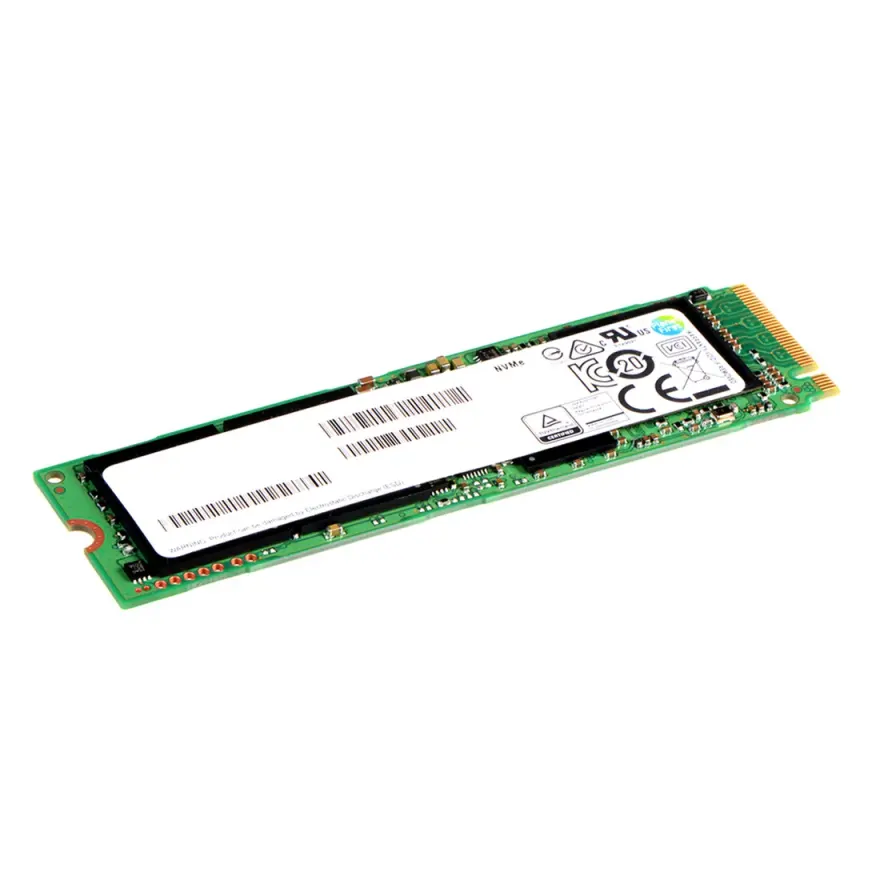
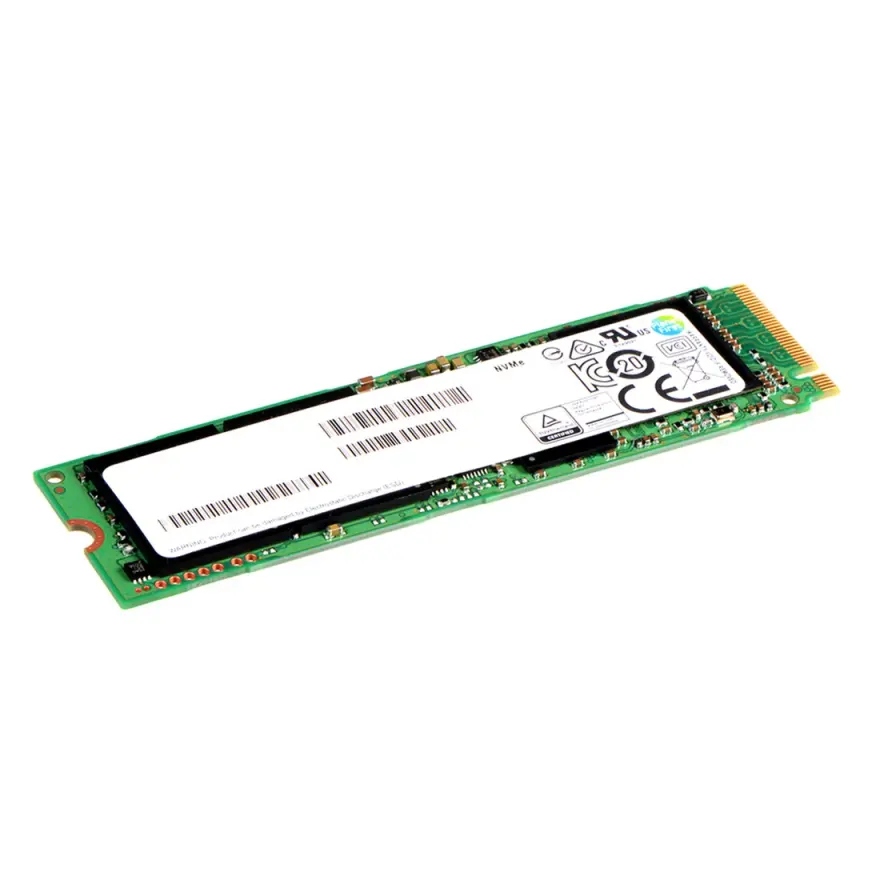
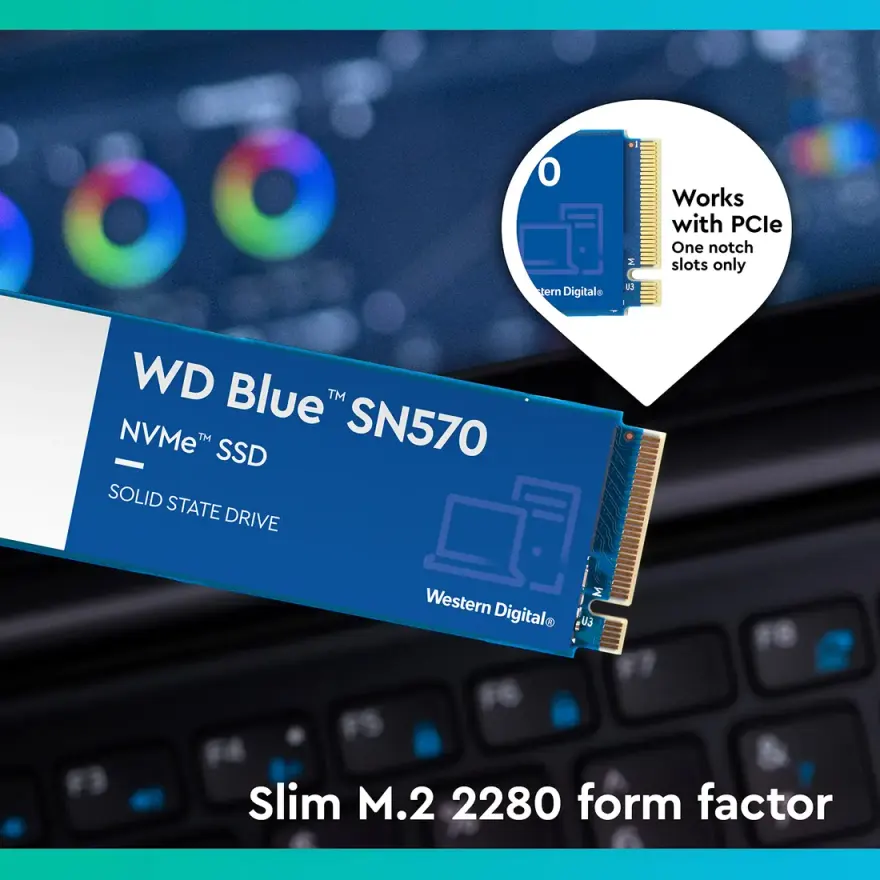
The WD Blue SN570 500GB NVMe SSD is a PCIe 3.0 x4 M.2 2280 internal drive built for everyday office work, content browsing and basic gaming. It delivers up to 3500 MB/s sequential read and 2300 MB/s sequential write, with a 300 TBW endurance rating and a 5-year manufacturer warranty. At N.N Laptops, Shop 66A, 3rd Floor, Hafeez Center, Gulberg III, Lahore, this drive costs Rs. 22,599 with a 30-day check warranty (for pre-owned condition) and Lahore delivery. For a brand-new, factory-sealed unit, the price is Rs. 22,599—check availability on WhatsApp 0314 4000131.
Full specifications
- Brand & Model: WD Blue SN570
- Capacity: 500GB
- Interface: PCIe 3.0 x4 (Gen3 NVMe 1.4)
- Form Factor: M.2 2280 (single-sided)
- Sequential Read: up to 3500 MB/s
- Sequential Write: up to 2300 MB/s
- Endurance (TBW): 300 TBW
- MTBF: 1.5 million hours
- Warranty: 5-year manufacturer + 30-day N.N Laptops check (used) or 30-day replacement (new)
Who is this for?
This SSD is ideal for upgrading older laptops (think Dell Latitude, HP ProBook, Lenovo ThinkPad from 2016-2020) that have a Gen3 M.2 slot. If you're tired of a sluggish hard drive or a boot time over a minute, swapping in this drive will transform your machine. It's also a great match for content creators editing 1080p video or photo libraries, and for casual gamers who want faster loading times in titles like Fortnite, Valorant or GTA V. The drive uses dynamic SLC caching so small writes feel instantaneous—you won't notice delays when saving documents or launching apps.
Performance comparison
Compared to a SATA SSD, the SN570 is roughly 5x faster in sequential reads and 3x faster in random 4K operations. Against a Gen4 drive, you lose about 30-40% peak speed, but in real-world tasks like booting Windows or loading games, the difference is marginal. For most users, Gen3 is more than enough and saves money. The drive also runs cool—typically 55-70°C under load in a slim laptop without a heatsink. If you push it hard for hours, a thin thermal pad helps, but it's generally fine as-is.
Installation and compatibility
This is a standard M.2 2280 NVMe module, so it fits almost any laptop made in the last five years with an M.2 NVMe slot. We've personally tested it in machines including Dell Latitude 7490, Latitude 5490, Inspiron 15 3501 and XPS 13 9370. If your laptop has only a SATA M.2 slot (no NVMe support), see our NVMe and SATA SSDs at /shop/ssd-hdd for the right drive. Installation takes about 10 minutes: remove the bottom cover, insert the SSD at a 30° angle, secure with one screw, and clone your OS using Macrium Reflect or similar. Not comfortable opening your laptop? Drop it at our shop in Hafeez Center, Lahore, and we'll install and clone for just Rs. 22,599 (free for purchases above Rs. 20,000).
Why buy from N.N Laptops?
We bench-test every SSD we sell to confirm it hits rated speeds and has no bad sectors. Whether you order for delivery in Lahore, Karachi, Islamabad, Rawalpindi, Faisalabad, Multan, Peshawar, or Sialkot, we ship via TCS or Leopards with tracking. Walk into our shop at Shop 66A, 3rd Floor, Hafeez Center, Gulberg III, Lahore—we're open 7 days a week. For the latest stock, live photos, or compatibility help, WhatsApp 0314 4000131. Ask for Sayam.
Frequently asked questions
Can I install this in MSI GF63 Thin?
If your laptop has an M.2 2280 NVMe slot (most 2018+ business and gaming laptops), yes. Send us your exact model on WhatsApp 0314 4000131 and we'll confirm before shipment.
Is this Gen3 or Gen4 NVMe?
This drive is Gen3 (PCIe 3.0 x4). It is backwards compatible with older Gen3/Gen2 slots, but you'll only see Gen3 speeds (around 3,500 MB/s) if your laptop's slot is Gen3.
What is TBW and does 300 TBW matter for me?
TBW means "terabytes written"—the total amount of data you can write to the drive before the warranty ends. 300 TBW is enough to write the full capacity of this drive every day for several years, which is far more than typical home or business use.
Will my Windows licence transfer if I clone the old drive?
Yes. Windows 10 and 11 licences are tied to your motherboard, not the SSD. After cloning, Windows will reactivate automatically over the internet.
Do you offer installation in Lahore?
Yes—Rs. 22,599 in-shop install with clone, free for purchases above Rs. 20,000. Walk into Shop 66A, Hafeez Center any time during business hours.