Test Used Laptop Battery Before Buying in Pakistan | N.N Laptops
N.N Laptop Team — N.N Laptops Team
Don't get a dud! Learn how to thoroughly test a used laptop battery before you buy. Essential tips for smart buyers in Pakistan.
Prices & stock referenced were checked at our shop on — current prices at nnlaptops.com/shop.
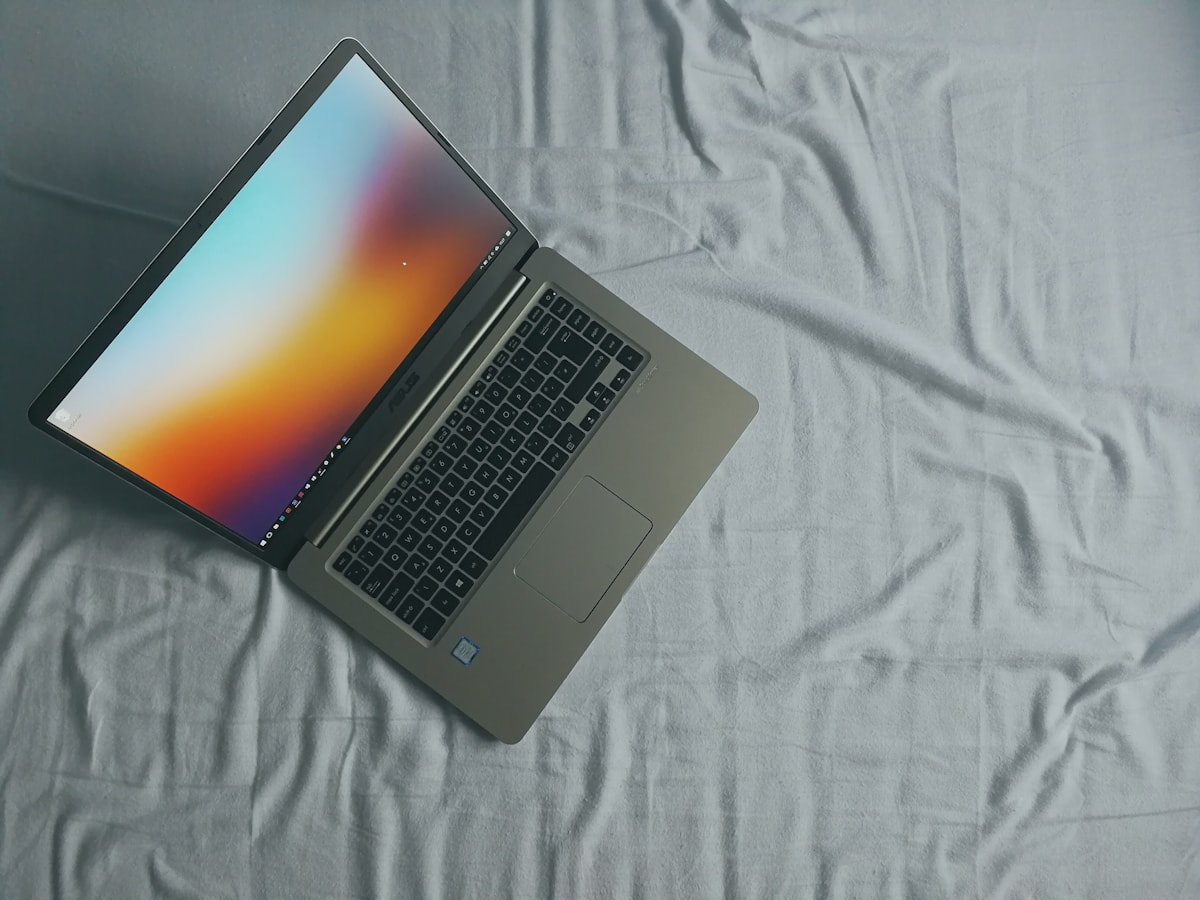
Buying a used laptop can be a smart way to save money, especially in Pakistan where prices for new machines can be quite high. A powerful laptop might cost upwards of Rs. 100,000 or even Rs. 150,000 for a decent gaming or professional setup. However, many budget-friendly used options are available, with many good laptops falling in the Rs. 25,000 to Rs. 50,000 range here at N.N Laptops in Hafeez Center, Lahore. One of the most critical components to check is the battery. A worn-out battery can severely limit your laptop's portability and usability. So, how can you test a used laptop battery before handing over your hard-earned cash?
Why Battery Health Matters
A laptop battery degrades over time and with use. Even if a laptop looks pristine, its battery might be close to the end of its life. A healthy battery allows you to work on the go, attend classes, or simply enjoy entertainment without being tethered to a power outlet. If the battery can only hold a charge for 30 minutes, it drastically reduces the laptop's value and utility. At N.N Laptops, we understand this, which is why we offer a 30-day check warranty on all our used laptops, giving you peace of mind.
Signs of a Failing Battery
Before diving into technical tests, look for obvious red flags:
- Physical Swelling: If the laptop casing looks warped or feels unusually warm, the battery might be swelling, which is a serious safety hazard. Do not buy a laptop with a swollen battery.
- Sudden Shutdowns: Does the laptop unexpectedly turn off even when the battery indicator shows some charge? This is a classic sign of a weak battery.
- Very Short Battery Life: If the seller (or if you can test it briefly) claims it only lasts 15-30 minutes, it's likely on its last legs.
- Not Charging: If the battery doesn't seem to charge at all, there could be an issue with the battery or the charging port.
How to Test a Used Laptop Battery
Here are practical steps you can take, ideally with the seller's permission (which is standard practice at reputable shops like ours at N.N Laptops, Shop 66A, Hafeez Center, Lahore):
1. Check Battery Health via Operating System
Most operating systems have built-in tools to check battery health. This is the easiest and quickest method.
For Windows Users:
You can generate a battery report. Open Command Prompt (search for 'cmd'), type powercfg /batteryreport and press Enter. This will save an HTML file (usually in your user folder). Open this file in a web browser. Look for sections like 'Installed batteries' and 'Design Capacity' vs. 'Full Charge Capacity'. A significant difference indicates wear.
For macOS Users:
Click the Apple menu, hold the Option key, and click System Information. Under the 'Hardware' section, select 'Power'. You'll see 'Cycle Count' and 'Condition' (e.g., Normal, Service Recommended). A high cycle count (typically over 500-1000, depending on the model) means the battery has been used extensively.
2. Observe Charging and Discharging
This is a hands-on test that requires a bit of time:
- Ask for a Full Charge (or near full): If possible, ask the seller to have the laptop fully charged. If not, ensure it has at least 50-70% charge.
- Unplug and Use: Once unplugged, use the laptop normally. Browse the web, open a few applications, play a short video. Note how quickly the battery percentage drops. A healthy battery should last several hours under moderate use.
- Monitor Charging Speed: While the laptop is plugged in, observe if it charges steadily. Does the percentage increase reasonably quickly? Rapid drops or extremely slow charging can be problematic.
3. Check Battery Usage by Apps
In both Windows and macOS, you can see which applications are consuming the most power. If the battery drains extremely fast with minimal usage, it might be faulty. This also helps if the seller claims short battery life due to specific software.
4. Look for Physical Damage
As mentioned earlier, check for any bulging or signs of leakage. Also, ensure the battery is securely fitted and doesn't rattle.
5. Consider the Seller's Warranty and Reputation
Buying from a reputable seller significantly reduces risk. At N.N Laptops, we test our laptops thoroughly. We offer a 30-day check warranty on batteries and all other components. If you encounter any issues within this period, we're here to help. We also offer delivery within Lahore and can arrange nationwide shipping. You can reach us easily via WhatsApp at 0314 4000131 to discuss your needs or ask questions about specific models.
What If the Battery is Weak?
If you find a laptop you like but the battery is weak, don't dismiss it immediately. You can often replace a laptop battery. The cost varies depending on the model, but for many common laptops, a new battery might cost anywhere from Rs. 3,000 to Rs. 8,000. You can often find replacement batteries online or at specialized shops in Hafeez Center itself. Factor this cost into your purchase decision. However, if the price is already high, a weak battery might make the deal less attractive.
Conclusion: Buy Smart, Buy Confidently
Testing a used laptop battery is a crucial step in ensuring you get a reliable machine. By using the built-in tools, observing its performance, and checking for physical signs, you can make an informed decision. Remember, buying from trusted sources like N.N Laptops in Lahore provides an added layer of security with our 30-day check warranty. Don't risk buying a lemon – invest in quality and reliability. Ready to find your next great used laptop? Visit our shop at Shop 66A, Hafeez Center, Gulberg III, Lahore, explore our inventory online at nnlaptops.com/shop, or message us directly on WhatsApp at 0314 4000131. We offer Lahore delivery!
Talk to us
Questions about anything in this post, or want a personalised recommendation? WhatsApp the shop directly.
WhatsApp 0314 4000131