
Laptops for Cybersecurity Professionals in Pakistan
Cybersecurity professionals need a laptop with strong multi-core CPU performance, generous RAM for running multiple virtual machines simultaneously, and a fast SSD. A 6th-gen or newer Intel Core i7 (or equivalent AMD Ryzen 7) with at least 16 GB RAM handles Kali Linux, Wireshark, Metasploit, and VM-heavy workflows without throttling. Discrete GPU is optional unless you run GPU-accelerated password cracking.
What cybersecurity professionals actually need in a laptop
Security workflows — penetration testing, traffic analysis, and running isolated lab environments — place heavy demand on CPU threads and RAM because tools like Burp Suite, Metasploit, and multiple simultaneous virtual machines all compete for the same resources. A processor from the 6th generation or newer with a high thread count ensures that long-running tasks such as network scans and password-hash cracking finish in reasonable time. At least 16 GB of RAM is the practical minimum for running two or more VMs without swapping to disk, while 32 GB opens a full enterprise-grade lab environment. NVMe SSD storage dramatically speeds up VM snapshots, log ingestion, and forensic disk imaging compared to older spinning drives.
How much should cybersecurity professionals spend?
In this class you find 6th–8th gen Core i5/i7 machines with 16 GB RAM and a 256–512 GB SSD — enough to run Kali Linux natively or host one or two lightweight VMs for learning and CTF challenges. A solid starting point for students transitioning into professional security roles.
The practical choice for working professionals: 9th–11th gen Core i7 or Ryzen 7 processors, 16–32 GB RAM, and fast NVMe storage. This class handles simultaneous Burp Suite sessions, a Kali VM, and a Windows target VM without noticeable slowdown — the right balance of price and capability for daily engagements.
12th gen and newer Core i7/i9 or Ryzen 9 platforms with 32 GB RAM and large NVMe drives. Designed for senior penetration testers, red teamers, and security engineers who run full AD lab environments, GPU-accelerated hash cracking with Hashcat, or resource-intensive OSINT and malware-analysis toolchains simultaneously.
Top cybersecurity professionals laptops we have right now
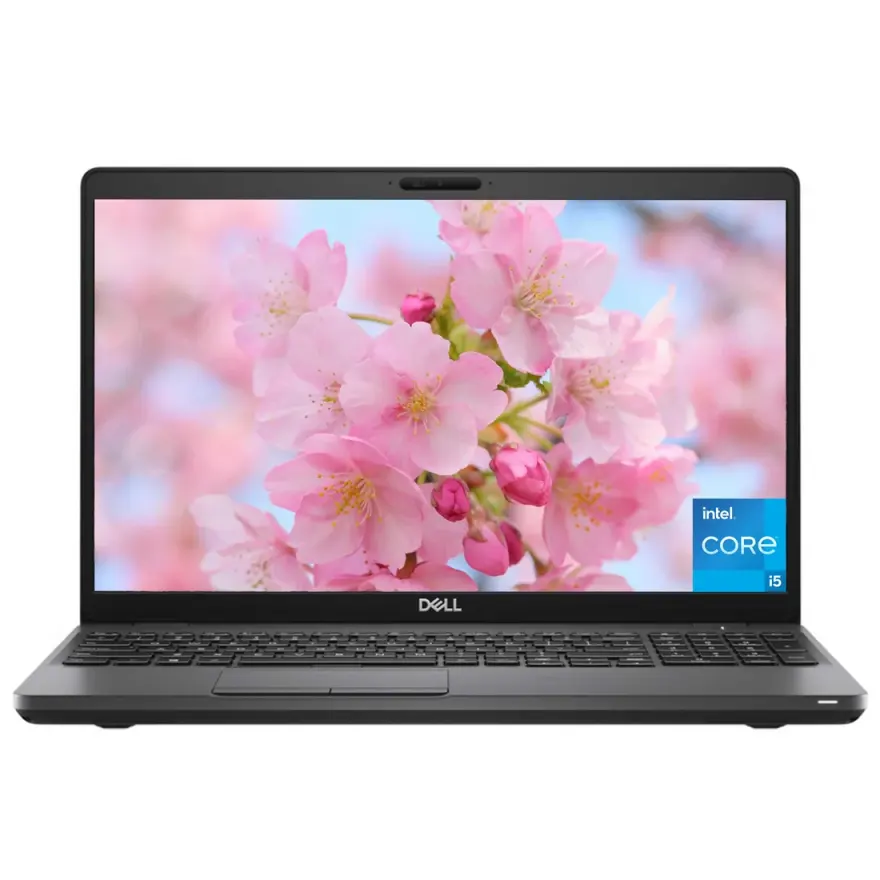
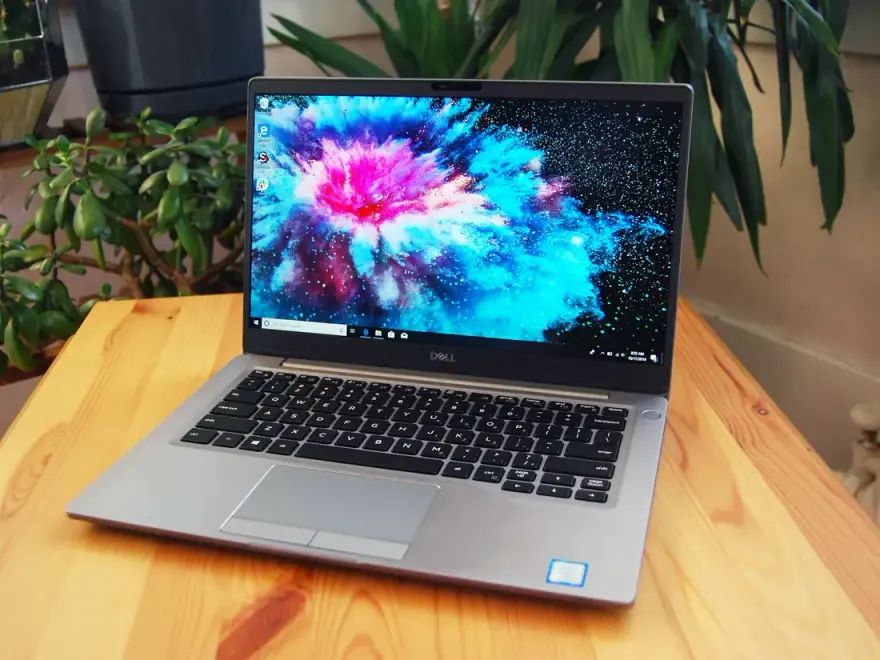
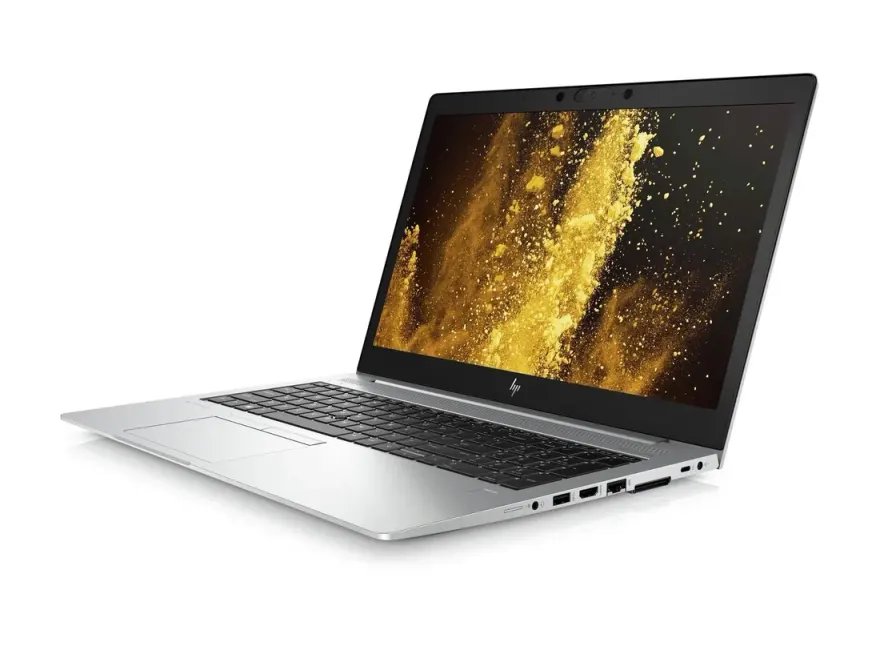
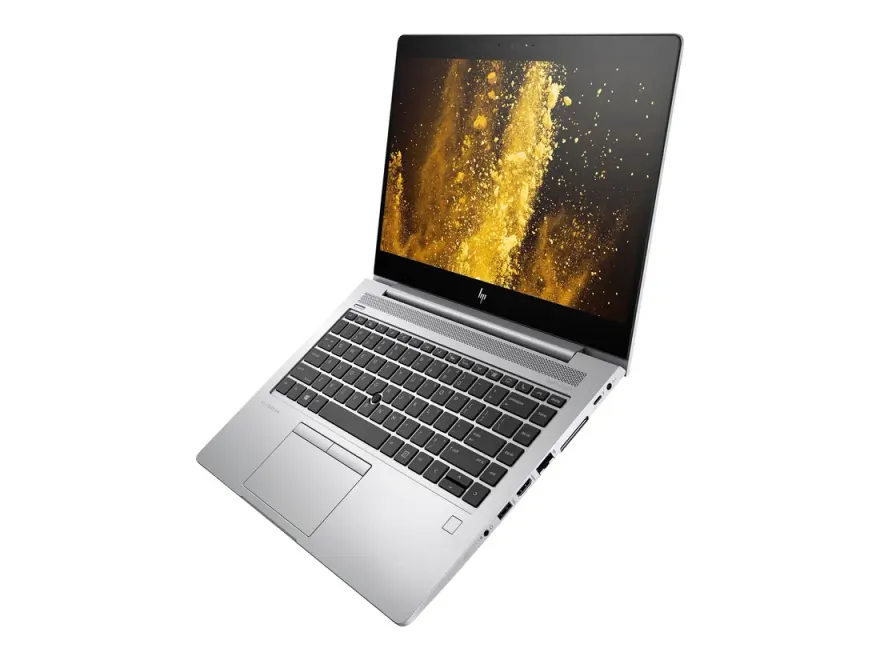
Ranked by fit to the cybersecurity professionals spec floor then by value — these 12 units are what we would pick today. Nationwide shipping via TCS / Leopards, 30-day check warranty.
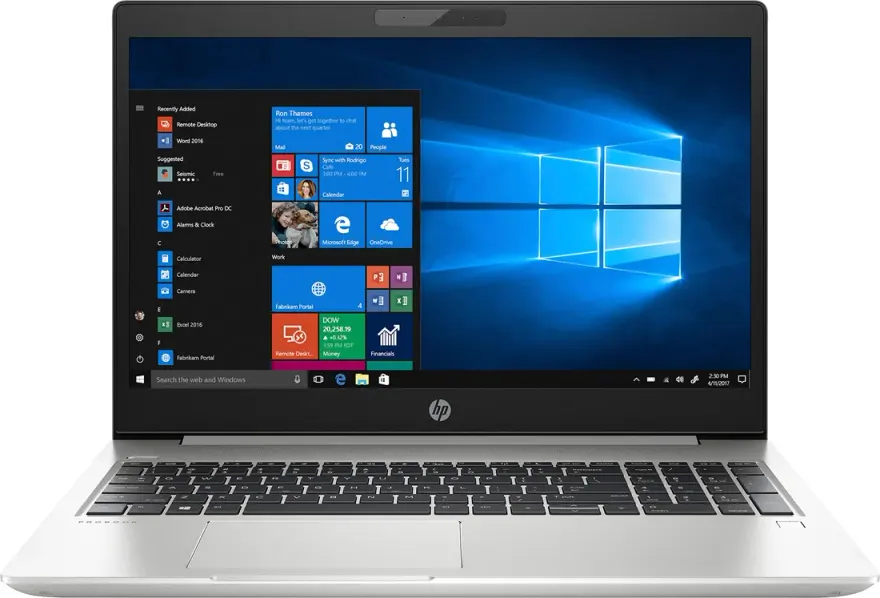
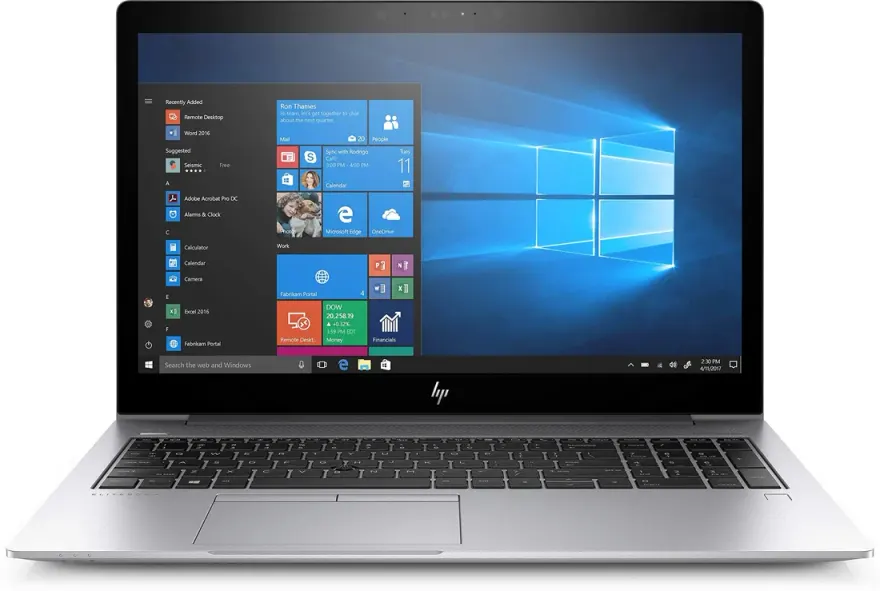
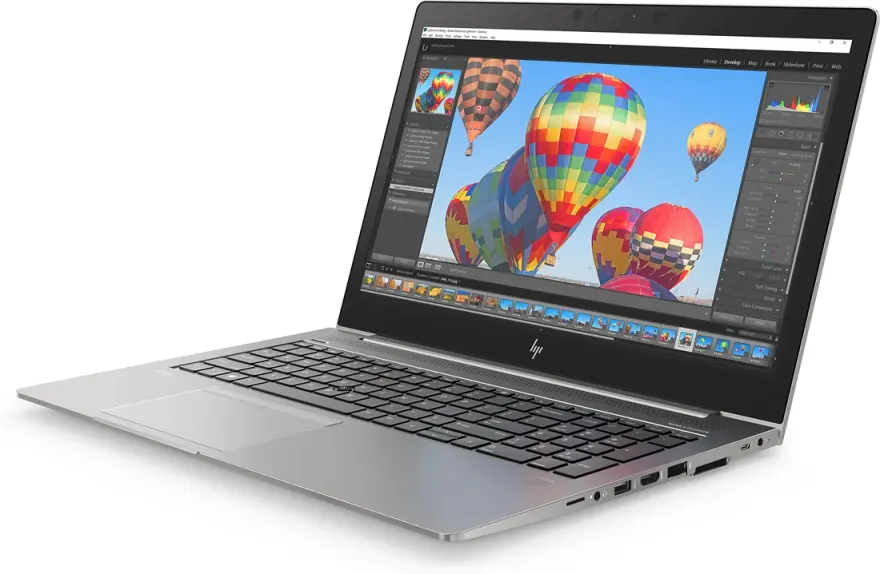
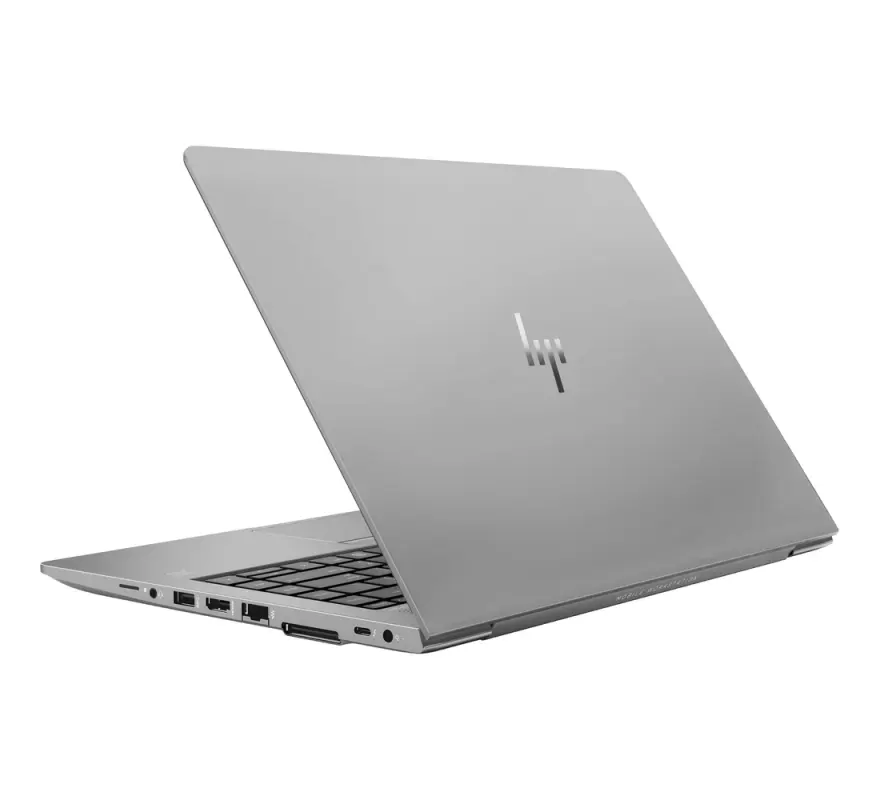
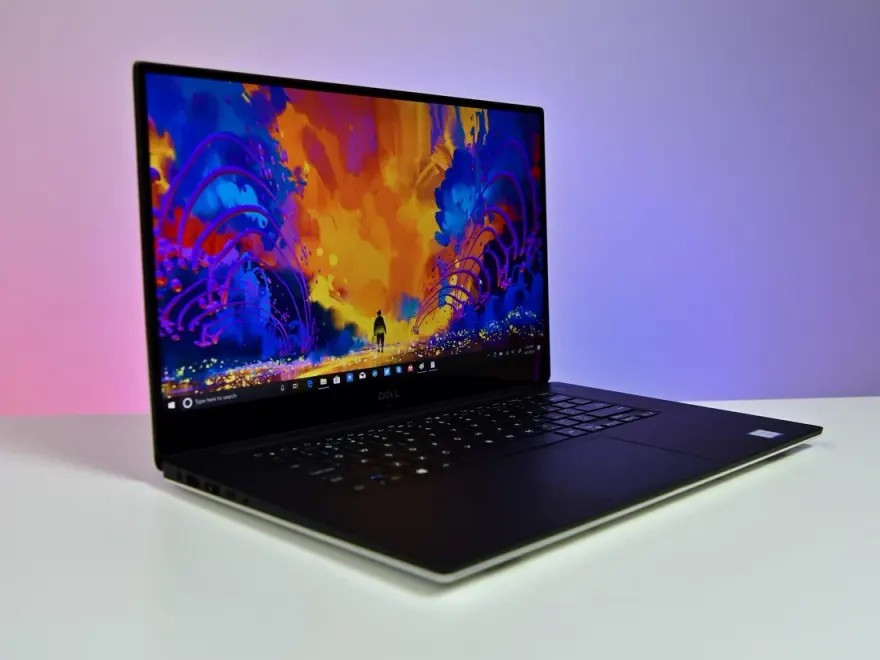
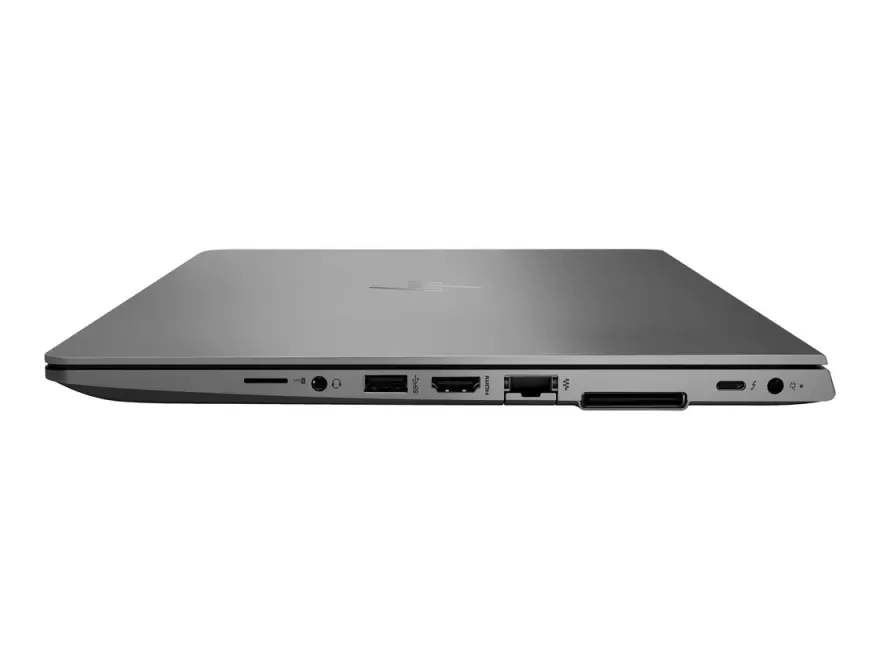
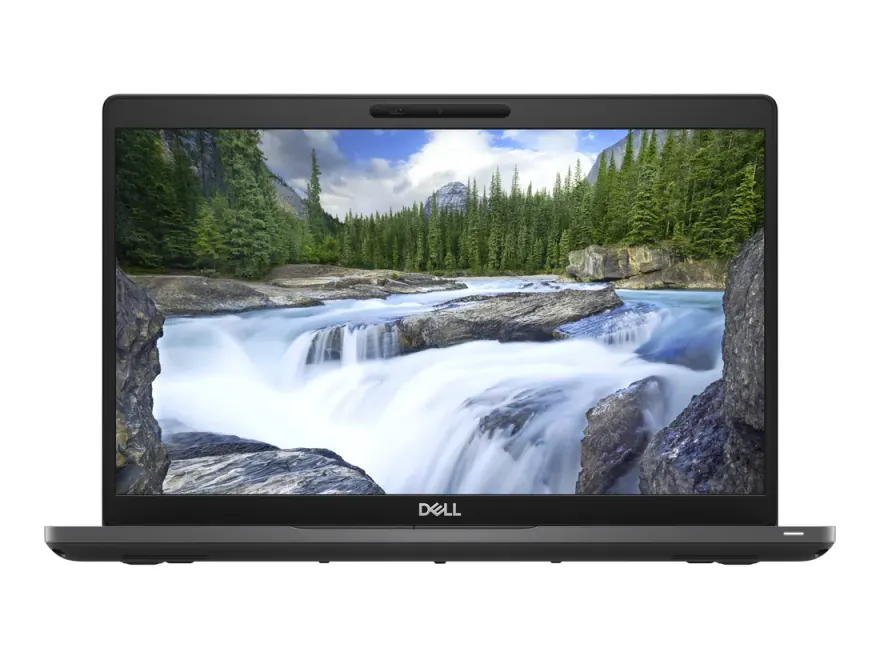
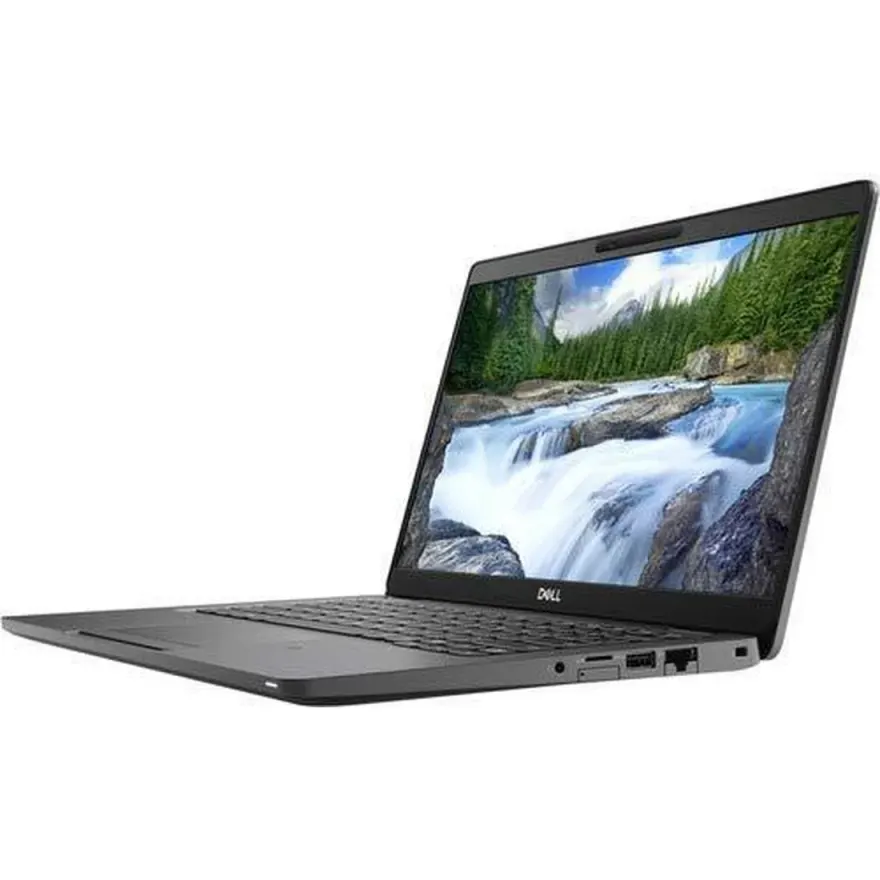
Stock changes daily. WhatsApp 0314 4000131 to confirm a specific unit is available before visiting.
FAQs — laptops for cybersecurity professionals in Pakistan
How much RAM do I actually need for pentesting and running virtual machines?+
16 GB is the realistic minimum if you plan to run one VM alongside your host OS and security tools. If your workflow involves a full Active Directory lab — domain controller, attack machine, and victim hosts running at once — 32 GB gives you the headroom to work without constant swapping. For CTF and learning purposes, 16 GB is fine to start.
Do I need a discrete GPU for cybersecurity work?+
For most security tasks — network analysis, web-app testing, reverse engineering, and general pentesting — a dedicated GPU is not required. The exception is GPU-accelerated password cracking with tools like Hashcat, where a discrete NVIDIA GPU can offer substantial speed gains over CPU-only cracking. If that is a regular part of your workflow, factor it into your selection.
Is Kali Linux or a dual-boot setup supported on the laptops you stock?+
Generally, modern x86 laptops with UEFI firmware and Secure Boot that can be toggled support Kali Linux and dual-boot configurations. Our team can advise on compatibility for specific units. WhatsApp us on 0314 4000131 before buying if Linux support is a hard requirement.
How important is the CPU generation for security tools?+
Generation matters primarily because newer CPUs deliver more performance-per-watt and additional cores at the same price point. Security tools like Nmap, John the Ripper, and Metasploit modules benefit from faster single-core speed for sequential tasks and more cores for parallelised scans. We recommend 8th gen as a floor, with 10th gen or newer as the sweet spot for professional daily use.
How do I know the laptop has not been tampered with or has hidden hardware issues?+
Every unit at NN Laptops is bench-tested before sale and comes with a 30-day check warranty so you can verify performance in your own environment. We have been operating since 2017 from Shop 66A, 3rd Floor, Hafeez Center, Gulberg III, Lahore. If you find a fault within the warranty period, bring it back or reach us on WhatsApp 0314 4000131.
Is same-day delivery available in Lahore?+
Yes. We offer same-day delivery within Lahore. For customers outside Lahore, we ship nationwide via TCS and Leopards Courier. Contact us on WhatsApp 0314 4000131 to arrange delivery to your location.
What storage capacity is recommended for a cybersecurity professional?+
A 512 GB NVMe SSD is a reasonable starting point — it accommodates the host OS, Kali or another security distro, VM images, and tool repositories. If you store large packet captures, forensic disk images, or offline wordlists like RockYou variants, a 1 TB drive or an external drive becomes practical. NVMe is strongly preferred over SATA SSD for VM snapshot speeds.
What is the cheapest laptop available right now for cybersecurity professionals at NN Laptops?+
Based on current in-stock inventory, the most affordable option that meets the minimum spec floor for cybersecurity professionals starts at Rs. 57,500. Prices change daily as units sell — WhatsApp 0314 4000131 for the latest availability and to reserve a unit before it sells.
Other guides and sections
Guides for other buyers
Ready to pick one?
WhatsApp 2–3 catalog URLs you're considering + your city. We've physically seen every unit — we'll tell you which one has the cleanest condition and dispatch same-day.