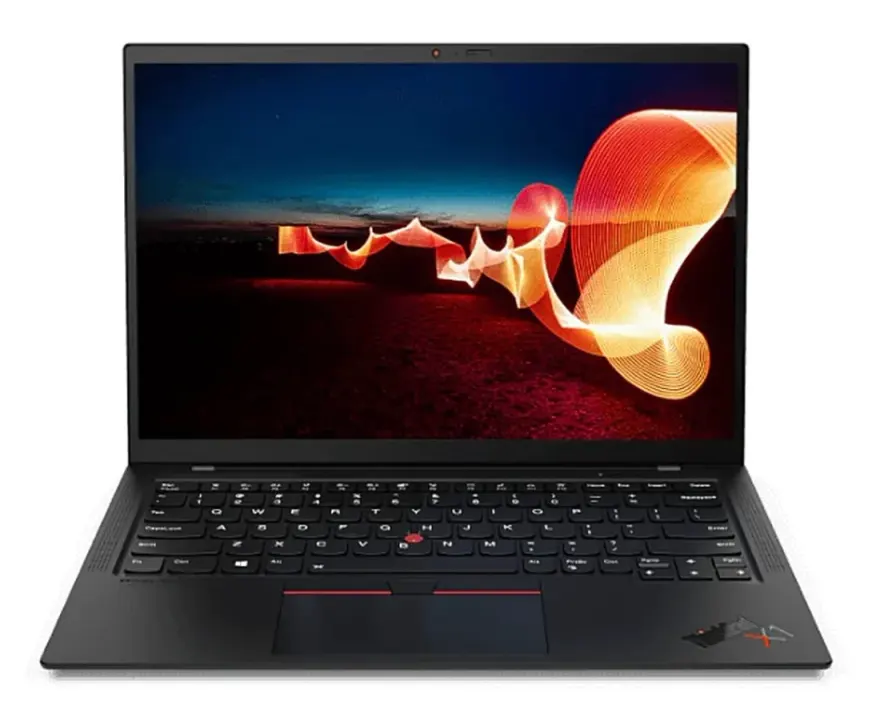
ThinkPad X1 Carbon Gen 11 or Dell Latitude 7440 for Pakistani buyer?
+
Depends on budget and priority. ThinkPad X1 Carbon Gen 11 at Rs. 325,000-385,000 is the choice when keyboard quality, the lightest possible weight (1.12 kg), higher resolution 2.2K display, and 32GB default RAM matter most. Latitude 7440 at Rs. 245,000-295,000 is the value pick when you want the same i7-1365U performance, modern Dell premium chassis, and slightly longer battery life for Rs. 80,000-90,000 less.
Are they running the same CPU?
+
Yes — both are running the Intel Core i7-1365U (Raptor Lake-U): 10 cores (2 Performance + 8 Efficient), 12 threads, up to 5.2 GHz boost, 12 MB cache, 15W TDP. CPU performance is identical. The differences are in RAM (X1 Carbon ships 32GB default vs Latitude 16GB), display resolution (X1 Carbon 2.2K vs Latitude FHD+), and chassis materials.
Which has better keyboard?
+
ThinkPad X1 Carbon Gen 11 wins by a margin most professional typists notice immediately. The 1.5 mm key travel with perfect tactile bump, the TrackPoint stick eliminating mouse-reach distractions, and Lenovo's two-decade-plus keyboard refinement give it the edge over the very good Dell Latitude 7440 keyboard (1.4 mm travel, modern edge-to-edge layout). For developers, writers, journalists, or anyone typing 4,000+ words daily, the X1 Carbon's keyboard alone justifies its premium.
Which is lighter?
+
ThinkPad X1 Carbon Gen 11 wins decisively — 1.12 kg vs Latitude 7440's 1.35 kg. That 230 g difference is meaningful for daily backpack carry. The X1 Carbon's carbon-fibre + magnesium-alloy construction prioritises weight reduction; the Latitude's machined aluminium + magnesium-alloy chassis prioritises premium feel. Both are excellent build quality, but the X1 Carbon is genuinely the lightest 14-inch business laptop in production in 2023-2024.
Price gap at N.N Laptops Lahore?
+
ThinkPad X1 Carbon Gen 11 i7-1365U / 32GB / 1TB / 2.2K at Rs. 325,000-385,000. Dell Latitude 7440 i7-1365U / 16GB / 1TB / FHD+ at Rs. 245,000-295,000. The Rs. 80,000-90,000 gap reflects the X1 Carbon's 32GB default RAM (vs Latitude 16GB), higher resolution 2.2K display, lighter chassis, and stronger keyboard reputation. For matched 16GB configs, the X1 Carbon Gen 11 16GB variant at Rs. 285,000-325,000 narrows the gap to Rs. 40,000-50,000.
Can these run dual external 4K monitors with a Thunderbolt 4 dock?
+
Yes — both. The Thunderbolt 4 ports on both laptops support dual 4K @ 60 Hz via a single Thunderbolt 4 dock (Rs. 25,000-45,000 used in Lahore). Both also support a third display via HDMI for triple-monitor setups. Recommended docks: CalDigit TS4 (best, Rs. 55,000-70,000), Dell WD22TB4 (good, Rs. 35,000-50,000), Lenovo ThinkPad TB4 dock (good, Rs. 32,000-45,000).
Which has better Linux support?
+
X1 Carbon Gen 11 wins decisively. Every major Linux distro (Ubuntu, Fedora, Arch, Pop!_OS) installs with full hardware support on the X1 Carbon: Wi-Fi 6E, Bluetooth, webcam, fingerprint reader, TrackPoint, function-key shortcuts, suspend/resume. The Latitude 7440 works but has occasional issues with fingerprint reader drivers and certain power-management features. For developers running Linux daily, X1 Carbon is the right choice.
Battery life — realistic Pakistani-use numbers?
+
X1 Carbon Gen 11: 11-14 hours productivity (browser, Office, Slack, light coding), 7-9 hours sustained development work, 4-5 hours video conferencing. Latitude 7440: 12-15 hours productivity, 8-10 hours development, 5-6 hours video conferencing. Latitude wins slightly on real-world battery despite similar capacity (57 vs 60 Wh) due to Dell's power management tuning. Both comfortably handle Pakistani load-shedding for office workloads.
Are these good for video editing?
+
For light 1080p editing yes; for serious 4K editing no — neither has discrete GPU. Both run i7-1365U + Iris Xe Graphics which handle 1080p Premiere Pro / DaVinci Resolve with 2-3x real-time exports. For 4K editing or motion graphics work, look at laptops with RTX 3050+ (Dell XPS 15, ThinkPad P1, Latitude 7470 if available) at Rs. 280,000-400,000.
What about gaming?
+
Both are business laptops, not gaming machines. Iris Xe Graphics handle Valorant 1080p high 60-90 fps, CS:GO 1080p high 100+ fps, Minecraft 60+ fps, indie titles at high settings. Modern AAA games (Cyberpunk, Hogwarts Legacy) run only at low 720p-1080p 30-40 fps. For serious gaming, look at gaming laptops with discrete RTX GPUs.
Can I upgrade RAM and SSD?
+
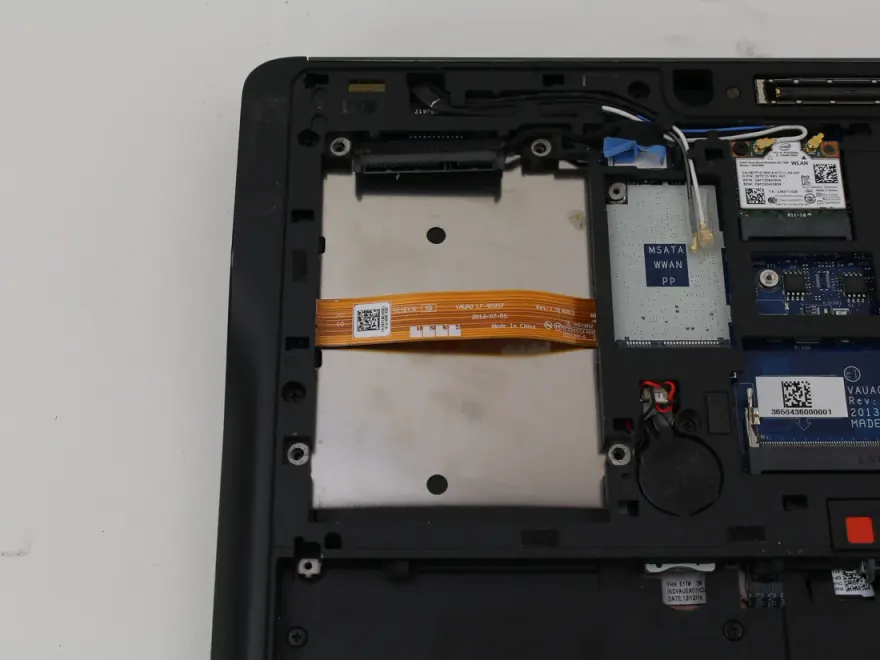
RAM: both have soldered LPDDR5 RAM (not user-upgradeable). X1 Carbon Gen 11 ships with 32GB default; Latitude 7440 ships with 16GB default (with BTO option for 32GB). SSD: both have user-replaceable M.2 NVMe slots — easy 1TB → 2TB or 4TB upgrade for Rs. 18,000-40,000. Storage flexibility is good; RAM ceiling is the long-term limitation.
Webcam quality for executive Zoom calls?
+
Both have 1080p (FHD) webcams with IR for Windows Hello facial recognition. X1 Carbon Gen 11 includes optional 5MP webcam with privacy shutter on premium variants. Latitude 7440 includes 5MP FHD webcam with privacy shutter standard. Both are meaningfully better than the 720p webcams on older business laptops. For high-end client video calls, both are professional-grade. External webcam unnecessary on either.
Are these MIL-STD-810H certified for Pakistani heat and dust?
+
Yes — both. ThinkPad X1 Carbon Gen 11 and Dell Latitude 7440 both carry MIL-STD-810H certification covering thermal extremes (operating in 0°C to 35°C / 32°F to 95°F ambient — covers Pakistani summer at 40°C+ with caveats), dust ingress, vibration, drop resistance from 76 cm (30 inches), and altitude. For Pakistani conditions (Lahore/Karachi 40°C+ summers), both perform well but benefit from desk cooling pad in extreme heat. Avoid direct sunlight on closed laptops as both can exceed safe internal temperatures.